Updated 12 October 2026 · By Abhilash Sahoo, Infyways
To send email from Next.js for free, call an email API such as Resend (free for 3,000 emails a month) or Nodemailer with an SMTP account from a Route Handler or Server Action, never from client-side code. Keep API keys in environment variables, and verify your sending domain (SPF, DKIM, DMARC) so mail does not land in spam.
How do I send an email in the Next.js App Router?
Install the SDK (npm install resend), add RESEND_API_KEY to .env.local, then create a Route Handler:
// app/api/contact/route.ts
import { Resend } from 'resend';
const resend = new Resend(process.env.RESEND_API_KEY);

export async function POST(req: Request) {
  const { name, email, message } = await req.json();
  if (!email || !message) return Response.json({ error: 'Missing fields' }, { status: 400 });
  const { error } = await resend.emails.send({
    from: 'Website <hello@yourdomain.com>',
    to: ['you@yourdomain.com'],
    replyTo: email,
    subject: `New message from ${name}`,
    text: message,
  });
  if (error) return Response.json({ error: error.message }, { status: 500 });
  return Response.json({ ok: true });
}
With Nodemailer, use the same Route Handler but create an SMTP transport; add export const runtime = 'nodejs' because Nodemailer does not run on the Edge runtime.
Which free email service should I use with Next.js?
| Service | Free option (checked Oct 2026) | Notes |
|---|---|---|
| Nodemailer + your SMTP | Free library; you pay for the SMTP server | Full control; needs a Node.js runtime (not Edge) |
| Resend | Free plan: 3,000 emails/month, 100/day, 3 domains | Pro from $20/month for 50,000 emails; React Email templates |
| SendGrid | 60-day trial, 100 emails/day; permanent free plan retired in 2025 | Paid plan needed after the trial |
| Amazon SES | Pay as you go, $0.10 per 1,000 emails | Cheapest at volume; needs AWS setup and production access |
| Mailgun, Postmark, EmailJS | Limited free/trial tiers | Check each provider’s current plan before choosing |
Full guide
When building a web application with Next.js, handling email functionality is a crucial requirement for features like contact forms, notifications, and transactional emails. But what’s the best way to send emails in Next.js, especially when hosted on serverless platforms like Vercel? Here’s a comprehensive guide to tools, third-party services, and best practices for email-sending in Next.js applications.
Why Emails Matter in Next.js
Emails are essential for:
- Contact Forms: Allowing users to reach out.
- Transactional Emails: Sending confirmations, password resets, and receipts.
- Notifications: Keeping users and admins informed.
Next.js, with its serverless architecture, makes it easy to implement email functionality via API routes. Here’s how.
Native Solution: Using Nodemailer
Nodemailer is a popular Node.js library for sending emails via SMTP. It integrates well with Next.js API routes, offering a flexible, self-hosted solution.
Setting Up Nodemailer in Next.js
- Install Nodemailer:
npm install nodemailer - Create an API Route: Create a file like
/app/api/contact/route.tsto handle the email logic using Next.js 15 and TypeScript. - Configure SMTP:
import nodemailer from 'nodemailer';
import { NextResponse } from 'next/server';

export async function POST(request: Request) {
  const body = await request.json();
  const { email, message } = body;

  const transporter = nodemailer.createTransport({
    service: 'Gmail', // Or use another SMTP provider
    auth: {
      user: process.env.SMTP_USER,
      pass: process.env.SMTP_PASS,
    },
  });

  try {
    await transporter.sendMail({
      from: process.env.SMTP_USER,
      to: 'admin@example.com',
      subject: 'New Contact Form Submission',
      text: `Message from ${email}: ${message}`,
    });
    return NextResponse.json({ success: true });
  } catch (error) {
    console.error(error);
    return NextResponse.json({ success: false });
  }
}Pros:
- Complete control over the email process.
- Works with any SMTP server (Gmail, Outlook, etc.).
Cons:
- Requires managing SMTP credentials securely.
- Deliverability depends on your SMTP provider.
Third-Party Email Services
Third-party services make email handling easier, especially in serverless environments. Here are the most popular options:
1. SendGrid

SendGrid is a cloud-based email service known for its reliability and scalability.
- Free Tier: 100 emails/day.
- Features: Transactional emails, email tracking, templates.
- Why Use It: Integration-friendly, ideal for serverless platforms like Vercel.
- Fit For: Hobbyists and professionals.
- Stat: SendGrid powers over 58,000 businesses globally.
2. Mailgun
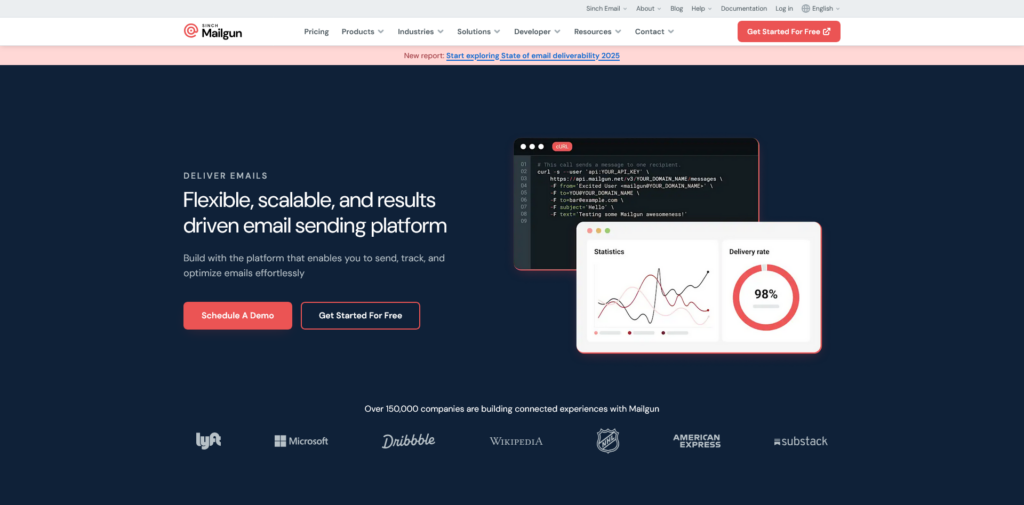
Mailgun specializes in transactional emails and analytics.
- Free Tier: 5,000 emails/month (first month only).
- Features: Advanced analytics, deliverability monitoring.
- Why Use It: High deliverability rates, RESTful API.
- Fit For: Professionals.
- Stat: Used by 150,000 businesses worldwide.
3. Postmark
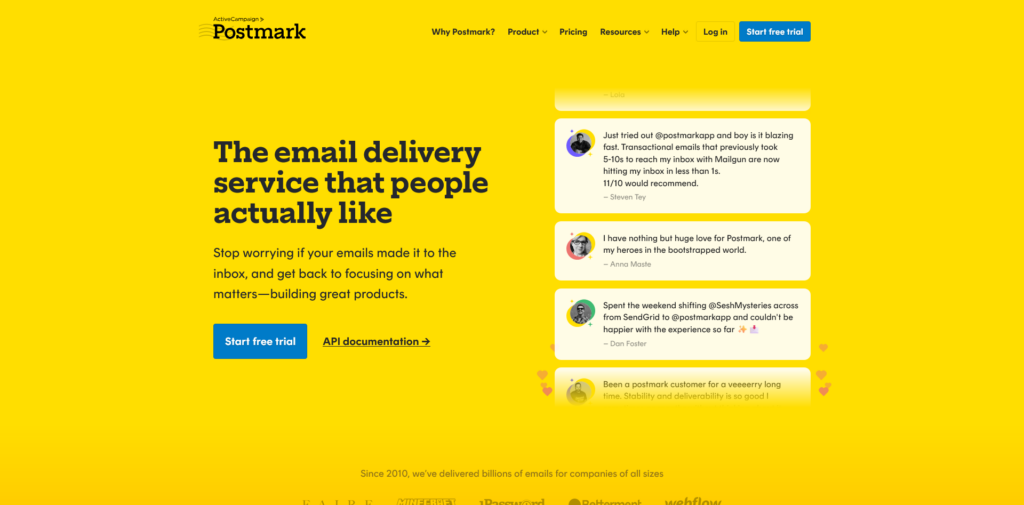
Postmark is designed specifically for transactional emails.
- Free Tier: 100 emails/month.
- Features: Fast delivery, email tracking.
- Why Use It: Focuses solely on transactional emails.
- Fit For: Hobbyists and professionals.
- Stat: 97% of emails are delivered in under 1 second.
4. Amazon SES
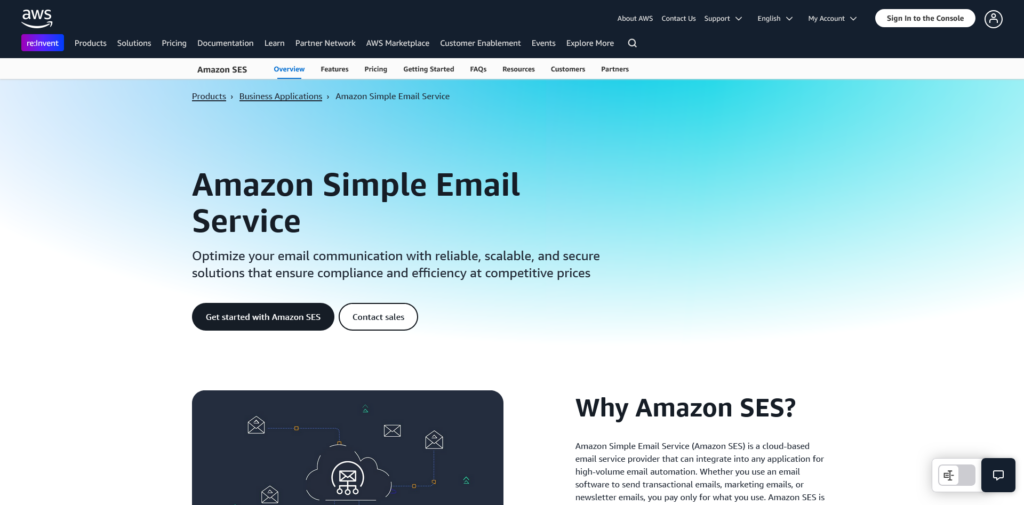
Amazon Simple Email Service (SES) is a cost-effective solution for high-volume email needs.
- Pricing: $0.10 per 1,000 emails.
- Features: Scalable, integrates with other AWS services.
- Why Use It: Perfect for high-volume email systems.
- Fit For: Professionals.
- Stat: AWS dominates 32% of the cloud infrastructure market.
5. EmailJS

EmailJS allows you to send emails directly from the client side without a backend.
- Free Tier: Limited templates.
- Features: Client-side email sending.
- Why Use It: Great for simple setups, but security concerns exist.
- Fit For: Personal use and hobbyists.
6. Resend

Resend is a modern email-sending service designed for developers.
- Pricing: $0.004 per email.
- Features: Developer-friendly APIs, focus on transactional emails.
- Why Use It: Simple, fast integration.
- Fit For: Hobbyists and professionals.
7. Tally.so (via Integrations)
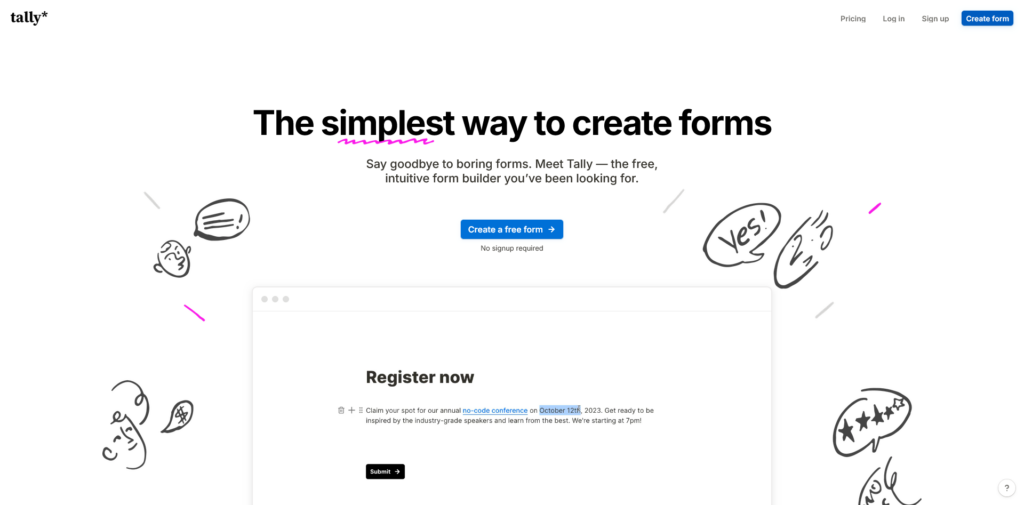
Tally.so is primarily a form builder but integrates with email services like Zapier for email workflows.
- Free Tier: Form building only.
- Features: Collect form submissions and trigger emails.
- Why Use It: Combine form-building and email workflows seamlessly.
- Fit For: Hobbyists.
Choosing the Right Option
- For Full Control: Use Nodemailer if you prefer managing your own SMTP server.
- For Serverless Environments: SendGrid, Mailgun, or Postmark offer easy integrations with platforms like Vercel.
- For High Volume: Amazon SES is cost-effective for large-scale email needs.
- For Simplicity: EmailJS or Resend is ideal for quick setups and lightweight use cases.
- For Analytics: SparkPost offers excellent tracking and insights.
Best Practices for Email Integration in Next.js
- Secure Your Credentials: Store API keys and SMTP credentials in environment variables.
- Validate User Input: Prevent spam and abuse by validating form submissions.
- Monitor Deliverability: Use tools like SendGrid’s dashboard or SparkPost’s analytics to track performance.
- Test Before Deploying: Always test your email logic locally and in staging environments.
Conclusion
Sending emails in Next.js doesn’t have to be complicated. Whether you choose a self-hosted solution like Nodemailer or a third-party service like SendGrid or Postmark, the right approach depends on your project’s needs. By leveraging these tools and following best practices, you can implement a reliable email system that enhances user experience and keeps your app running smoothly.
So, what’s your pick? Nodemailer for control, or a service like SendGrid for simplicity? Either way, you’re just a few lines of code away from seamless email integration!
Frequently asked questions
Can I send emails from Next.js for free?
Yes. Resend’s free plan covers 3,000 emails a month (100 a day), or use Nodemailer with an SMTP account you already have.
Does SendGrid still have a free plan?
No. SendGrid retired its permanent free plan in 2025; new accounts get a 60-day trial limited to 100 emails a day.
Can I use Nodemailer on Vercel?
Yes, in a Route Handler or Server Action on the Node.js runtime, not the Edge runtime.
Why do my Next.js emails go to spam?
Usually the sending domain is not verified. Set up SPF, DKIM and DMARC with your email provider.