Joomla JavaScript is not working when the browser never executes the file you think you added, or it executes and throws before your code runs. Open the console first. Then confirm user.js is requested from media/templates/site/{template}/js/user.js on the active template (a child does not load the parent’s user.js). Typical failures after that are $ is not defined (jQuery is not on the page), an ES module in a classic deferred script, script order, Content-Security-Policy, or another extension overwriting the same global.
This article is why it fails. The how-to for adding a file the supported way is Add custom JavaScript to Joomla. Keep custom JS on a child template, not in core index.php. Same overlay rule as CSS: customize without editing core.
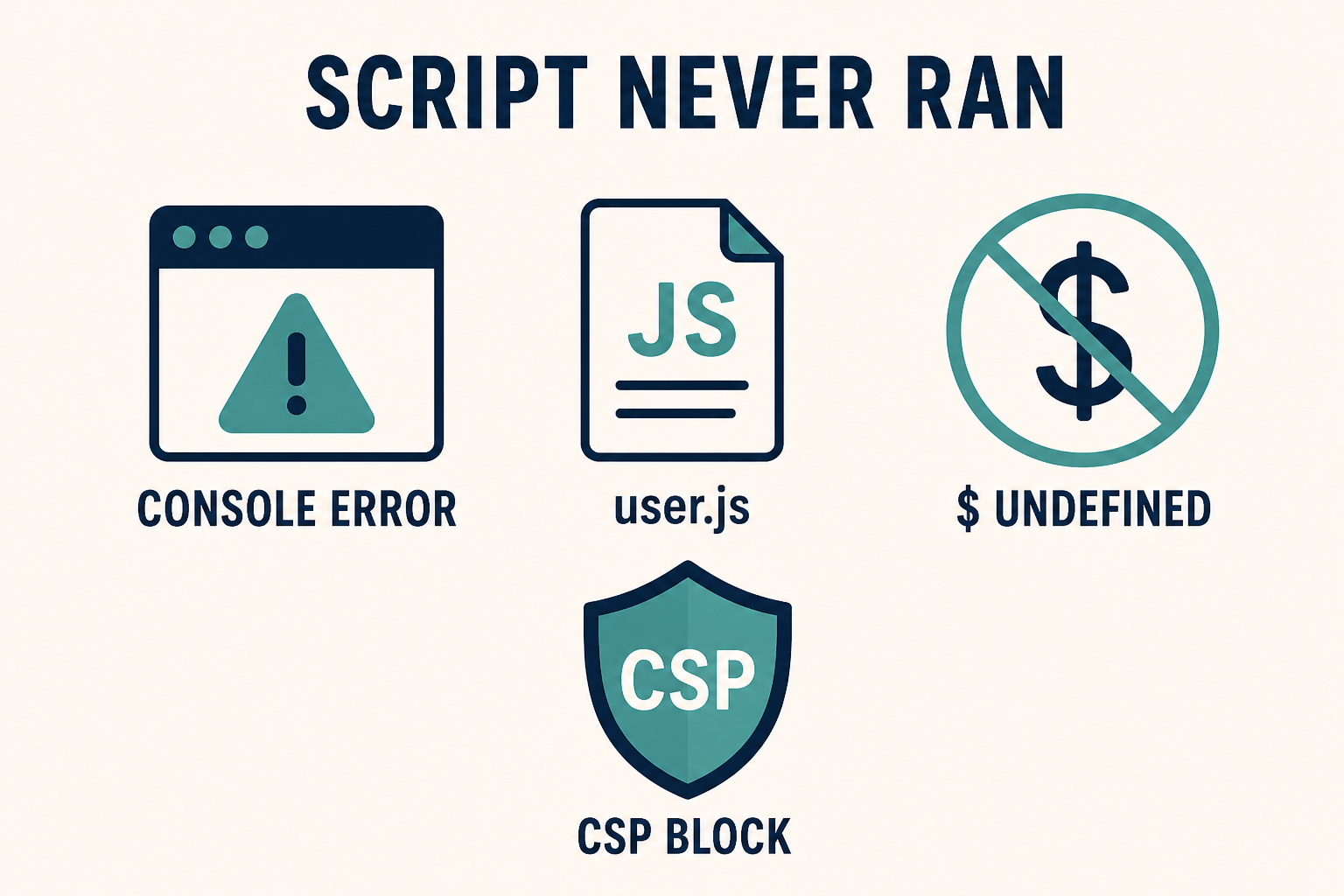
Read the console before you add another script tag. $ is not shipped on Cassiopeia by default. CSP can block a file that 200s in Network.
What you will learn
- How to separate a 404 path from a runtime exception
- Where Cassiopeia
user.jslives (and why the child ignores the parent file) - Why
$andjQueryfail on Joomla 4, 5, and 6 front ends - What
deferand ES modules do to order - How the HTTP Headers plugin (CSP) blocks inline or third-party scripts
- How to spot a conflict without disabling the whole site in public
Official references: Web Asset Manager, Adding JavaScript and CSS to the page, Cassiopeia Template Customisation, HTTP Headers plugin.
| What you see | Likely cause | Wrong rabbit hole |
|---|---|---|
Console Failed to load resource / 404 |
user.js on the parent, old templates/…/js/ path, or user.js.js |
Rewriting the script |
$ is not defined / jQuery is not defined |
Cassiopeia does not load jQuery unless an extension called it | Copy-pasting a Joomla 3 snippet |
Cannot use import statement outside a module |
ES import inside Cassiopeia’s classic user.js (deferred, not type="module") |
More defer |
| Script in Network 200, nothing happens | Error earlier in the same file, wrong selector, or you tested a page that does not include the node | Cache only |
Console CSP Refused to execute |
HTTP Headers plugin or server Content-Security-Policy |
Disabling SEF |
| Works in admin, fails on the site | Site template user.js vs Atum. Two templates, two files |
“Joomla JS is broken” |
| Works logged in, fails as guest | Page Cache serving HTML without your new <script>, or a guest-only extension |
Access on a module |
Step 1: Read the browser console before you add another file
Do not stack a second snippet on top of a SyntaxError.
- Open the public page that should run the script. Use a private window so extensions and your admin session are not in the way.
- DevTools → Console. Reload.
- DevTools → Network → filter JS. Reload again.
Write down, in this order:
- The first red error (file name and line). Later errors are often fallout.
- Whether
user.js(or the extension file you care about) appears, and its HTTP status. - Whether the URL is
/media/templates/site/{active-template}/js/user.js.
A 404 is a path problem (Step 2). A 200 plus a TypeError is a runtime problem (Steps 3 to 6). No request at all means the template never registered the asset, or you pasted the script in a Custom module that is unpublished: Joomla module not showing.
If the console is clean and the feature still “does nothing,” the script ran against markup that is not on this view. Inspect the DOM. CSS hiding the node is CSS changes not showing, not a JS failure.
Step 2: Put user.js on the media path of the active template
Cassiopeia loads user.js the same way it loads user.css: from the assigned template’s media folder.
On Joomla 4.1, 5, and 6:
media/templates/site/{template}/js/user.js
A child named cassiopeia_brand uses media/templates/site/cassiopeia_brand/js/user.js. A child does not load the parent’s user.js. If you added the file on Cassiopeia and then assigned the child, the public page will not request the parent script.
In Template Manager:
- System → Templates → Site Templates → the active template (child if you have one).
- New File. Select the js folder.
- Filename:
userwith no suffix. File type: .js. - Create, paste, Save.
The Joomla 4.0-era path templates/cassiopeia/js/user.js is the same class of mistake as the old CSS folder. Current Cassiopeia looks in media/. Filename user.js.js 404s for the same reason as user.css.css.
Confirm the menu item’s Template Style. Home can use the child while the page you tested still uses the parent. Two styles, two user.js files.
Cassiopeia typically registers user.js through the Web Asset Manager as a deferred classic script, not as type="module". That matters in Step 4.
How to add JS through WAM, a Custom module, or an extension asset JSON: Add custom JavaScript to Joomla. This checklist stops when the file is in the right folder and the Network tab shows 200.
Step 3: Separate jQuery snippets from vanilla and from ES modules
Joomla 4, 5, and 6 front ends are not Joomla 3.
Cassiopeia uses Bootstrap 5. It does not enqueue jQuery for every page. $ and jQuery exist only if some extension called the jQuery asset (jquery / jquery-noconflict in the Web Asset Manager). A blog you copied that starts with jQuery(document).ready(...) will throw $ is not defined on a stock site.
Fixes that are honest:
- Rewrite the snippet in vanilla JS (
document.addEventListener('DOMContentLoaded', …)). - If you truly need jQuery, load it as a dependency of your asset, not by pasting a second copy of jQuery 1.12 into
user.js. Duplicate jQuery is a classic conflict (Step 6).
ES modules: import / export are a SyntaxError in a non-module script. Cassiopeia’s user.js is a normal deferred file. Do not put import { … } from '…' in it unless you register that file as a module asset (type="module") in joomla.asset.json. Mixing module syntax into user.js is why “I followed a Vite example and Joomla exploded.”
document.write and inline onclick= in article HTML are separate from user.js. They fail for the same CSP reasons in Step 5, and they are harder to cache-bust. Prefer one file in the child.
Step 4: Account for defer, order, and DOM timing
Web Asset Manager can output defer (Cassiopeia’s user.js usually has it). Deferred scripts run in order after the document is parsed. They do not run before a script without defer that sits earlier in the HTML.
Typical races:
- Your
user.jsassumes a calendar plugin’s global already exists. That plugin’s file is deferred later, or only loads on one menu item. - An inline script in a Custom module runs immediately, then
user.jsruns later and overwrites it (or the reverse). - You query
#mod-finder-searchwordon a page that has no finder module.querySelectorreturns null. The next line throws. The rest ofuser.jsnever runs. Put a guard around the node, or split files.
Do not “fix” order by pasting <script> into core index.php. Register dependencies in joomla.asset.json or load from the child the way the custom JavaScript guide describes. Official model: Web Asset Manager.
DOMContentLoaded in a deferred user.js may have already fired. If your snippet never runs, listen for DOMContentLoaded only when document.readyState === 'loading'; otherwise run immediately.
Step 5: Check Content-Security-Policy and mixed content
A file can 200 in Network and still never execute.
System → Plugins → System – HTTP Headers. If Content-Security-Policy is on, script-src may allow 'self' and block:
- Inline
<script>in a Custom module or article eval/new Function(some older sliders)- A CDN copy of jQuery or analytics you added in
user.jsvia a remote URL unsafe-inlinemissing when you still have inline handlers
The console message is explicit: Refused to execute inline script or Refused to load the script 'https://…'. That is CSP, not a Joomla path bug. Loosen the policy on staging, or move the code into user.js on the same origin so 'self' allows it. Do not turn CSP off on production to “make a snippet work.”
HTTPS pages that still request http:// scripts are mixed content. The browser blocks them. Same class of failure as images not loading on HTTPS.
Server-level headers (Cloudflare, nginx add_header) override or duplicate the plugin. If the plugin is off and CSP still appears in Response Headers, fix the host, not Joomla.
Step 6: Isolate a conflict without guessing
Two scripts can both “work” and still cancel the feature.
Signs:
- The console shows your
console.logat the top ofuser.js, then a third-party file throws, then your click handler is missing. - Bootstrap’s
data-bs-togglestops after you load a second Bootstrap JS. - A Mootools-era extension and a modern module both bind
window.onload.
On staging:
- Backup.
- System → Manage → Plugins. Batch-disable recently installed system plugins (not authentication). Retest.
- Switch the page to stock Cassiopeia (parent style) with an empty
user.js. If the extension feature returns, your script or the child’s JS is the conflict. - Re-enable plugins one at a time. Ordering on the same event is Joomla extension conflict.
Do not debug this on production by disabling the Language Filter or Page Cache in public. Staging first.
Clear Joomla cache after JS changes. Page Cache will keep old HTML that does not include your new <script src>. Guests then look like “JS does nothing” while you, logged in, skip Page Cache and see it work. Same guest-vs-login split as cache showing old content.
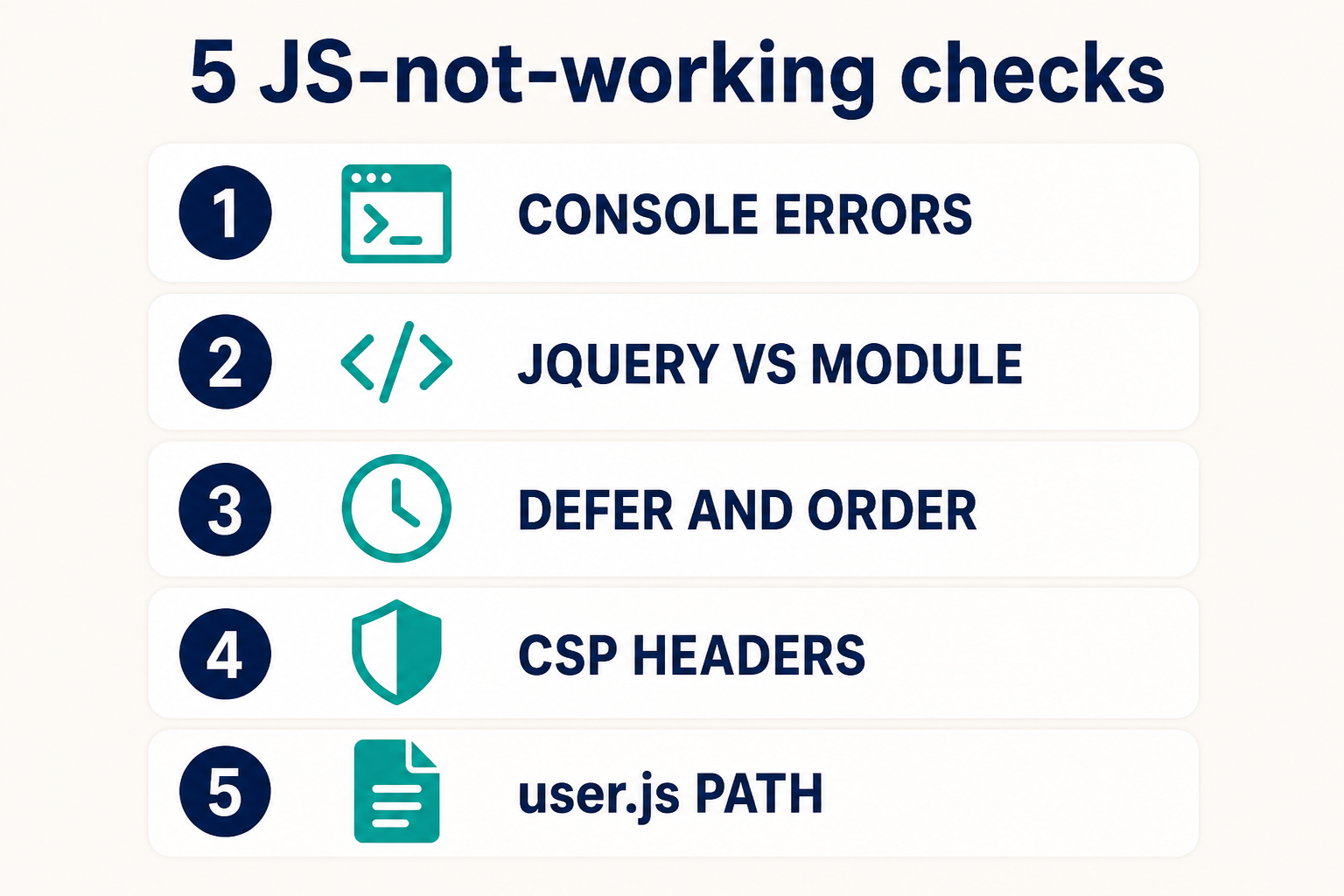
Console first. Then jQuery versus module syntax. Then defer and order. Then CSP. Then the user.js path on the active template.
Key takeaways
- Joomla JavaScript not working is a console diagnosis, not a reason to paste a second
<script>into core. - Cassiopeia
user.jsismedia/templates/site/{template}/js/user.json the active template. A child does not load the parent file. - New File: name
user, type.js. The oldtemplates/…/js/path is Joomla 4.0. $is not defined on stock Cassiopeia. Rewrite vanilla or declare jQuery as a Web Asset dependency. Do not ship two jQuery copies.importbelongs in a module asset, not in default deferreduser.js.- Deferred order and a missing DOM node throw and abort the rest of the file.
- CSP from HTTP Headers or the server will refuse inline and remote scripts even when Network is 200.
- Add files using Add custom JavaScript to Joomla. Keep them on a child.
Frequently asked questions
Why is my Joomla JavaScript not working?
The console has a 404, a $ is not defined, a module SyntaxError, a CSP refusal, or an earlier exception that stopped the file. Read the first red line. Then confirm user.js is on the assigned template’s media path.
Where do I put user.js in Joomla 5?
media/templates/site/{template}/js/user.js, same pattern as user.css. Create it with filename user and type .js in the template’s js folder. Official customisation notes: Cassiopeia Template Customisation.
Does Joomla 5 still include jQuery on every page?
No. Cassiopeia does not load jQuery unless an extension (or your asset JSON) asks for it. Joomla 3 snippets that start with $ will fail on a stock 4, 5, or 6 site.
Can Content-Security-Policy block user.js?
'self' allows a same-origin user.js. It still blocks inline script in articles and many CDN URLs. Check the console for Refused to execute and the HTTP Headers plugin. Docs: HTTP Headers plugin.
Why does my script work in the administrator but not on the site?
Administrator uses Atum (or an Atum child). The site uses Cassiopeia (or a site child). user.js is per template. Put site scripts in the site child. Put admin scripts in an administrator child.
Should I add JavaScript in this article or in the how-to?
Use this page to find the failure. Use Add custom JavaScript to Joomla to register the file. Do not paste into core index.php.
I cleared cache and guests still run old JS. Why?
System – Page Cache stores full HTML. Logged-in users skip it. Clear cache, purge the CDN, test a private window. See cache showing old content.
Conclusion
When Joomla JavaScript is not working, the console already knows. 404 means the user.js path (child vs parent, media/ vs the old templates/ folder). $ is not defined means a Joomla 3 habit on a Cassiopeia page. import means a module in a classic deferred file. CSP means the headers, not SEF. Conflicts mean a second Bootstrap or a system plugin on staging, not a core hack.
Add the file the supported way, on a child, using Add custom JavaScript to Joomla. If production is a pile of inline snippets and HTTP Headers, Joomla support and maintenance is cheaper than one more script tag in index.php.