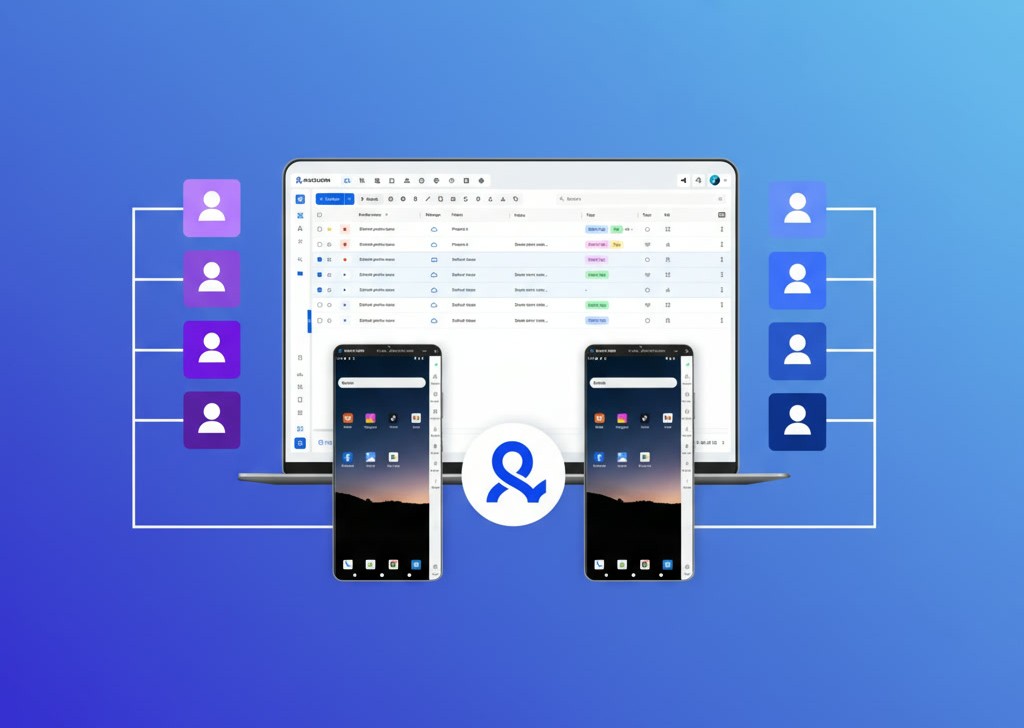
Sponsored post: This article was contributed by Multilogin.
Managing multiple accounts often means working across different environments. One account might require a mobile app, another might be accessed through a website, and a third might need to be managed through an automated workflow.
Multilogin brings these environments together in one platform. It is a cloud Android phone platform for multi-account management, with isolated browser profiles for web-based accounts.
Users can launch Android cloud phones remotely, install applications, preserve their app data between sessions, and configure proxy connections. Browser profiles provide separate environments for websites, keeping cookies and browsing sessions independent.
The platform also includes tools for team access and automation, making it relevant to social media managers, e-commerce sellers, developers, and individuals working with multiple accounts.
Separate environments don’t change the rules of the platforms where the accounts live. Multilogin doesn’t promise that accounts won’t be restricted, so each account still needs to follow the terms of the service it runs on.
But how do cloud phones and browser profiles differ, and when should you use each one? Here’s how the platform works.
What is Multilogin?
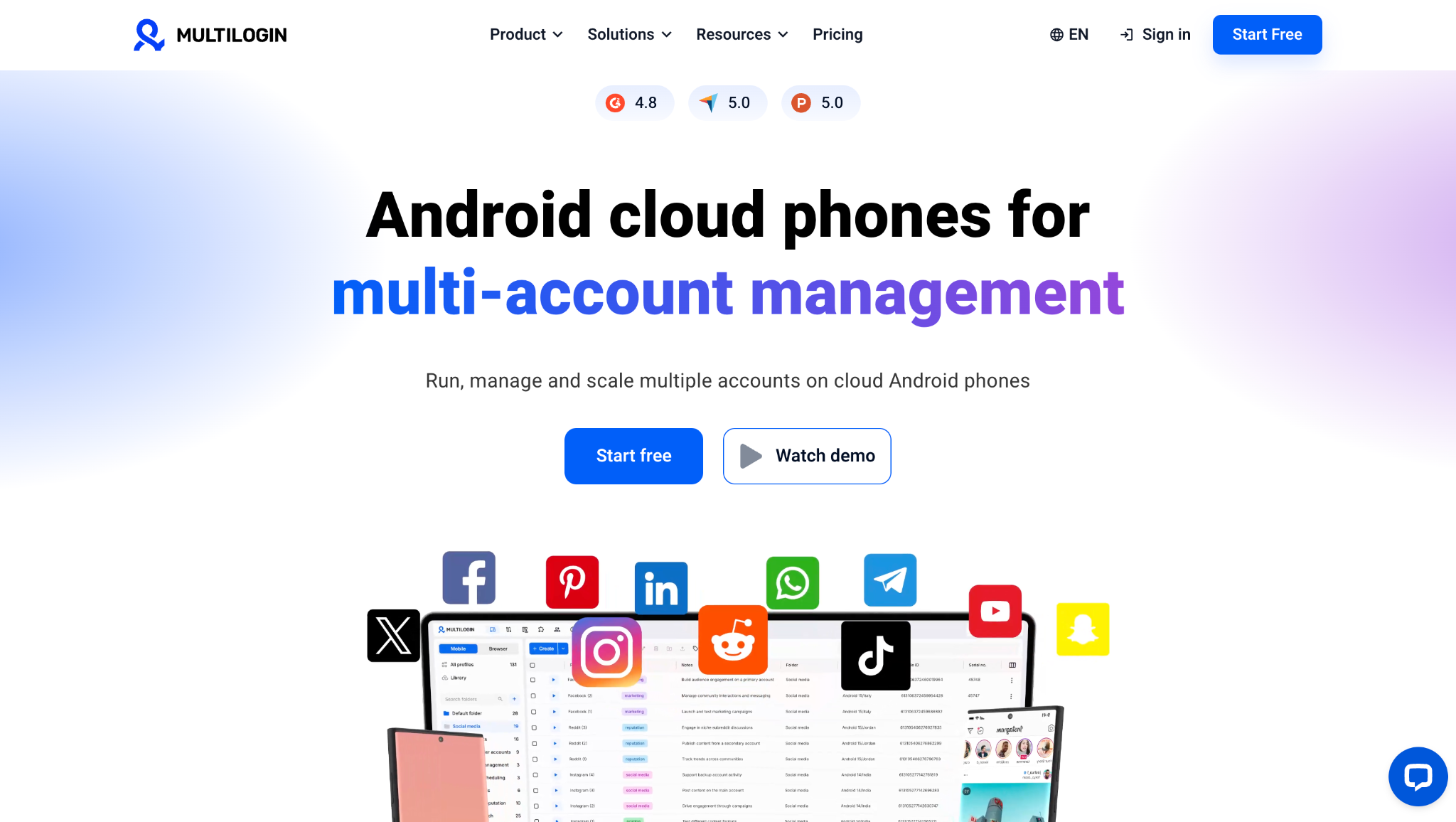
Multilogin is a cloud Android phone platform for multi-account management. It lets individuals and agencies manage multiple accounts on Android cloud phones, with browser profiles for web-based accounts, all from one dashboard.
Instead of maintaining a separate physical phone for every mobile account, users can launch Android devices in the cloud, install apps, and keep each account’s app data and login sessions separate. Browser profiles provide the same separation for web-based accounts.
How Android cloud phones work
An Android cloud phone provides access to an Android device remotely. The device runs applications in the cloud, while the user interacts with its screen through a computer.
This differs from running an Android emulator on a desktop. Multilogin provides real Android devices in the cloud, with different device models and Android versions.
Each cloud phone maintains its own application data and login sessions. If a user installs an app, signs in, and closes the session, the app data remains available when the phone is opened again.
Multilogin supports Android 10 to 16 and offers dozens of real Android device models.
Applications can be installed from the built-in app library or uploaded as APK files.
Multilogin at a glance
| Topic | Details |
|---|---|
| Category | Cloud Android phone platform for multi-account management |
| Core product | Android cloud phones on Android 10 to 16, with dozens of real Android device models |
| Web accounts | Isolated browser profiles in the same dashboard |
| Proxies | Built-in residential and mobile proxy traffic in every plan. ISP proxies sold per IP |
| Automation | API and ADB for cloud phones. Selenium, Puppeteer, and Playwright for browser profiles |
| Free plan | 5 profiles (up to 1 cloud phone), 30 mobile minutes, and 200 MB of proxy traffic, one-time |
| Paid plans | From $7.08 per month, billed annually (Pro 10) |
| Founded | 2015 |
| User ratings | 4.8 out of 5 on G2 (152 reviews) and 5.0 out of 5 on Capterra, October 2026 |
What are Multilogin’s main features?
Multilogin combines Android cloud phones, browser profiles, built-in proxies, automation, and team management in one platform.
Android cloud phones
Multilogin provides real Android devices hosted in the cloud and streamed to the user’s screen. Each cloud phone has its own app data, login history, device environment, and IP configuration. Users can install Android apps such as Instagram, TikTok, and Facebook from a built-in app library or as APK files, without buying or maintaining physical phones.
Multilogin offers dozens of real Android device models, running Android 10 to 16, and keeps app data and login sessions between uses. For mobile-app account management, Multilogin recommends assigning one Android cloud phone to each account, so app data and login sessions stay in separate environments.
Browser profiles
Besides cloud phones, Multilogin provides isolated browser profiles for web-based accounts. Each browser profile keeps its own cookies, sessions, and proxy settings, which makes it useful for websites, marketplace dashboards, and other browser-based platforms.
Both environments run from the same Multilogin dashboard. The choice depends on your workflow.
| Use an Android cloud phone when… | Use a browser profile when… |
|---|---|
| The account runs in a native Android app, such as Instagram, TikTok, or WhatsApp | The account is managed on a website, such as a seller center or an ads manager |
| The work happens in the app: posting, replying to DMs, or checking notifications | The work happens in a dashboard: listings, reports, or campaign settings |
| The platform has features that only exist in its mobile app | The platform works fully in a desktop browser |
Residential, mobile, and ISP proxies
Multilogin includes built-in residential and mobile proxies, with proxy traffic included in every plan. Users can choose locations and configure proxies directly from the dashboard. Multilogin says its proxy pool covers more than 30 million IPs in over 150 countries.
ISP proxies provide static IP addresses, are sold separately per IP, and are available on Pro 50 and higher plans. Multilogin also supports third-party HTTP(S), SOCKS5, and mobile proxies.
Team collaboration
Multilogin lets businesses and agencies invite team members, assign cloud phones and browser profiles, and manage access through workspace permissions, without sharing Multilogin login credentials.
Teams can organize profiles with custom columns, color tags, and notes, while a live dashboard shows which profiles are running. Bulk actions and profile transfer help agencies manage accounts across clients and hand a finished setup over when needed.
Automation and AI agents
Multilogin supports automation for both cloud Android phones and browser profiles. Cloud phones can be controlled through the Multilogin API or through ADB. The API handles setup work, such as creating a cloud phone, attaching a proxy to it or installing an app, so teams don’t have to repeat those steps by hand. ADB gives a script or an AI agent direct control of the phone, so it can open apps and tap through screens much as a person would.
Browser profiles support automation through Selenium, Puppeteer, and Playwright. API access starts on the Pro 10 plan.
Who uses Multilogin?
Most Multilogin users manage more than a few accounts, and usually some of those accounts run in Android apps while others are handled in a browser.
- For social media managers and agencies, the usual setup is one cloud phone per client account on Instagram, TikTok, or Facebook.
- E-commerce sellers and dropshippers tend to split the work: the seller app runs on a cloud phone, and the store dashboard opens in a browser profile.
- Where platform rules allow, with clear AI disclosure, teams behind AI influencer accounts give each persona its own cloud phone for posting and replies.
- Businesses with several clients or markets use proxy locations, folders, and team permissions to keep them apart.
- Developers connect to cloud phones through ADB or the API and script browser profiles with tools like Selenium or Playwright.
How much does Multilogin cost?
Multilogin offers a free plan with no time limit and no credit card required. Paid plans start at $7.08 per month, which is the $85 annual Pro 10 subscription spread over 12 months. With monthly billing, Pro 10 costs $11.
All Multilogin plans at a glance, with prices per month on annual billing:
| Plan | Profiles | Price (billed annually) | Mobile minutes | Proxy traffic | Team seats | API access |
|---|---|---|---|---|---|---|
| Free | 5 (up to 1 cloud phone) | $0 | 30, one-time | 200 MB, one-time | Not included | No |
| Pro 10 | 10 | $7.08/month ($85/year) | 60 per month | 1 GB per month | 1 | Yes |
| Pro 20 | 20 | $12.42/month ($149/year) | 75 per month | 2 GB per month | 2 | Yes |
| Pro 50 | 50 | $19.17/month ($230/year) | 85 per month | 3 GB per month | 2 | Yes |
| Business | 100 to 10,000 | From $26.67/month ($320/year) | 150+ per month | 5 GB+ per month | Unlimited | Yes, custom limits |
Prices checked in November 2026. Business pricing rises with the number of profiles, and plans above 10,000 profiles are priced on request.
Cloud phones count toward each plan’s profile limit. Paid plans can buy more resources when needed: extra mobile minutes start at $0.0067 per minute, and extra proxy traffic starts at $2.275 per GB in bulk.
What should users know before choosing Multilogin?
Multilogin covers most of what a multi-account setup needs, but a few practical points are worth checking before choosing a plan. Most of them affect how cloud phones behave day to day, and one concerns how the Free plan works.
The first is connectivity. Because cloud phones run on remote servers and stream to your screen, their responsiveness depends on your internet connection, and a slow or unstable one shows up as lag. Mobile minutes are used while a phone is running, but the phone can auto-stop on a timer you set, and only the first 180 minutes of an unbroken session are billed. To avoid using minutes unnecessarily, turn off the phone when you’re finished with it, or set a shorter auto-stop timer.
Verification works a little differently, too. Cloud phones can’t receive text messages or calls, so when an app sends a verification code, it needs to go to a phone number the user already has. App support is limited to Android for now.
For anyone starting on the Free plan, it helps to know how its allowances work. The plan itself has no end date, but profiles that go unused for seven days in a row are deleted. The 30 mobile minutes and 200 MB of proxy traffic are given once, and when they run out, the cloud phone stops until the account moves to a paid plan.
How do Multilogin plans differ?
Multilogin offers a free plan and paid subscriptions based on the number of profiles and included resources.
Paid plans start at $7.08 per month with annual billing, or $11 with monthly billing, for Pro 10.
The main differences between subscriptions are:
- The number of cloud phone and browser profiles available.
- The monthly mobile-minute allowance.
- The included residential proxy traffic.
- The number of team seats.
- Access to additional resources and features.
Business plans support larger profile requirements and unlimited team seats.
Additional mobile minutes and proxy traffic can also be purchased when the included allowances aren’t sufficient.
For exact plan limits and current prices, check the Multilogin pricing page.
Is Multilogin the right tool for your workflow?
The main question isn’t simply how many accounts you manage. It’s where those accounts live and how you need to access them.
If most of your work happens inside Android applications, cloud phones provide the mobile environments you need without maintaining a collection of physical devices.
If your accounts are primarily web-based, browser profiles may be sufficient.
If your work involves both, having the two environments in one dashboard can make account management more straightforward.
The same principle applies to automation. Developers working with mobile applications can use API and ADB integrations, while browser automation frameworks support web-based workflows.
A practical way to evaluate Multilogin is to start with the applications and websites you actually use. Set up a cloud phone, install an app, configure a browser profile, and check whether the two environments cover your workflow.
That gives you a more useful basis for choosing a subscription than comparing profile counts alone.
Explore Multilogin’s free plan and see how Android cloud phones and browser profiles work together in one workspace.