A Joomla module is not showing when the module row is not allowed to render for that request: Status is not Published, Access or Language excludes the visitor, Menu Assignment is No pages (or the ticks do not include this Itemid), publishing dates are outside now, or cache still holds an empty slot. A Note in the module list is not a status. This article is that checklist. It is not position wiring (name vs jdoc). It is not “the module appears, but on the wrong pages.”
If Status, Access, Language, Assignment, and dates are already correct and the region is still empty on every page that uses this template, stop here and open Joomla module position not showing. If the module shows, just not where you meant, open Joomla module showing on the wrong pages. Official assignment help: How do you assign a module to specific pages? and Module display by menu item. Site module overview: Site Modules.
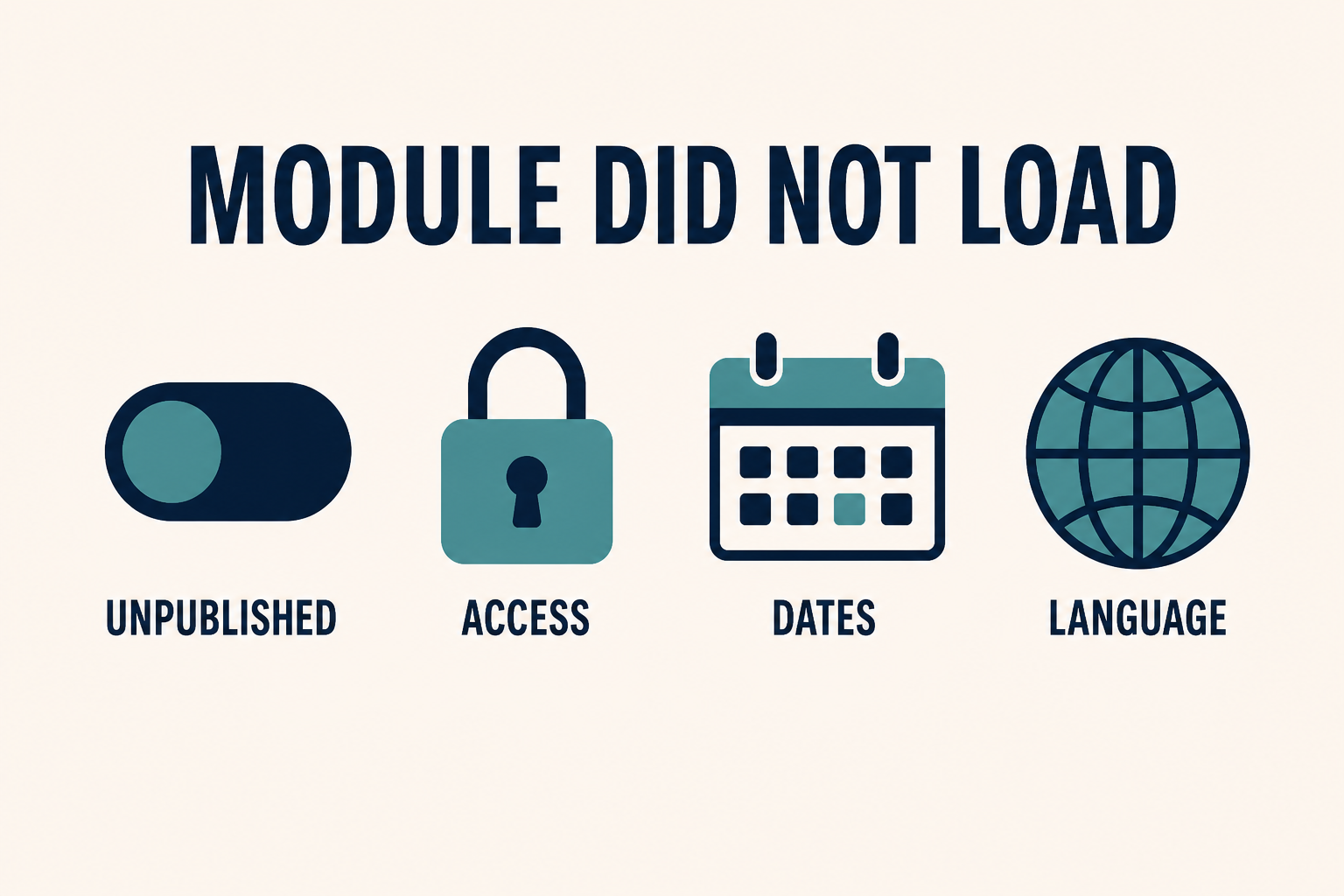
Published is not enough. Access, Language, Menu Assignment, Start and Finish dates, and cache each get a veto. A Note in the list is only an admin reminder.
What you will learn
- How to read Status versus the Note column
- Why a Super User still “proves nothing” until you test as a guest
- What Menu Assignment No pages does (without the full wrong-pages deep dive)
- How Language Filter hides a module that is Published
- How Start Publishing and Finish Publishing hide a Published module
- When module cache or Page Cache makes a fixed module look missing
- When to hand off to the position article (and when not to)
| What you see | Likely cause | Wrong rabbit hole |
|---|---|---|
| Missing everywhere, including Home | Unpublished, Trashed, No pages, dates, or Access | Reinstalling the module type |
| Missing for guests, visible when you are logged in | Access is Registered (or higher) | Position names |
| Missing in one language | Module Language is not All / not that language | CSS |
| Missing only after a date you set | Finish Publishing passed, or Start is still in the future | Cache only |
| You “fixed it,” guests still see empty | Page Cache or Progressive module cache | Editing index.php |
Empty slot, ?tp=1 shows the position name |
Position wiring or chrome/CSS | This article’s Status toggles |
| Module HTML in View Source, invisible on screen | Chrome or CSS | Publishing dates |
Step 1: Confirm Status is Published (Note is not Status)
System → Site Modules. Filter carefully. Administrator modules are a different list (Administrator Modules). A login module you edited in the backend list will never appear on the site.
Open the module you think is missing. Status must be Published. Unpublished and Trashed do not render. A yellow or grey icon in the list is easy to miss if you sorted by Note.
The Note field (Administrator Note) is a private reminder in the module list. It does not publish anything. It does not unpublish anything. Operators scan the Note column, see a comment such as “hold” or “old,” and assume Joomla unpublished the row. Read the Status column, then the module header Status dropdown.
Also check you are not editing a Save as Copy draft. Two rows, same title, one Published on Home, one Unpublished. The frontend uses the published id. Confirm the id in the URL (id=) matches the row you intend.
If Status is Published and you still see nothing, do not toggle it twice “to refresh.” Leave it Published and continue.
Step 2: Match Access to the visitor you are testing
Access is a veto.
- Public: guests can see it (if every other check passes).
- Guest: logged-in users may not see it (depending on your ACL). Super Users testing while logged in will swear the module is missing.
- Registered and above: guests will not see it. That is correct ACL, not a bug.
Test a private window logged out if the module should be public. Test a registered account if it should be members-only. Do not debug Access while logged in as Super User unless you also check a guest.
ACL background: Access Control List and the user manual Access Control.
If the site is multilingual, Access still applies per request. Language is a separate veto (Step 4).
Step 3: Rule out Menu Assignment of No pages
Open Menu Assignment.
If Module Assignment is No pages, the module never renders. That looks identical to Unpublished on the frontend. Set it to On all pages for this diagnosis, save, retest one URL. If it appears, Assignment was the veto. Then set the real map using module showing on the wrong pages. Do not rebuild that whole Itemid article here.
If Assignment is Only on the pages selected and the tree has no ticks (or only a hidden-menu item you are not visiting), the module is effectively No pages. Expand: All. Confirm the item for the URL you have open is ticked.
If Assignment is On all pages and the module is still missing everywhere, Assignment is not the problem. Continue. If it is missing on some URLs and present on others, you are on the wrong-pages article, not this one.
Default for a new module is often On all pages. Copies inherit whatever the original had, including No pages from a test.
Step 4: Set Language to All, or to the language of the page
Language on the module must be All, or the same language as the page Joomla is serving.
With System – Language Filter published, a module set to English is omitted on the French page even when Status is Published and Assignment includes that menu item. That is Language Filter doing its job.
Test:
- Set Language to All. Save. Clear cache. Retest.
- If you need per-language modules, duplicate the module (Save as Copy), set each copy’s Language, and assign each to the matching menu items. Do not expect one English module to print on every language.
Site vs Administrator language packs do not apply here. This is the module’s Language field on Site Modules.
Step 5: Check Start Publishing and Finish Publishing
Open the Publishing tab.
- Start Publishing in the future: Status can say Published. The module still waits. Site timezone is Global Configuration, not your laptop clock.
- Finish Publishing in the past: the module has expired. Published-looking rows still vanish.
- Empty dates: no date veto.
A campaign module you scheduled last quarter will “randomly” disappear on the Finish day. That is not cache and not a template update.
If you use scheduled tasks or a workflow elsewhere, they do not replace these two fields. Read the Publishing tab on the module itself.
Step 6: Clear module cache and Page Cache after a real fix
Once Status, Access, Assignment, Language, and dates are correct, an empty guest page can still be yesterday.
- System → Maintenance → Clear Cache. If that does nothing, the handler may be Redis: Joomla cache not clearing.
- Module Advanced → Caching. A cached empty output can survive your publish click until the cache key expires. Set to No caching on staging to prove it, then put a sane cache back.
- System – Page Cache: guests get a full HTML snapshot from before the module was published. Logged-in Super Users skip it and think the site is fine. Test a private window. Layers: cache showing old content.
Progressive System Cache is aggressive about module combinations. If a module “won’t come back” after you publish it, Progressive plus Page Cache is a usual pair. Conservative is enough for most sites.
Do not “fix cache” by deleting cache/ in FTP when Cache Handler is Redis.
Step 7: Only then ask whether the position exists
If every check above passes and View Source still has no module HTML on a page that should include it:
- The position string may not exist on this template (
position-7on Cassiopeia, or a name with nojdoc). That is module position not showing. - The menu item may use a different template style whose
index.phpnever includes that position. Still a position/style problem, not Status.
If View Source has the module HTML, the module showed. Chrome, CSS, or a script hid it. CSS: Joomla CSS changes not showing. JS emptying the node: Joomla JavaScript not working.
Do not add a jdoc to parent Cassiopeia to “make it show.” Extra positions belong on a child template. Safe file rule: customize without editing core.
Custom HTML inside the module that looks stock is an override or chrome issue, not unpublished: template override not working.
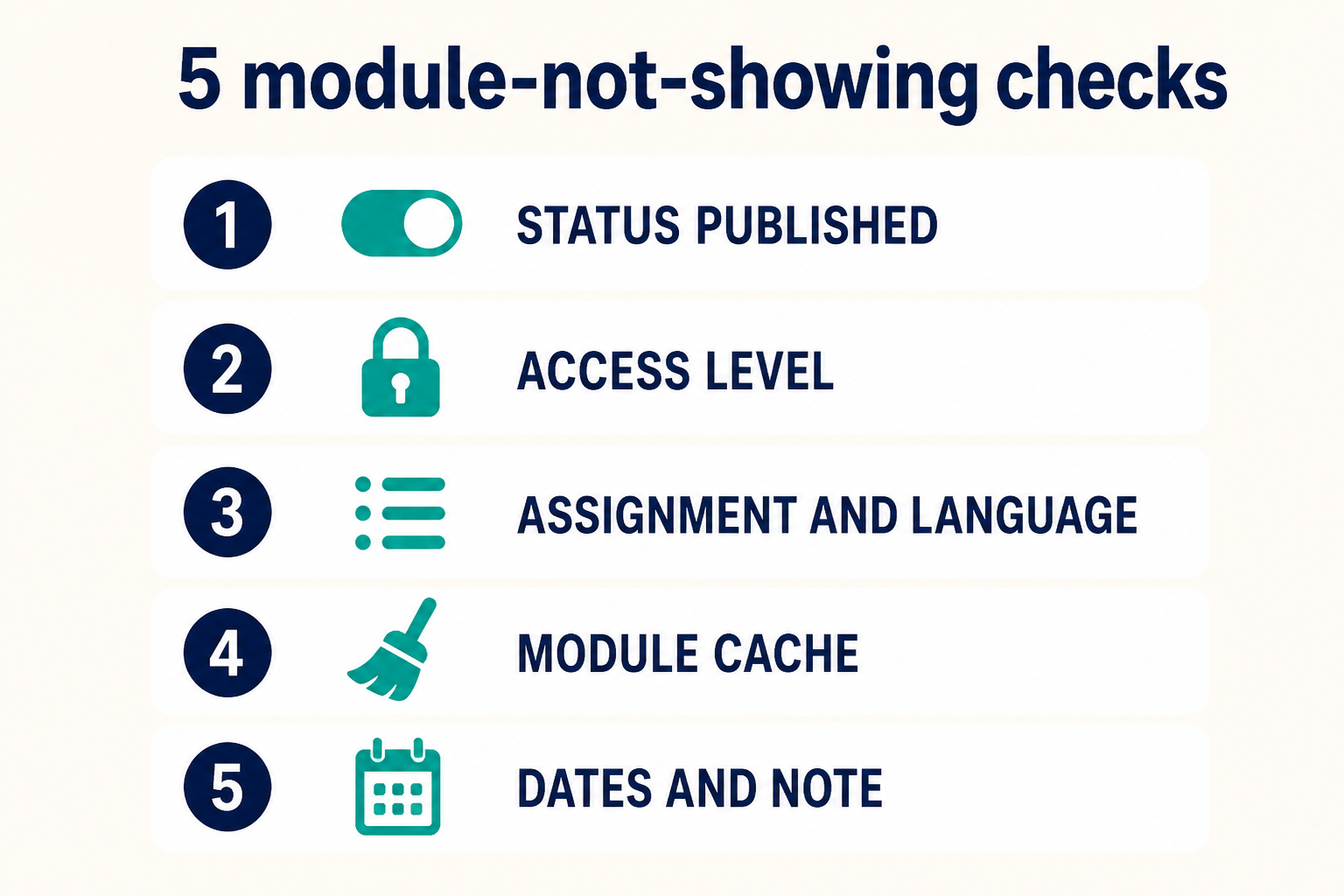
Status, then Access, then Assignment plus Language, then cache, then dates. Treat Note as a label, not a switch. Position wiring is a later article.
Key takeaways
- A Joomla module is not showing when a veto failed: Status, Access, Language, Menu Assignment, dates, or cache. Note is not a veto.
- Test as a guest in a private window. Super User Access proves little for Public modules.
- No pages (or Only-on-selected with no ticks) looks like Unpublished on the frontend.
- Language Filter hides modules whose Language is not All and not this page’s language.
- Start Publishing in the future and Finish Publishing in the past hide a Published row.
- Page Cache and module cache keep an empty guest page after you fix the row.
- Position name vs
jdocis module position not showing. Wrong URLs are wrong pages. - Do not edit core
index.phpto compensate for Unpublished.
Frequently asked questions
Why is my Joomla module not showing?
Status is not Published, Access or Language excludes the visitor, Menu Assignment is No pages or unticked, Start or Finish dates hide it, or cache still has the empty page. Check those before you touch the template.
What is the difference between a Note and Unpublished?
Note is an administrator reminder in the module list. Unpublished is Status. Only Status (and dates, Access, Language, Assignment) control the frontend.
Should I fix the template position first?
Only after this list passes. If the module is unpublished, a perfect jdoc still prints nothing. Position wiring is Joomla module position not showing.
Why do I see the module when logged in but guests do not?
Access is not Public, or Page Cache is serving guests an old empty HTML page. Test a private window after Clear Cache.
Can Language hide a published module?
Yes. With Language Filter on, a module set to one content language is omitted on the other. Set Language to All to prove it.
The module shows on Home but not on Contact. Is that this guide?
That is Menu Assignment / Itemid. Use Joomla module showing on the wrong pages. This page is for modules that show nowhere (or nowhere for that visitor).
Where are the official module assignment docs?
How do you assign a module to specific pages? and Module display by menu item.
Conclusion
When a Joomla module is not showing, read the module row like an operator: Published, Public (or the Access you intend), Assignment that is not No pages, Language All or matching, dates that include now, then cache. Ignore the Note column as a status. If that list is clean and the slot is still empty, the position name or the template style is next: module position not showing. If the module is visible on the wrong URLs, that is wrong pages.
If production has copies, languages, and Page Cache stacked, Joomla support and maintenance is faster than toggling Status. Layout and chrome work: Joomla design services.