Updated 12 October 2026 · By Abhilash Sahoo, Infyways
The quickest free way to check where your site ranks on Google is Google Search Console: open Performance → Search results, tick “Average position”, and filter by query or page. For a one-off check of any keyword (including competitors), search in a private window with the right country settings, or use a free rank checker; for daily tracking of many keywords you need a rank tracking tool.
How do I check my Google ranking for free?
Method 1: Google Search Console (your own site, most accurate)
- Verify your site at Google Search Console.
- Open Performance → Search results.
- Tick Average position alongside clicks and impressions.
- Use the Queries tab to see positions per keyword, or add a filter (Query contains …) for one keyword.
- Add a Country or Device filter to see rankings for a specific market or for mobile.
Search Console shows the average position from real searches, not a single snapshot, and data is about 2–3 days behind.
Method 2: A manual check in a private window
- Open a private/incognito window and sign out of Google, so personalisation has less effect.
- For another country, use Google’s search settings (region) or a VPN; location strongly changes local results.
- Search the keyword and count organic results, ignoring ads; note AI Overviews, maps and other SERP features above you.
Good for a quick look; not reliable for tracking, because results vary by location, device and time.
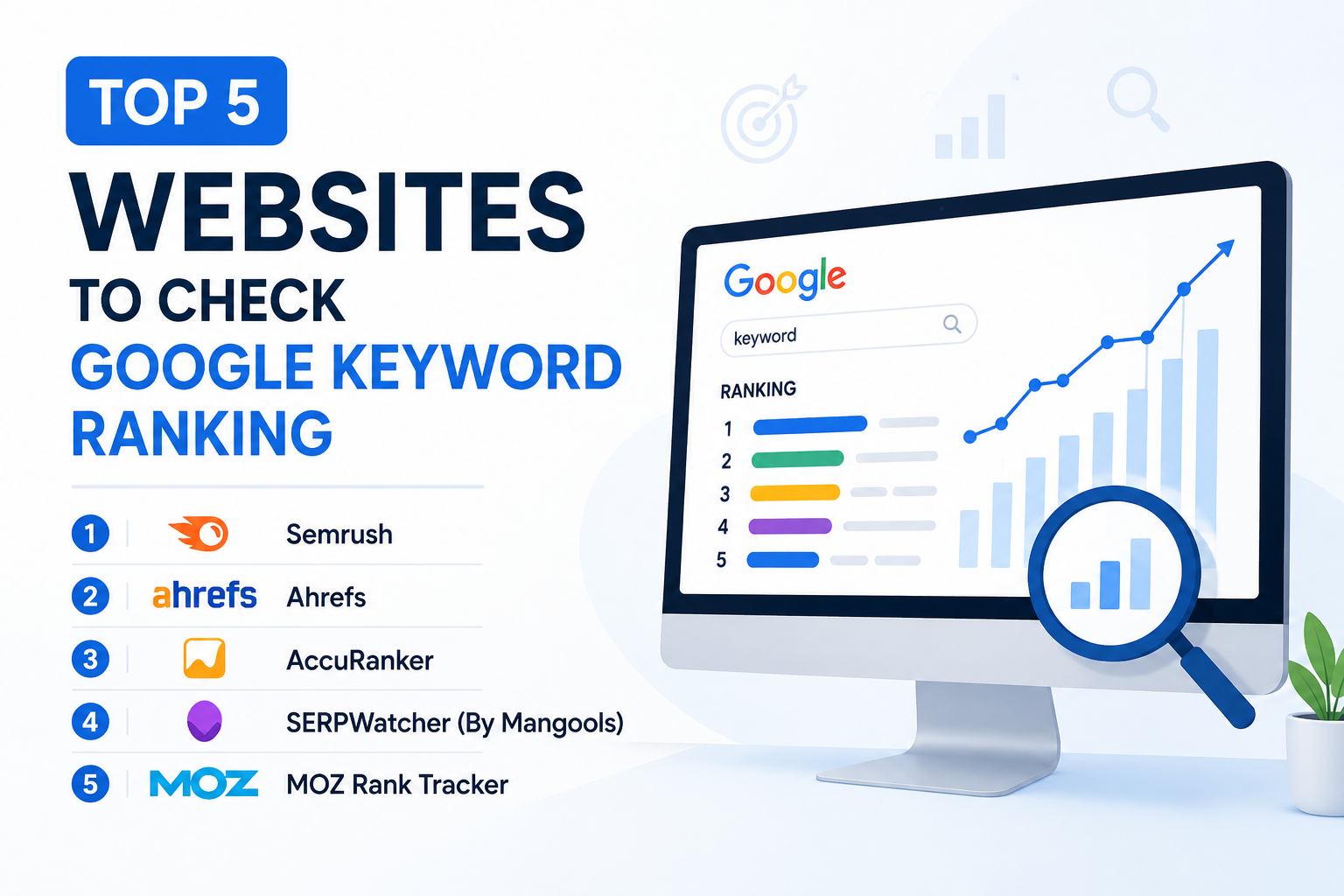
Method 3: Free and freemium rank checker tools
| Tool | Free option | Best for |
|---|---|---|
| Ahrefs Webmaster Tools | Free for sites you verify | Rankings and backlinks for your own site |
| Semrush | Free account with a small daily limit; Position Tracking is paid | Competitor rankings and keyword research |
| SE Ranking | Free trial | Daily tracking by city, country and device |
| Moz Pro | Free trial; free Moz Bar and Keyword Explorer queries | Keyword difficulty and SERP analysis |
| SERPROBOT | Free checks for a few keywords at a time | One-off checks of any domain |
Free limits change often, so check each provider’s current plan.
Why is my ranking different in each tool?
- Averages vs snapshots: Search Console averages every impression; trackers record one result at one time.
- Location and device: results differ by country, city and mobile vs desktop.
- SERP features: some tools count image packs, videos or AI Overviews as positions, others do not.
- Personalisation and testing: Google constantly tests result orders.
How often should I check my rankings?
Weekly is enough for most sites. Daily checks mainly show normal fluctuation. Watch the trend for your important keywords and pages, and look at clicks and impressions in Search Console, not just position.
What should I do after checking?
- Positions 4–15 with many impressions: rewrite the title and meta description to earn more clicks, and answer the query in the first paragraph.
- Positions 8–30: expand the page with the sub-topics competitors cover, add internal links from related pages.
- Not ranking at all: check the page is indexed (URL Inspection in Search Console).
Want this done for you? See our SEO services. Running Joomla? Start with the free Joomla SEO checklist.
Frequently asked questions
How can I check my Google ranking for free?
Use Google Search Console: Performance → Search results, enable Average position and filter by query or page.
Is Google Search Console position accurate?
It is the average position across real searches, so it is the most reliable figure for your own site, though it is not a live snapshot.
Why do rank checkers show different positions?
They check from different locations and devices, at different times, and count SERP features differently.
Can I check a competitor’s Google ranking?
Yes, with a manual private-window search or tools such as Semrush or SERPROBOT; Search Console only covers sites you own.