Updated 15 October 2026 · By Abhilash Sahoo, Founder, Infyways
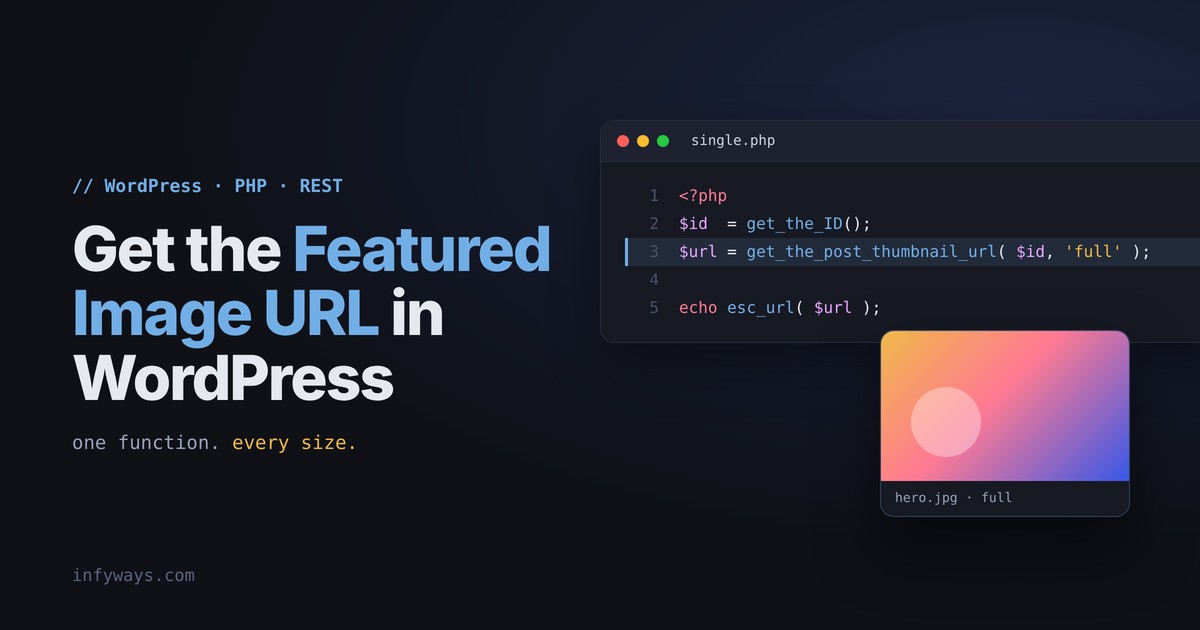
To get the featured image URL in WordPress, use get_the_post_thumbnail_url(). For the current post, at full size:
<?php echo esc_url( get_the_post_thumbnail_url( get_the_ID(), 'full' ) ); ?>It returns the image URL as a string, or false when the post has no featured image. Pass a post ID to get the image for any post, and a size name such as 'thumbnail', 'medium', 'large' or 'full' to choose the size.
In short:
get_the_post_thumbnail_url( $post, $size )for the URL,get_post_thumbnail_id()for the attachment ID,wp_get_attachment_image_src()when you also need width and height, and_embed=wp:featuredmediain the REST API.
How do I get the featured image URL inside the loop?
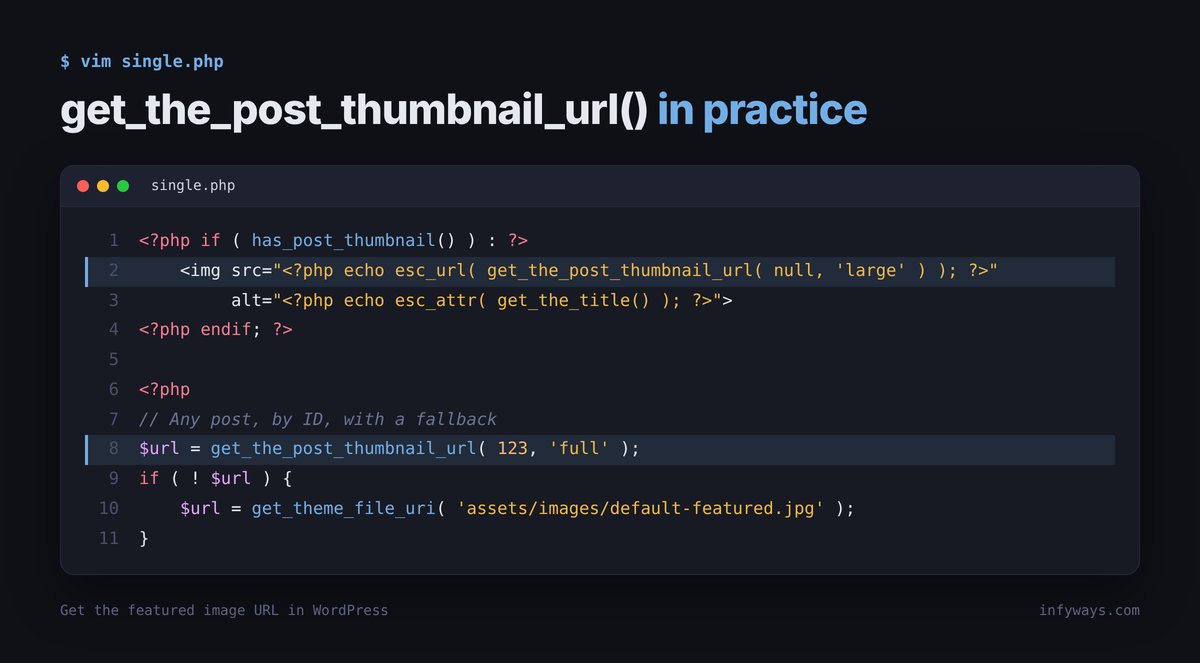
Call get_the_post_thumbnail_url() without a post argument. It uses the global $post, so it works in single.php, index.php, archive templates and any WP_Query loop. Check has_post_thumbnail() first so you don’t print an empty src:
<?php if ( has_post_thumbnail() ) : ?>
    <img src="<?php echo esc_url( get_the_post_thumbnail_url( null, 'large' ) ); ?>"
         alt="<?php echo esc_attr( get_the_title() ); ?>">
<?php endif; ?>
The signature is get_the_post_thumbnail_url( int|WP_Post|null $post = null, string|int[] $size = 'post-thumbnail' ): string|false. It was introduced in WordPress 4.4.
How do I get the featured image URL by post ID?
Pass the post ID (or a WP_Post object) as the first argument. This works anywhere, including outside the loop, in shortcodes, widgets and REST callbacks:
$post_id = 123;
$url     = get_the_post_thumbnail_url( $post_id, 'full' );

if ( $url ) {
    echo esc_url( $url );
}
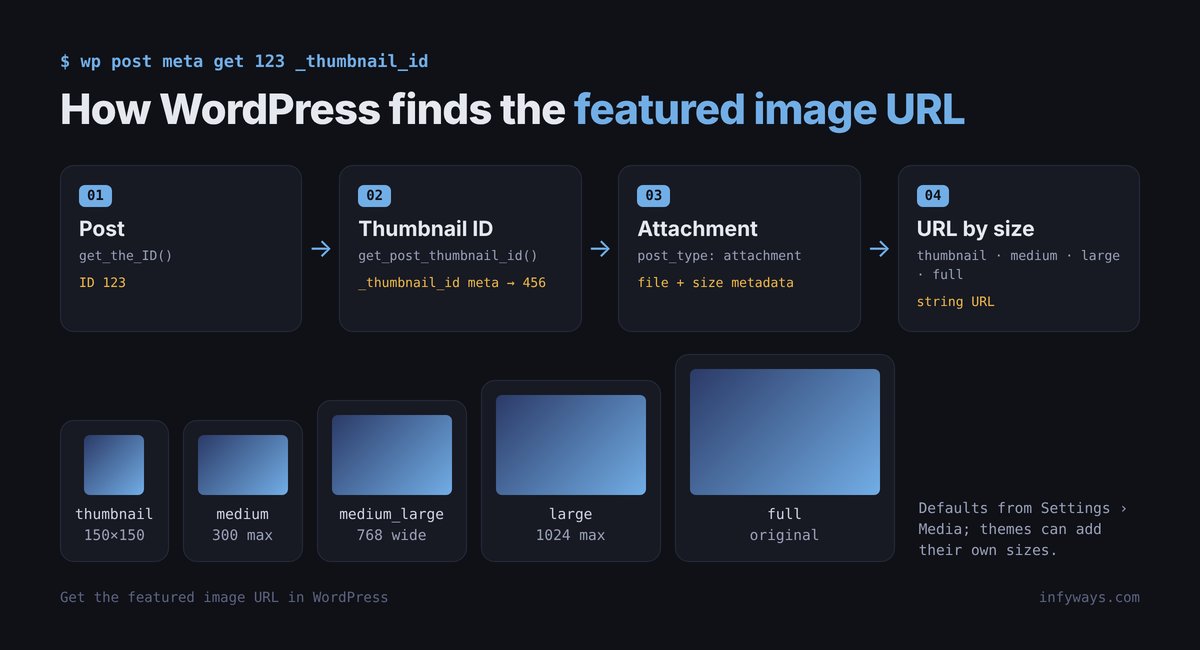
If you need the attachment ID instead, use get_post_thumbnail_id( $post_id ). It returns the attachment ID, or false if there is none.
How do I get a specific image size?
The $size argument accepts any registered size name or an array of width and height in pixels:
get_the_post_thumbnail_url( $post_id, 'thumbnail' );    // Settings > Media size
get_the_post_thumbnail_url( $post_id, 'medium_large' ); // 768px wide by default
get_the_post_thumbnail_url( $post_id, 'full' );         // original upload
get_the_post_thumbnail_url( $post_id, array( 600, 400 ) );
The default is 'post-thumbnail', a special size registered when a theme adds post-thumbnail support. It is not the same as the 'thumbnail' size in Settings > Media.
When you also need the width and height, use wp_get_attachment_image_src(). It returns an array: index 0 is the URL, 1 the width, 2 the height, and 3 whether the image is a resized version:
$image = wp_get_attachment_image_src( get_post_thumbnail_id( $post_id ), 'large' );

if ( $image ) {
    list( $url, $width, $height ) = $image;
}
How do I get the featured image URL from the REST API?
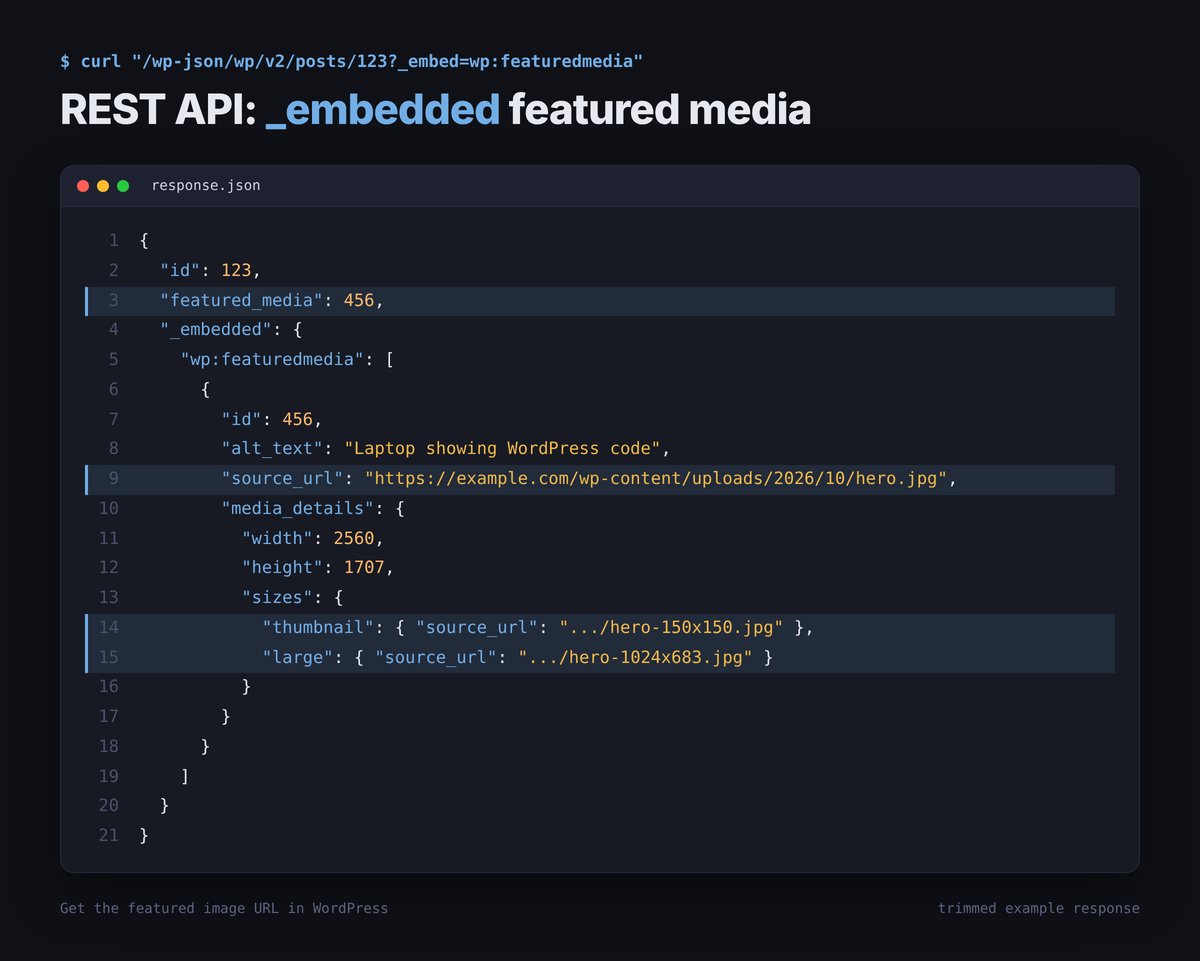
Posts in the REST API only include featured_media, the attachment ID. Add _embed=wp:featuredmedia to get the media object in the same request, then read source_url:
GET /wp-json/wp/v2/posts/123?_embed=wp:featuredmediafetch( '/wp-json/wp/v2/posts/123?_embed=wp:featuredmedia' )
.then( ( res ) => res.json() )
.then( ( post ) => {
const media = post._embedded?.['wp:featuredmedia']?.[0];
const url = media?.source_url; // full size
const thumb = media?.media_details?.sizes?.thumbnail?.source_url;
} );If you use _fields to slim the response, include _links and _embedded, or the embed is dropped: ?_embed=wp:featuredmedia&_fields=id,featured_media,_links,_embedded. We tested this on our own site. Without _embed, request /wp-json/wp/v2/media/{featured_media} as a second call.
How do I show the featured image in a block theme?
Block themes don’t use PHP templates for this. Use the Post Featured Image block (core/post-featured-image) inside a single template or a Query Loop. Its settings include the image size (sizeSlug), aspect ratio, whether it links to the post (isLink), and an option to use the first image in the post when no featured image is set (useFirstImageFromPost).
You only need PHP in a block theme when you build a custom block or a render callback. There, get_the_post_thumbnail_url() works the same way.
How do I set a fallback image when there is no featured image?
Because the function returns false when there is no featured image, fall back with a short check:
$url = get_the_post_thumbnail_url( get_the_ID(), 'large' );

if ( ! $url ) {
    $url = get_theme_file_uri( 'assets/images/default-featured.jpg' );
}
In a block theme, the Post Featured Image block’s “use first image from post” option is a no-code alternative.
How do I get the featured image alt text and srcset?
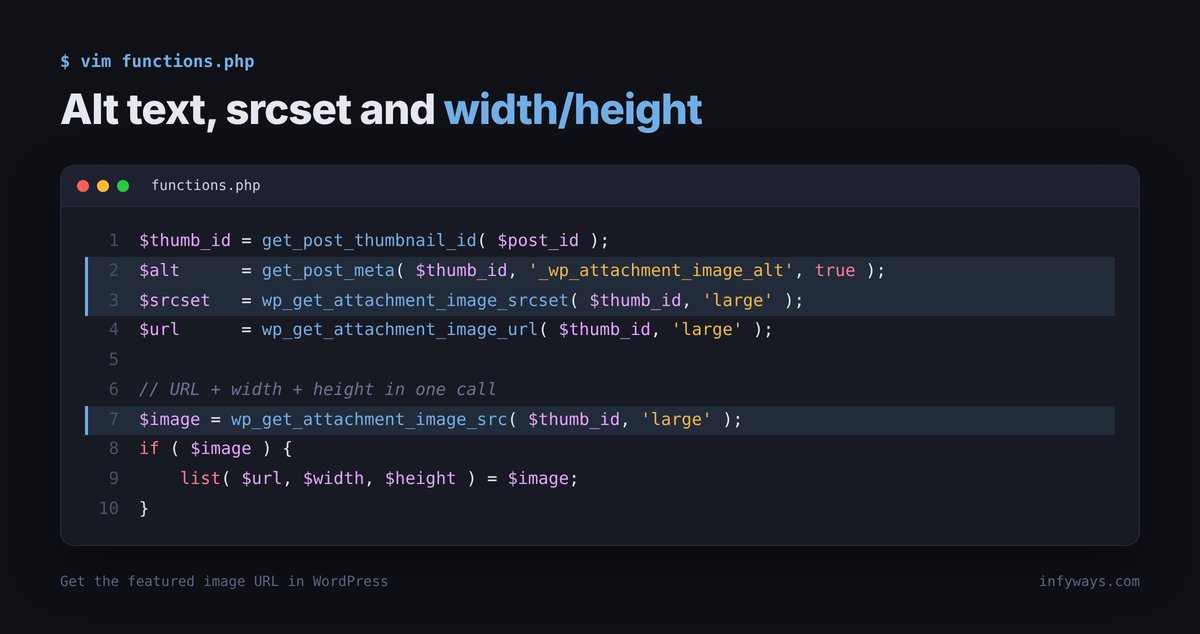
The URL functions return only the URL. The alt text is stored as attachment meta, and srcset is built from the registered sizes:
$thumb_id = get_post_thumbnail_id( $post_id );
$alt      = get_post_meta( $thumb_id, '_wp_attachment_image_alt', true );
$srcset   = wp_get_attachment_image_srcset( $thumb_id, 'large' );
$url      = wp_get_attachment_image_url( $thumb_id, 'large' );
If you just want a complete, responsive <img> tag with alt, srcset and sizes, use get_the_post_thumbnail() or the_post_thumbnail() instead of building it yourself.
Which featured image function should I use?
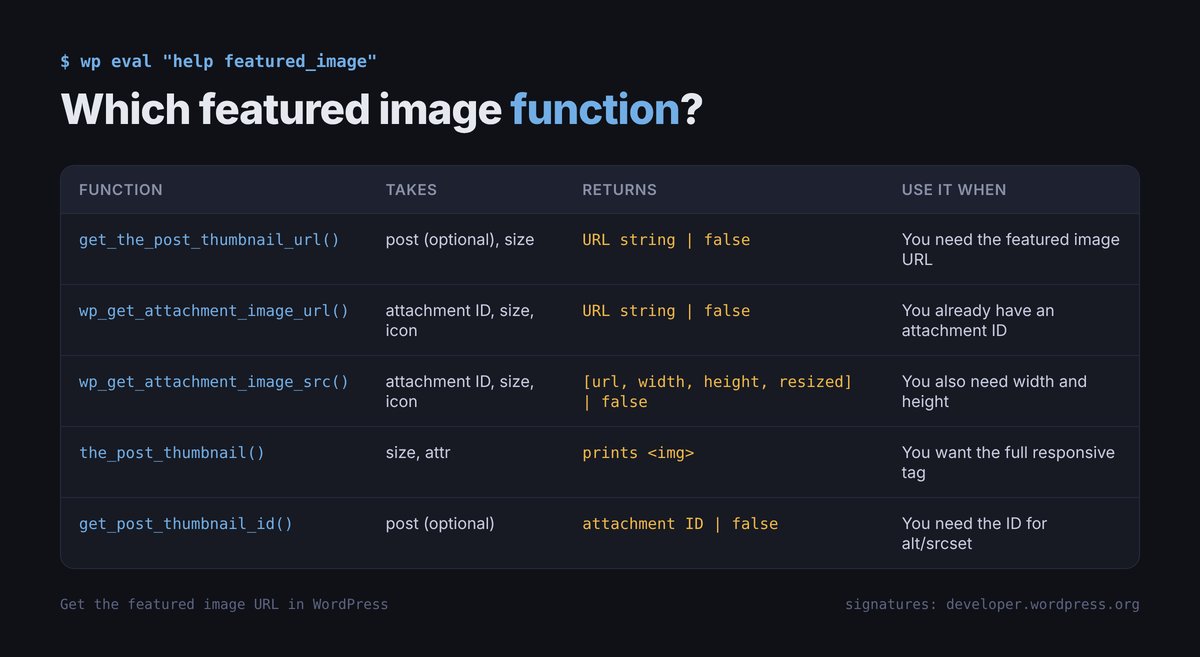
| Function | Takes | Returns | Use it when |
|---|---|---|---|
get_the_post_thumbnail_url( $post, $size ) |
Post ID or object (optional) | URL string or false |
You need the featured image URL |
wp_get_attachment_image_url( $attachment_id, $size, $icon ) |
Attachment ID | URL string or false |
You already have an attachment ID |
wp_get_attachment_image_src( $attachment_id, $size, $icon ) |
Attachment ID | Array (URL, width, height, resized) or false |
You also need width and height |
the_post_thumbnail( $size, $attr ) |
Current post in the loop | Prints an <img> tag |
You want the full responsive image tag output |
get_post_thumbnail_id( $post ) |
Post ID or object (optional) | Attachment ID or false |
You need the ID for alt text, srcset or other sizes |
Signatures checked against the WordPress Code Reference on 15 October 2026.
Why is get_the_post_thumbnail_url() not working?
- The theme has no featured image support. Add it in
functions.php:add_action( 'after_setup_theme', function () { add_theme_support( 'post-thumbnails' ); } );. Block themes and most modern themes already have it. - It returns
false. The post has no featured image set, or you are outside the loop without passing a post ID. Usehas_post_thumbnail( $post_id )to check. - It returns the wrong size. The size name may not be registered, or the image was uploaded before the size existed. Regenerate thumbnails (for example with WP-CLI:
wp media regenerate) so the missing sizes are created. - The URL is the full image instead of the size you asked for. WordPress falls back to a larger file when the requested size does not exist for that image. Regenerate thumbnails or pick a registered size.
- Nothing prints.
get_the_post_thumbnail_url()returns a value; it does not echo. Useecho esc_url( ... ). - The REST response has no
_embedded. Add_embed=wp:featuredmedia, and include_links,_embeddedif you use_fields.
Frequently asked questions
How do I get the featured image URL in WordPress?
Use get_the_post_thumbnail_url(). Inside the loop call it without arguments; elsewhere pass the post ID, for example get_the_post_thumbnail_url( 123, 'full' ).
What does get_the_post_thumbnail_url() return if there is no featured image?
It returns false, so check the result or call has_post_thumbnail() before printing it.
How do I get the full-size featured image URL?
Pass 'full' as the size: get_the_post_thumbnail_url( $post_id, 'full' ). Without a size it returns the 'post-thumbnail' size.
How do I get the featured image ID?
Use get_post_thumbnail_id( $post_id ). It returns the attachment ID, or false if the post has no featured image.
How do I get the featured image URL in the REST API?
Request the post with ?_embed=wp:featuredmedia and read _embedded['wp:featuredmedia'][0].source_url, or fetch /wp-json/wp/v2/media/{featured_media} separately.
How do I get the featured image width and height?
Use wp_get_attachment_image_src( get_post_thumbnail_id( $post_id ), 'large' ). It returns the URL, width, height and whether the image is resized.
How do I get the featured image alt text?
Read the attachment meta: get_post_meta( get_post_thumbnail_id( $post_id ), '_wp_attachment_image_alt', true ).
Why does my theme not show the Featured Image box?
The theme hasn’t declared support. Add add_theme_support( 'post-thumbnails' ) on the after_setup_theme hook in functions.php.