Category: Wordpress

Learn about WordPress

  • How To Manage A Classy Site For Less Than $150 Actually Doing Nothing: Ready-To-Use Website Offer

    How To Manage A Classy Site For Less Than $150 Actually Doing Nothing: Ready-To-Use Website Offer

    Basically, in 2019, you can’t develop any business or startup without making it online. All in all, can you name at least one famous company that does not have a professional website? Just take a closer look at the modern market! Even such well-known corporations as Starbucks launch their sites. This step automatically increases the audience and helps you to enter the global market.

    What’s more, managing a classy website, you make the business customer-friendly. People all over the globe prefer looking for products and services online. Obviously, it saves time. Plus, it’s always easier to find the needed info on the site or view out the reviews from other customers. And people can do it without leaving their beds!

    So what is the easiest way to set up an outstanding website for your business in 2019? Well, here is what I’m going to talk about! To make a long story short, in this post, I’ll show you a cool Ready-to-Use Website offer. In case you are a beginner who dreams of their site, has no website building experience, and in case you don’t want to run out of the budget… Here is exactly what the doctor offered!

    What Does It Mean?

    Before everything else, let me clarify what this Ready-to-Use Website offer means. In a word, this is how you get your website done without a hitch. You won’t need to have any extra skills, coding experience, or any other special experience. Thanks to this offer, a user can get their online project for a flat price. You have the whole pack which also includes hosting and it costs less than $150.

    Keep in mind that the offer lasts only 4 days. It starts on February, 4 and ends on February, 8. You will have just a few days to make a choice, so don’t hesitate! In order to save your time, I’ll give you all the needed info about Ready-to-Use Website offer in this post.

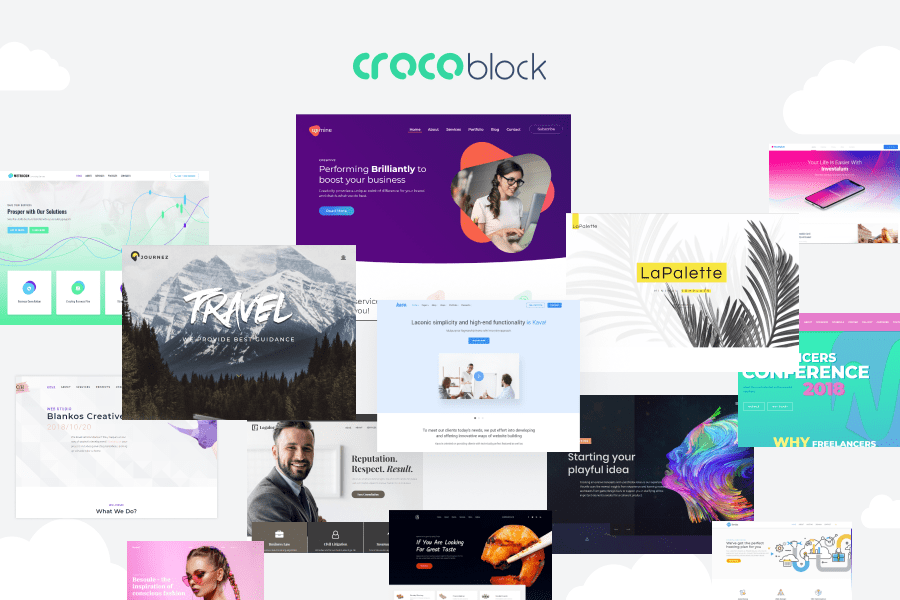
    By the way, all the illustrations I’m using for this post are the websites made with the mentioned bestsellers.

    Who May Need This Offer?

    Before everything else, the Ready-to-Use Website offer will be interesting for anyone who dreams of managing their top-notch website. Needless to say, it’s a nice thing to look for if you are a beginner. A bit later I’ll name you a few business niches you can build a business for and I’ll also show you several examples. However, with the help of this comfy offer, you can build literally any kind of website. Whatever your business is about, there will be lots of hip templates to choose from. What’s more, when it comes to the platform, your choice won’t be limited as well! You can choose any CMS you want to work with.

    What Will You Get Inside The Pack?

    Finally, let’s move to the most interesting point! As it has already been mentioned, there are many things you get thanks to the Ready-to-Use Website offer. To put it briefly, here is what you get in one pack:

    • any best-selling website template made in 2018 or earlier,
    • any CMS you prefer,
    • a free domain name for the whole year,
    • professional high-quality hosting,
    • SSL certificate made for non-eCommerce online projects,
    • 5 pages full customization,
    • 10 posts full customization,
    • the possibility to add social media links,
    • full eCommerce setup which includes such points as currencies, shipping, and taxes,
    • quick and professional template installation,
    • your logo unique customization,
    • customization of your website’s color schemes,
    • payment modules setup for eCommerce purposes,
    • product import that will include up to 100 items,
    • screen reader support,
    • multiple modules, plugins, UI components, and trendy options the best-seller you choose includes.

    As you can see, everything will be made for your comfort. Paying only $149 you get everything done for you. Obviously, some of these points need a more detailed explanation but, before we are into it, let me explain how everything works.

    How Does It Work?

    To make things easier, here is what you’ll need to do in order to use Ready-to-Use website offer.

    1. First things first, you should buy the Ready-to-Use website offer online. During the process, you’ll be asked to provide your contact info.
    2. Next, the manager will contact you within 3 hours after the purchase is made.
    3. Thirdly, you’ll need to choose which best-selling (or any other) theme you are going to use. You can do it by yourself directly on the website. And, obviously, you can do it with the help of the manager. Ask them any questions you have, highlight which design you’d prefer and name the features you are looking for before everything else. The manager will help you to choose the very product and will confirm all the project’s details.
    4. The manager will ask you to choose additional details and provide the company’s info. I’ll list these details below.
    5. After everything is chosen, you’ll need to wait for 7 business days for your unique business or personal website to be ready.

    And here is the information you will need to provide to the manager to complete your online project:

    • the logo of your company;
    • high-quality images related to your business, your projects, your team, etc.;
    • the texts, posts, promo, and other textual content you want to place on the site;
    • hosting credentials (this point is only for those users who prefer to use third-party hosting because the pack already contains a free 1-year hosting for you)
    • in case you are running an online shop, you’ll need to provide CSV with your products.

    Which Platforms You Can Choose From?

    As I already said above, you can choose any responsive HTML templates you want. And here are the products you can find in the gallery:

    • WordPress themes,
    • Moto CMS themes,
    • HTML templates,
    • Shopify themes,
    • WooCommerce themes,
    • PrestaShop themes,
    • Magento themes,
    • Joomla themes,
    • Moto CMS HTML templates,
    • Drupal themes,
    • Muse templates,
    • VirtueMart templates,
    • OpenCart themes,
    • ZenCart templates,
    • X-Cart templates,
    • BigCommerce templates, and much more!

    Which Hosting You Will Get With This Ready-To-Use Website Offer?

    So, the Ready-to-Use Website offer comes with 1-year hosting from Inmotion Hosting. It’s a widely known hosting provides which helps people from different countries to manage ace websites. Only in 2018, Inmotion Hosting collected over 12.500 happy customers. Their 100% satisfaction guarantee leaves no doubt and that’s why the creators of Ready-to-Use Website offer choose this company.

    Here are the main facts you should know about the company.

    1. To start with, Inmotion Hosting is a commitment to open source. They have ongoing scholarships to today’s most popular open source programs. Among them, there are such leaders as WordPress, Joomla, b2evolution, and PrestaShop. To make a long story short, IH supports great software as well as developer communities.
    2. Secondly, they have fast and friendly customer service. Honestly speaking, this is your #1 must-have to look for when choosing a hosting provider. And, needless to say, this point is extra important for the beginners.
    3. Thirdly, IH is capable of handling all the web hosting needs the modern web audience has. It was made especially for different growing business niches and startups. The list includes everything and anything from shared hosting for small businesses, to VPS hosting and Dedicated Servers for scaling and enterprise businesses.
    4. In addition, the company’s data centers are Category A, PCI compliant. It means that, with advanced Smart Routing technology, advanced DDoS protection & premium bandwidth providers, we maintain 99.999% network uptime.
    5. Besides, IT team use top security measures like auto-updates on web apps, FREE SSL, hack protection, custom firewall, and DDoS protection to keep your websites safe.
    6. And it’s so easy to set up their hosting! There are many hassle-free setups.
    7. Plus, you will have with free website migration service, 1-click app installer, and free drag & drop website builder for new websites.
    8. The IH’s A+ service rating is the highest given by the Better Business Bureau, a consumer protection agency that reviews the integrity and performance of businesses in the US and Canada.

    In case you will decide to continue working with IH, here are the web hosting types the company provides:

    • Shared Business Hosting
    • VPS Hosting
    • Cloud VPS
    • Dedicated Server Hosting
    • Enterprise Hosting Solutions
    • Reseller Hosting
    • WordPress Hosting
    • Launch Assist™
    • Managed Hosting
    • Domain Names
    • Web Design Services

    Recent Statistics

    Before we will move to the examples of bestsellers you can get with the Ready-to-Use Website offer, let’s view out some statistics. Have you ever wanted to know how people prefer to manage their online projects? Here is recent statistics made by WebsiteSetUp.

    According to the stats, in 2019, the most popular website builders and content management systems are:

    • WordPress (free) 52%
    • Wix (paid) 7%
    • Joomla (free) 4%
    • Progress Sitefinity (free) 4%
    • Squarespace (paid) 4%
    • Weebly (paid) 2%

    However, it doesn’t mean that you should be limited by this list only. Your final choice should also depend on your needs. So, in case you are sure that there’s another CMS to provide you with quality services and all these things that you exactly need, well, you know what to do!

    Finally, here is the most interesting part! You already know a lot about the components you will get with the Ready-to-Use offer. Still, you can never know your future. What are you going to do with your website next year? Are you sure that you won’t have the need to change its design? Obviously, you have no idea! That’s why it’s important to check which best-selling theme you are going to use. All in all, you’ll need to work with it in the future. For these simple reasons, I decided to review a 1 best-selling theme to show you all the details.

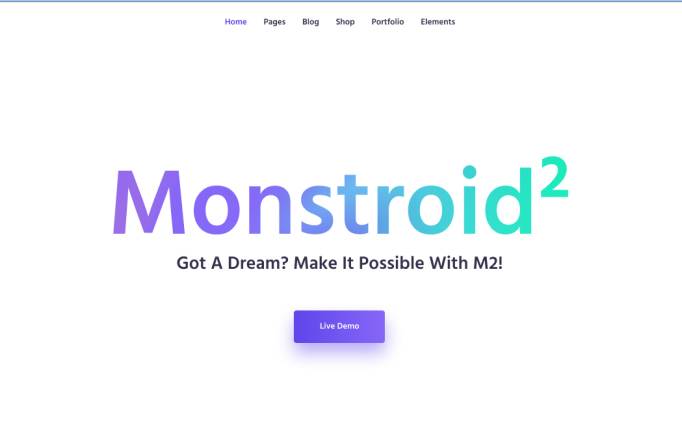
    Monstroid 2

    The first release of Monstroid was in 2015. It was the first WYSIWYG theme and provided lots of options and design solutions. Needless to say, the web audience liked it, so, soon the product became best-selling. Now let’s see which features, options, and web design trends you will find in the pack of this theme in 2019.

    Firstly, the editing process is a real must-have for the beginners. Monstroid 2 comes with the most popular drag and drop page builder named Elementor. It was called the most comprehensive builder for WP projects. In a word, Elementor contains:

    • live/ real-time preview;
    • immersive and creator-friendly interface;
    • thoroughly designed element categories, etc.;
    • 100% intuitive design;
    • numerous ready-made UI components;
    • the built-in library of presets and the possibility to create your own templates that will be saved to the gallery;
    • lightning-fast speed,
    • and lots juicy Elementor-oriented plugins.

    On average, by default, Montsroid 2 comes with more than 500 Elementor-based UI elements. And all of them are for various purposes. There will be new templates, blocks, and skins just inside the admin panel of the theme. But these are not all the news! The theme owner will also receive regular updates every week. They will be installed automatically, so you won’t even need to work on it.

    What else will you get with Monstroid 2? There are over 20 ready-made skins to choose from. With their help, you can set up a personal project, a business site, a corporate website, or any other kind of online project. To make a long story short, Monstroid 2 is suitable for many business niches. Also, all the skins contain the full-fledged sets of pages. They are hand-crafted and provide you with such ready-made basic sections as:

    • Contacts
    • Maps
    • FAQ
    • Gallery
    • Our Team
    • Blog
    • Shop, etc.

    Needless to say, there are many pre-designed CTA buttons like:

    • Chat
    • Contact Us
    • Shop
    • Cart
    • Wishlist, and more.

    As expected, this flagship comes with many premium plugins. Here are the top ones that were recently added to Monstroid 2 package.

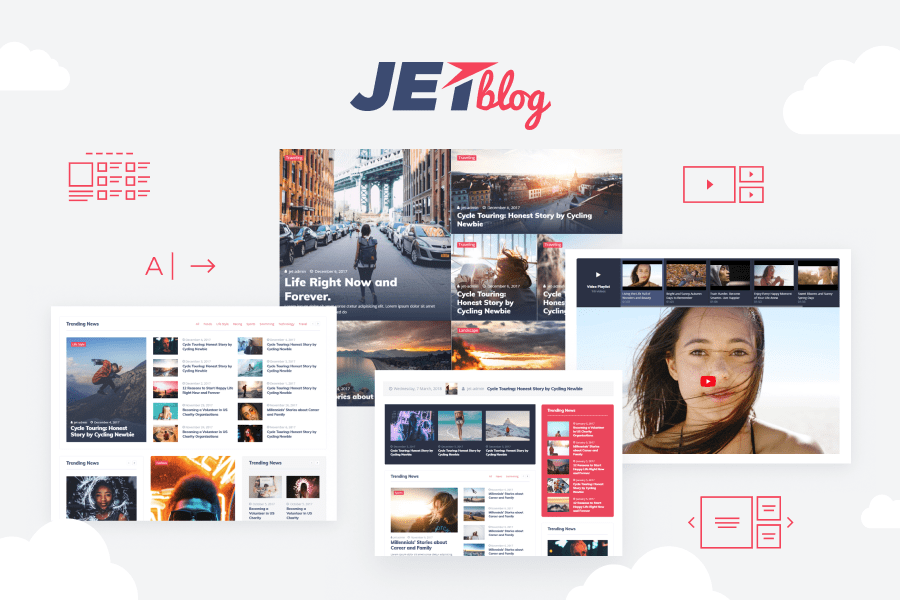
    JetBlog a popular WP plugin that was made to improve your blog. This is a cool and handy blogging pack which contains all trendy modules. All of them are meant to provide your blog with maximum content power. JetBlog is so easy to work with! It will help you to create new content for their blog by simply dragging and dropping the needed modules into the page’s canvas. Moreover, JetBlog is a fully responsive WP asset. Using the plugin, the site owner can introduce their ideas in numerous forms. For example, you can choose one or several items from smart modules set. And this set includes:

    • Smart List,
    • Tiles,
    • Video,
    • and Ticker.

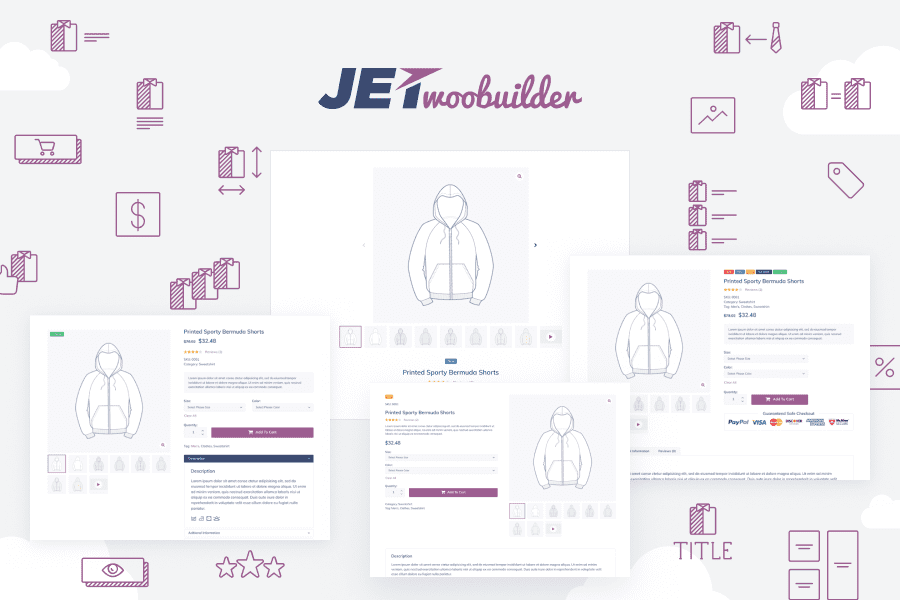
    Secondly, you’ll get JetWooBuilder. This plugin was made for various eCommerce purposes. It has everything and anything you may want to use during the creation of a beautiful online shop. For example, working with the asset, you have such features as:

    • Categories Grid, Products Grid, Products List, Taxonomy Tiles;
    • the possibility to build your unique single product page template;
    • easy customization;
    • lots of special easy-to-use WooCommerce widgets;
    • and rich content customization settings.

    Monstroid 2 provides its owner with JetElements. It’s a trendy and easy in use plugin that provides the website with even more functions and features. Among them, there will be such things as Sale Products, Best Sellers, Animated Boxes, Top Rated Products, Instagram Feed, Scroll Navigation, and Testimonials. The pack contains:

    • tones of first-class addons for Elementor page builder;
    • includes new widgets: Dropbar, Video Player, and Audio Player;
    • WooCommerce elements integration;
    • Contact form 7 to communicate with your prospects;
    • Countdowns, and more!

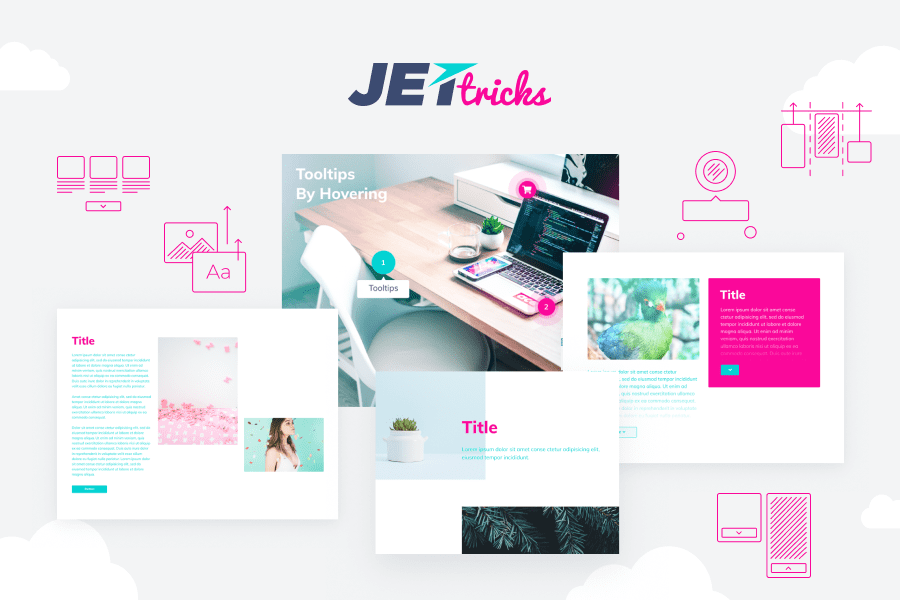
    The next thing is JetTricks. This is a groundbreaking Elementor addon that was created to empower your site with multiple visual effects. Needless to say, adding such trendy features to your web design is a nice way to catch shopper’s attention and attract them to the items you promote. Here are some features you will get:

    • beautiful Parallax effect for your content;
    • the possibility to make any element stick and improve site navigation;
    • stylish unfolding columns;
    • animated ‘show more’ break;
    • groundbreaking hotspots at hand, etc.

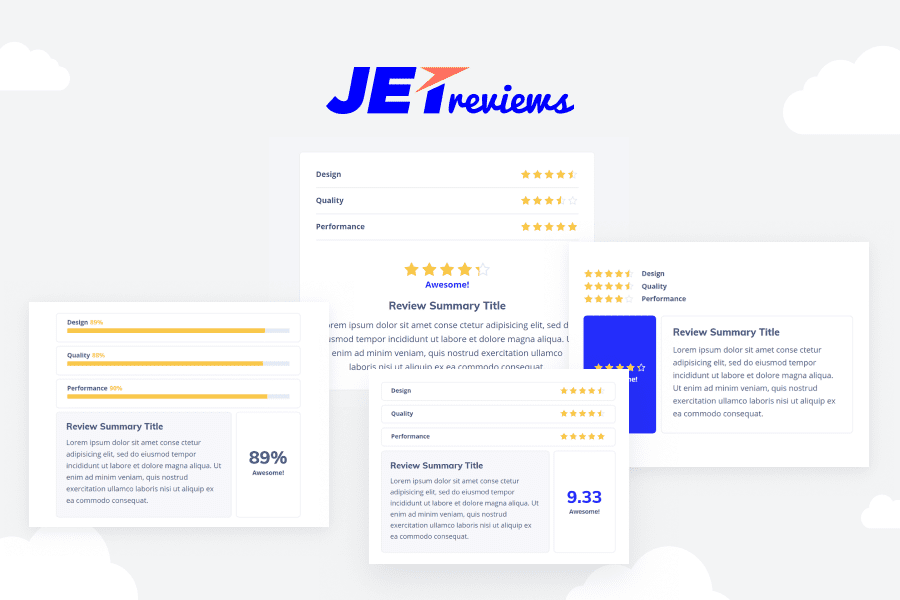
    And don’t miss JetReviews! Here is the asset which comes with a trendy widget to showcase ratings. JetReviews plugin is as easy as ABC. It allows you creating reviews and rating progress bars just in a few clicks. Here are some features you get:

    • flexible settings for web fonts,
    • vivid colors you can easily change,
    • beautiful shadow boxes,
    • alignment options, and many other styles.

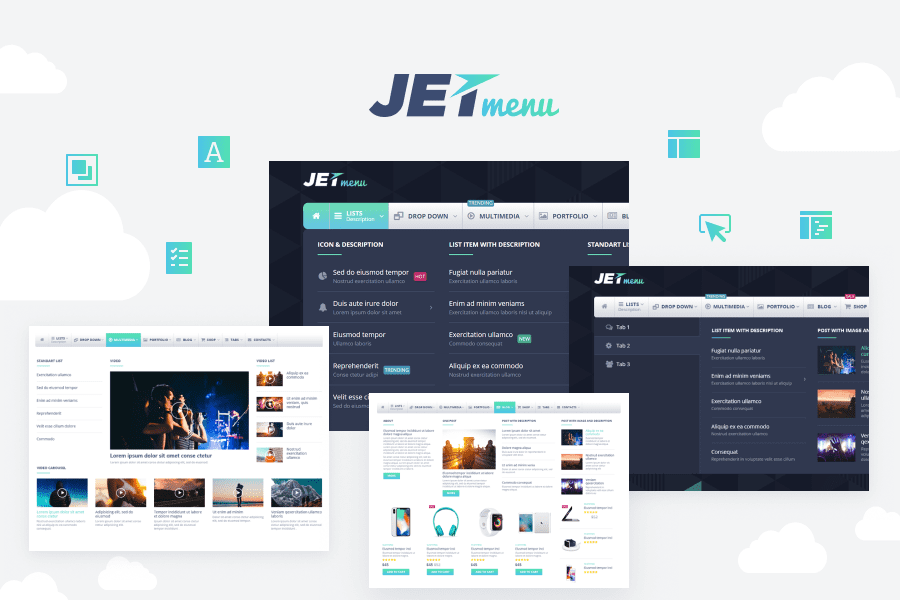
    There’s no secret menu is one of the most important parts of the site. That’s why JetMenu plugin was designed. This asset lets users to create attractive menus of any complicity that will organize the content of the site and boost SEO at the same time. Here are some main features:

    • vertical MegaMenu;
    • simple and intuitive interface that requires no special skills;
    • many unique modules for your menu;
    • fully responsive design that looks awesome no matter which device you choose;
    • diverse colors, exquisite badges, customizable backgrounds, etc.

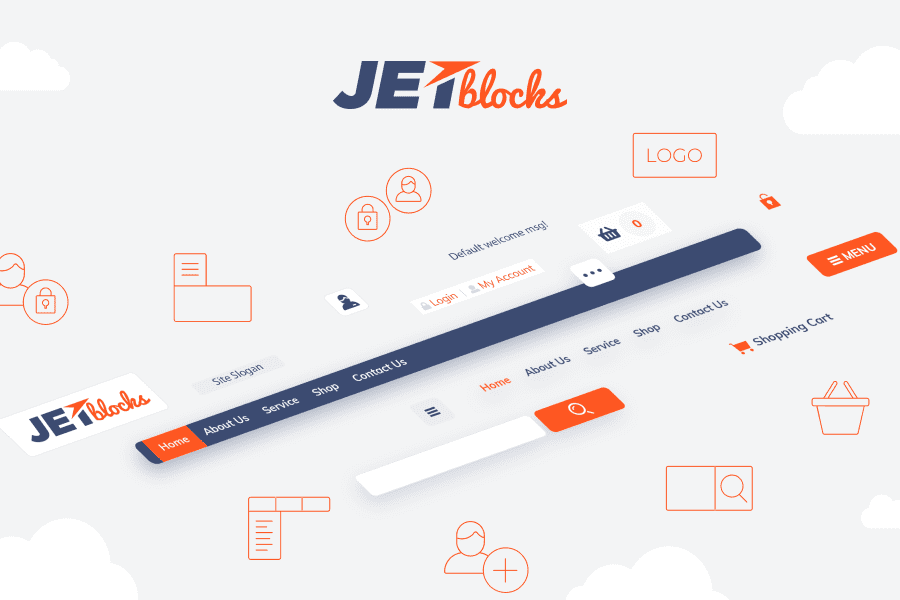
    JetBlocks plugin is a must-have for those users who take care of the way their headers and footers look. With it, you will get:

    • Website logo;
    • Login form, auth links, and registration form;
    • Hamburger panel;
    • Nav Menu;
    • Shopping Cart, etc.

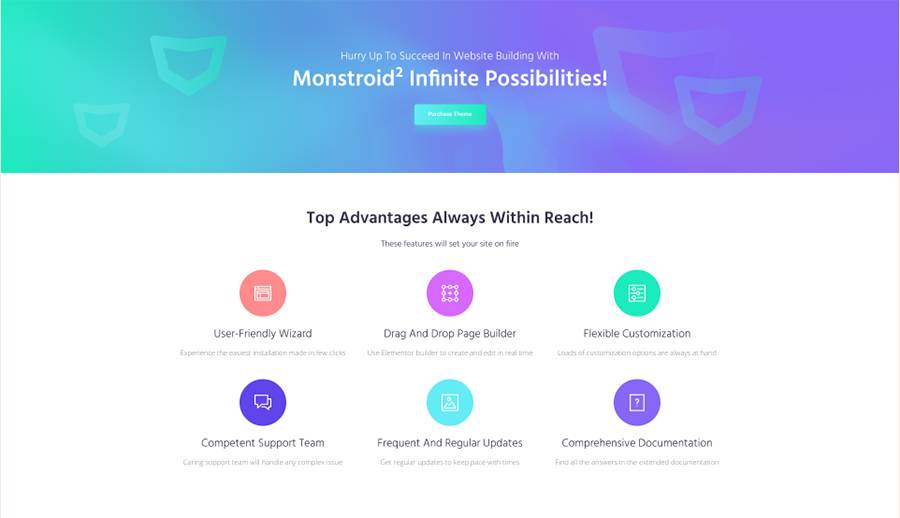
    Actually, these plugins are just to name a few! To sum everything up, here are the features Montsroid 2 provides its user with:

    • 100% responsive design
    • mobile-friendly design with scrollable sections, which supports swipe effect
    • SEO-friendly code
    • Full eCommerce pack
    • Lightning-fast speed
    • Premium plugins included
    • Comfy navigation
    • Creator-friendly interface
    • WYSIWYG editing included
    • Free and regular updates
    • Free and lifetime technical support that’s available 24/7
    • 1000+ pre-designed UI elements, and more.
  • 12 Spectacular Sci-Fi Designs For Your Own Conquest Of Web Spaces

    12 Spectacular Sci-Fi Designs For Your Own Conquest Of Web Spaces

    Space – so real and so enigmatic! It is tempting and scaring humans for centuries. Now, there are also many talks about space in the news, especially after the discovery of a new “Planet Nine”. And there is no surprise because space will always be at the centre of our interests.

    What is more, space has become a quite modish element in modern design. Especially it was evident after Disney has taken on the development of the Star Wars franchise. The upcoming part is planned for 2019. There are also some other fresh examples from the cinematography: “Interstellar” (2014), “Guardians of the Galaxy Vol. 2” (2017), “Avengers: Infinity War” (2018), “First Man” (2018), and far more of course.

    As a for the fashion…

    Several seasons word-wide podiums are not left by models in clothes with metallic elements. Different designers give their preferences to grey and silver. They also go experimental with textures and forms, trying to reach the trendy metallic effects. Some experts even dare to call the spaceship light-grey color the Pantone of 2019. Who knows? We’ll see!

    Space In The Web Design

    As for you, what do you think of the idea to use sci-fi designs in website creating? Such designs often contain dark color schemes in combination with pure white color and bright rich typography. The content fits particularly well into the overall structure if it is thematically related to space. If the theme of the website does not apply to space, it’s always possible to use some separate elements. In such a way the individual taste of the website owner and their tends awareness can be highlighted.

    In other words, space is a perfect attention-getter. Being an infinite source of inspiration for scientists, artists, and all dreamers, it can also captivate your website visitors.

    Here are some of those things that enhance the cosmic atmosphere of your website, like:

    • Starry Sky

    You can find nice constellations on the Web or even easier. Just use the outlines, the general scheme of the style of the constellations. Create a grid using dots and connecting lines. For example, the site of the British Museum uses this idea very well.

    • Animation

    Animation can make dark backgrounds look more interesting, brighter. Create it on a separate layer or in the form of parallax with less thematic color content. Typically, space designs are created with a dark background, including dark blue, purple, black colors. As a contrast, white is applied to the text or buttons to attract attention.

    • Subconsciousness

    Using the concept of space in web design, you get results based only on a subconscious vision of this topic. There is a huge number of images or objects, figures that are in no way connected with space. Although, you can’t but think about outer space watching them. This can be achieved with the help of color, shape, and images of the starry sky.

    • Minimalizm

    It is a steady concept with an accent on a large amount of empty space, and color contrast. This is a great opportunity to use cinemagraphs, neon, parallax, calligraphy, photos, and videos.

    And now, it’s time to look closer at the professional ready-made variants of sci-fi ideas in web design. Let’s get started!

    12 Top Sci-Fi Design

    SHOCK – Coming Soon Specialty Page

    SHOCK - Coming Soon Specialty Page

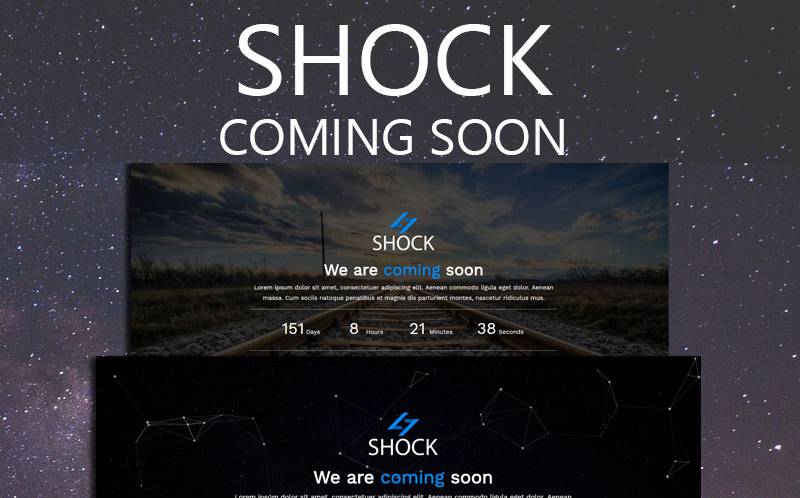
    Rely your hassles on multifunctional and fully responsive SHOCK. This Bootstrap template is packed with 6 background styles and rich pixel-perfect canvas animation. The design of SHOCK was created with the dominance of trendy Ultra Violet that “suggests the mysteries of the cosmos”.

    Sci-Fi Opener | After Effects Template

     sci-fi designs

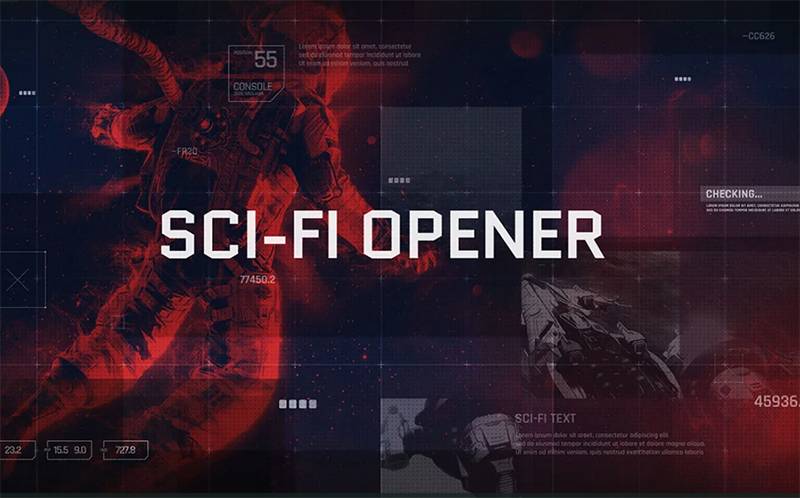
    Sci-Fi Opener is a creative and original website template for multipurpose projects. Stunning design combined with bright images create an atmosphere of a premium website. It’s the best solution for representing your business, start-up ideas, and hobbies.

    Science Multipurpose HTML5 Template

    Science Multipurpose HTML5 Template

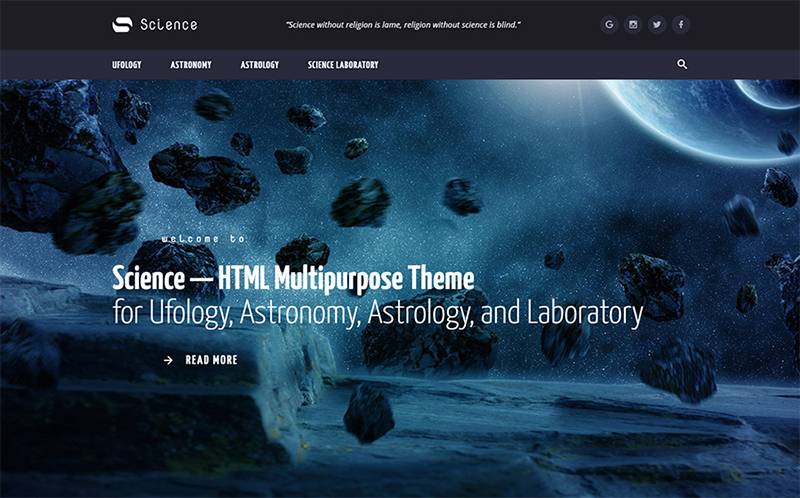
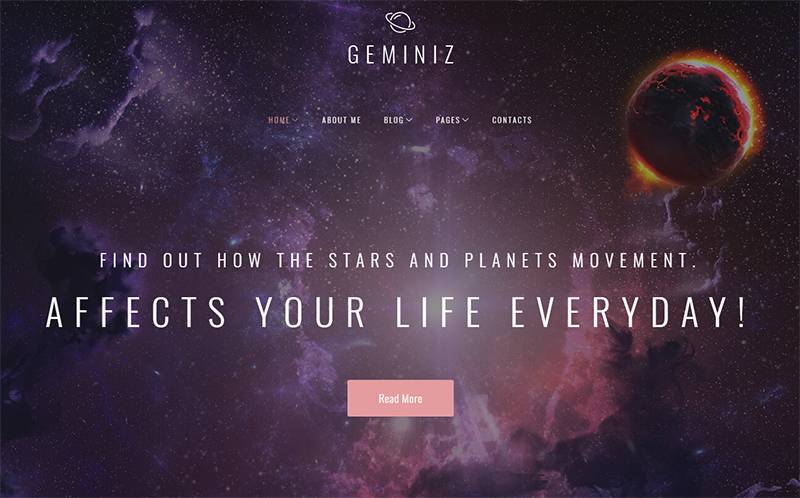
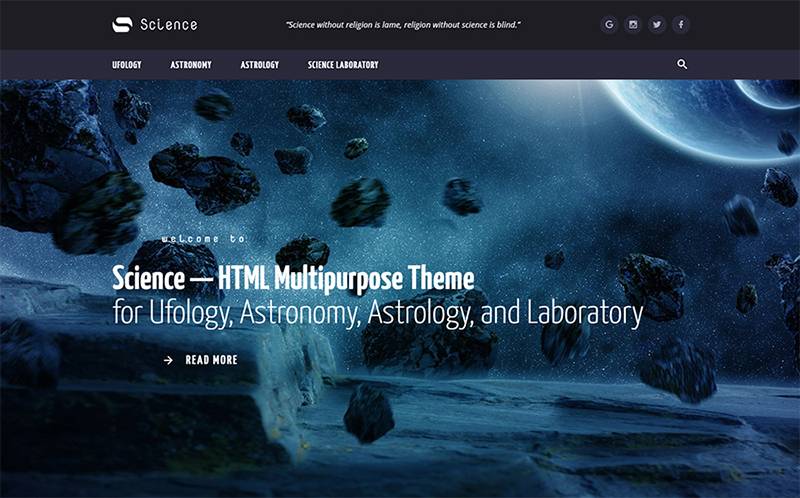
    Meet Science – Multipurpose HTML5 Website Template! The ways of its usability are the same unlimited, like outer space. Although, the elegant unique design of Science can match all your requirements and aims. So, don’t hesitate to choose this powerful HTML5 template. More than 30 ready-made pages, 4 niche layouts, header and footer variations are waiting for you!

    Sci-fi theme

    Sci-fi theme

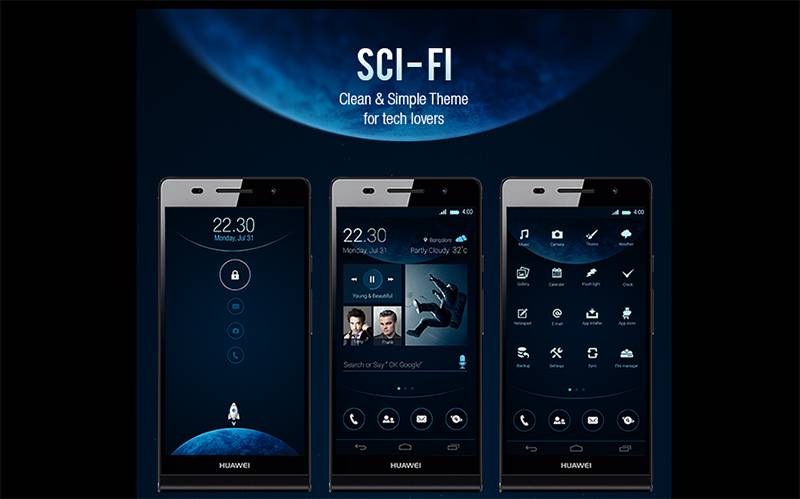
    The abstract style of Sci-fi proves that it’s rather original and unusual theme with the same unusual background images. This modern template is suitable for both stand-alone blogs, and for a full-fledged, constantly updated site.

    Astrology WordPress Theme

    Astrology WordPress Theme

    Let one of  art WP Themes bring a sense of creativity and mysticism to your presence on the web. This layout is perfect for everyone who admires cosmic views and functionality. It’s also provided with 24/7 technical support.

    Space theme • Logo + Homepage + Stuff

    Space theme • Logo + Homepage + Stuff

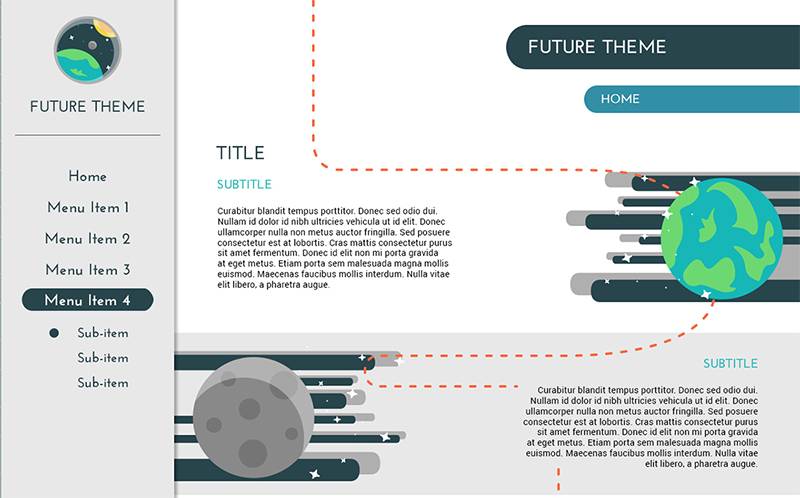
    Create a modern website with Space theme! Handy and powerful, it can also boast of the clean modern design. This template is supplied with 1 logo, 1 ready-to-use page, and different elements you may like.

    30 Space Iconset Template

    30 Space Iconset Template

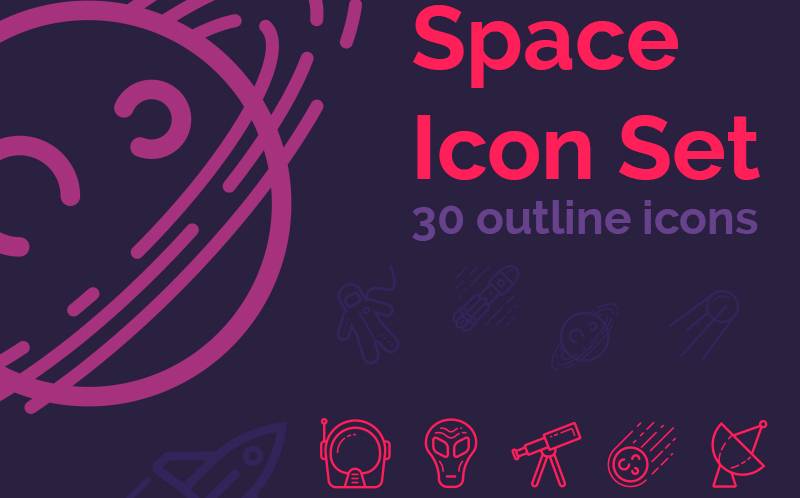
    Choose 30 Space Iconset Template to bring your project to a new level of self-representing. It’s also very suitable for an educational purpose. This theme is designed in catchy tones of violet and purple. Using it you can work with varied outline icons. There are concepts of astronaut, rover, spaceship, planet, space suit, satellites, rocket, etc.

    Coming Soon HTML5 Website Template

    Coming Soon HTML5 Website Template

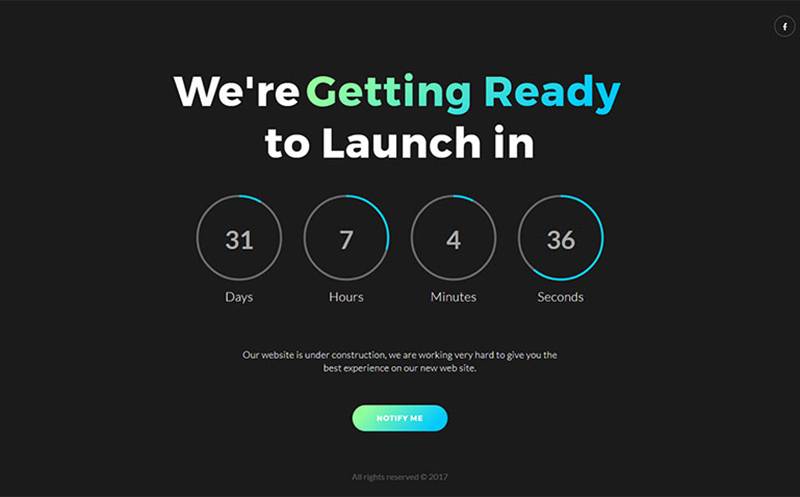
    VAVE is a polished powerful HTML template. More than 16 different styles are included to let you make any kind of upcoming website with a beautiful “coming soon” page. Don’t hesitate to check it by yourself!

    SPACE TEMPLATE

    SPACE TEMPLATE

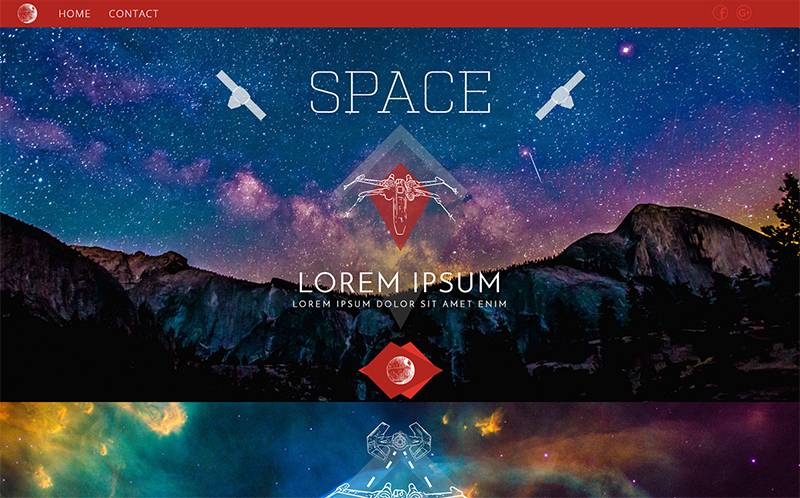
    Space is a spectacular theme packed with lots of cosmic views and useful tools. Due to this template, you’ll create a beautiful website in a few simple clicks.

    Telescopes and Observatories Logo Template

    Telescopes and Observatories Logo Template

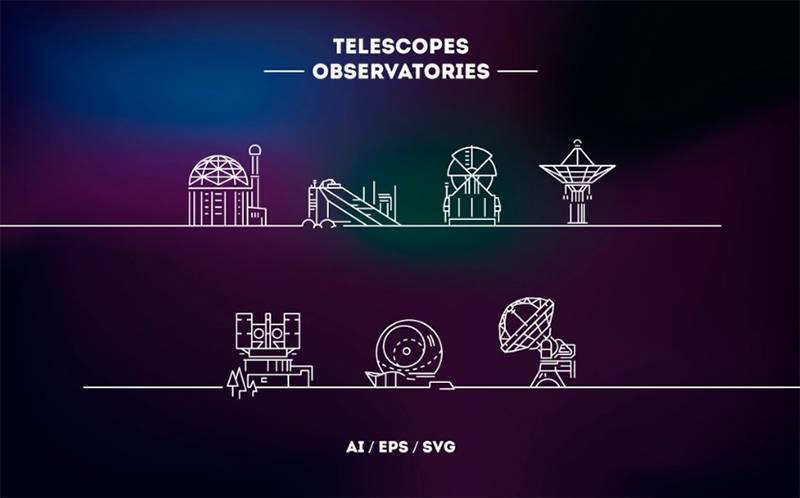
    Give your preferences to Telescopes and Observatories Logo Template and provide yourself with lots of cool modern logos. Varied vector linear illustrations with greatest telescopes and Observatories of the world, such as Atacama Large Millimeter Array (ALMA), The Southern African Large Telescope (SALT) and etc, are worthy of your attention.

    Space Coming Soon Specialty Page

    Space Coming Soon Specialty Page

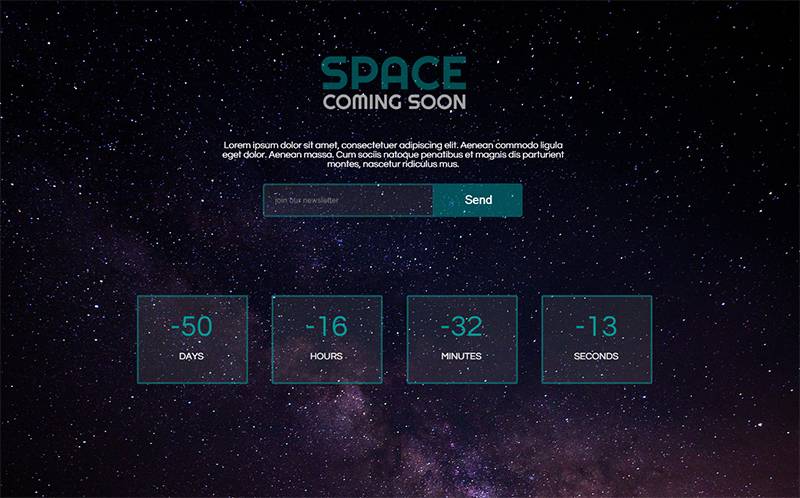
    If you are searching for an inviting way of announcing your upcoming website or event, Space is the only thing you need. The template has the very beautiful background of dark shades, reflecting the starry sky of the galaxy. Moreover, Space is easy and fully user-friendly.

    The Final Word

    Hopefully, this blog post wasn’t out of your consideration. And some of the mentioned ideas have influenced you positively. So, go ahead to make something original and even cosmic today! No matter, if it can be related to your business, private or artistic life. A bit of creativity and a pinch of stardust has never been harmful!

  • CrocoBlock Subscription Is A New Word In Elementor

    CrocoBlock Subscription Is A New Word In Elementor

    1

    If you feel like working with Elementor page builder is not enough to fit your aspirations, do not rush to various marketplaces searching for plugins and templates for your new projects. Let’s stop at CrocoBlock subscription pack and learn more about this new and very effective solution.

    What Should You Know About CrocoBlock?

    CrocoBlock is found to be a subscription service  that can offer everything necessary for working with Elementor: from 1000+ sections and numerous pages to the comprehensive pack of Jet plugins that will meet all your needs.

    Making use of above-mentioned plugins you get a chance to create a mega menu, organize it with Elementor and appropriate widgets, create multiple headers, footers, archives, and separate page designs.

    3

    Besides, you’ll find plugins that allow establishing blog pages, tabs, and accordion blocks that add a visual feast to the website.

    After subscribing to CrocoBlock, you won’t have to download these plugins separately because they are all gathered in the package. Except for the add-ons, the subscription service also supplies license terms for all the tools, so that you shouldn’t worry about it.

    CrocoBlock is a perfect solution for everyone who loves Elementor builder. You will definitely be amazed by this package from the first minute of using it.

    The Tour Across CrocoBlock

    In this paragraph, we will cover all the elements that can be found in the CrocoBlock pack and the benefits you’ll get subscribing to it.

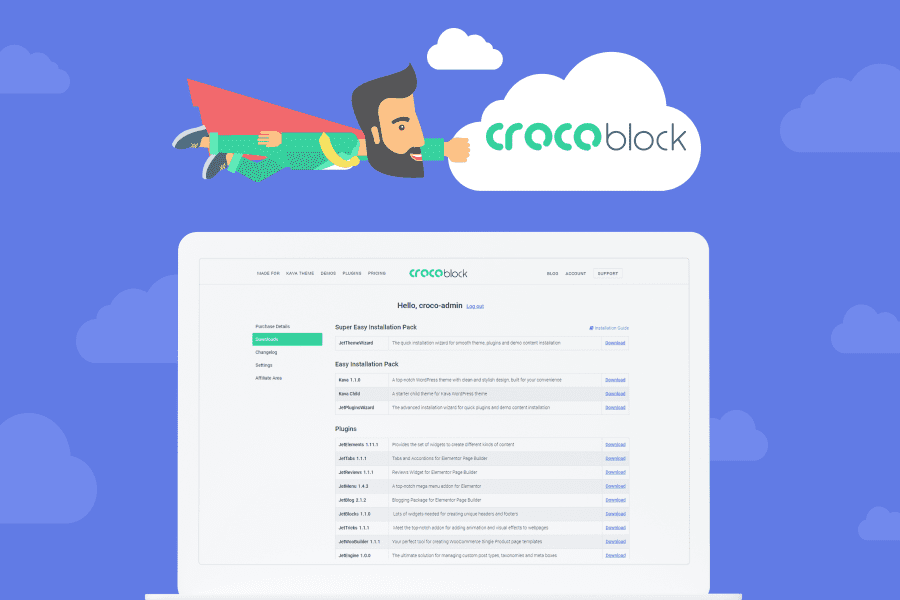
    In short, after purchasing the service you get an account at CrocoBlock. If you want to download the items, you first need to log in to the account and then go to the Downloads block.

    4

    Installation

    Depending on the purposes of your project you may choose between three installation packs which are the following:

    • The Super Easy Installation Pack comes with JetThemeWizard plugin allowing you to install Kava theme, Jet add-ons, and choose the skin you like. This option is perfect for those who want to install everything automatically without importing anything and using FTP.
    • Easy Installation Pack lets you install CrocoBlock dashboard and get an access to Jet add-ons, 30 topical skins, and premade sections. This pack is good to go for those who already have a theme and use Elementor on the site, yet want to complement it with CrocoBlock elements. Besides, you have a possibility to separately install Kava theme as a trial.
    • The Plugins pack gives you an opportunity to download and install the plugins you already use to your website from the mentioned pack. Installing JetThemeCore will help you get the premade sections and skins. In case you work with well-known WP themes like OceanWP, Astra, or GP, make sure to install JetThemeCore compatibility bundle.

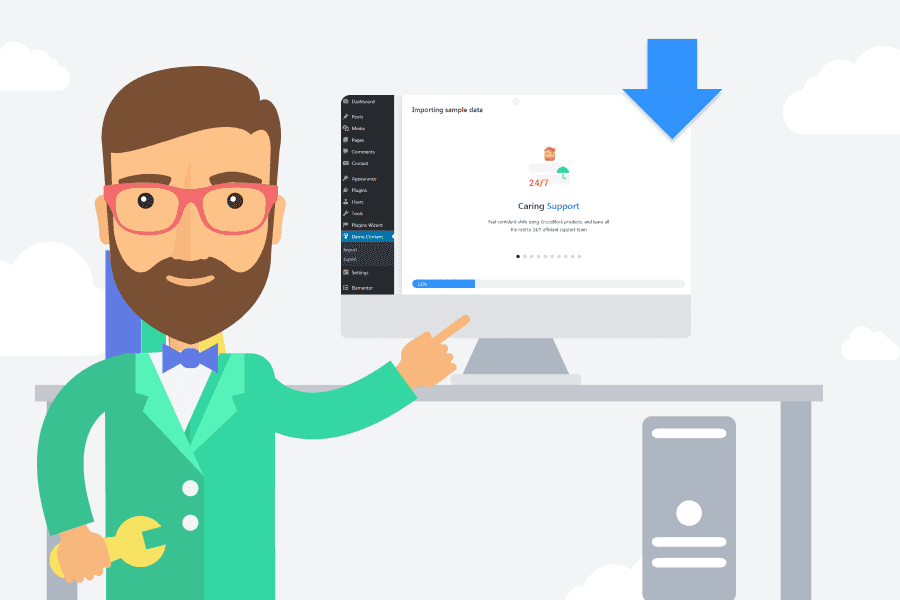
    When selecting the first two options, you should install and enable JetThemeWizard add-on via WordPress dashboard. The installation will take not more than a few minutes. All you have to do is just sometimes push ‘Next’ button to go further to various installation steps.

    5

    The third installation option has also some advantages. Let’s assume that you’ve selected the Single Yearly license. In this case, you will be able to split the bundle and utilize JetBlog add-on for one project, while making use of JetThemeCore for another one.

    A Variety of Skins

    6

    Prior to choosing the skin, you may check all of them on demos page at CrocoBlock. They cover any topic from a personal blog to business and corporate. They are offered as Elementor-built landing pages or come with numerous pages including About, Portfolio, Contact, Homepage, and much more.

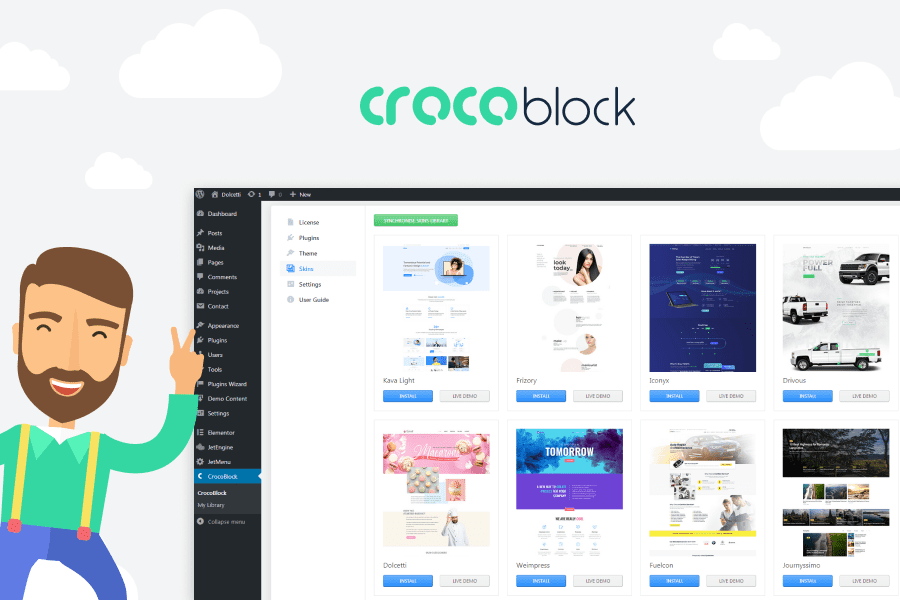
    It is necessary to install and enable JetThemeCore add-on if you want to get to the skins. The plugin applies CrocoBlock dashboard to the admin. Here, you may go to Skins tab, preview or install the one you like along with the pages and important plugins.

    7

    Premade Sections and Magic Button  

    Thanks to a CrocoBlock philosophy, the Magic Button has reached a completely new level. It gives you an easy access to premade parts, footers, headers, layouts, and freebies from importing themes separately and waiting for a while to append them to the website.

    Following the next steps you will get an access to the premade templates:

    • Open up Elementor editor and hit the Magic Button.
    • Depending on what you need to use among elegant skins, footers,headers, blocks, archives, or singles just hover on one of them and select the ‘Insert’ option.

    The Power of Jet Plugins

    9

    If you know Elementor page builder well, you are aware that some of the plugins may apply various widgets to the page or advance the functionality. Jet plugins have already gained a popularity among average web users and developers.

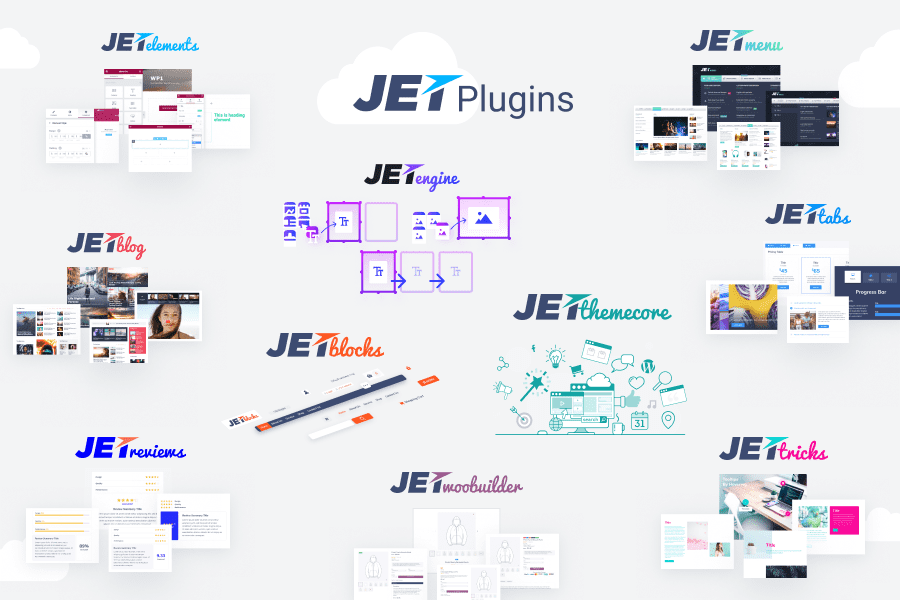
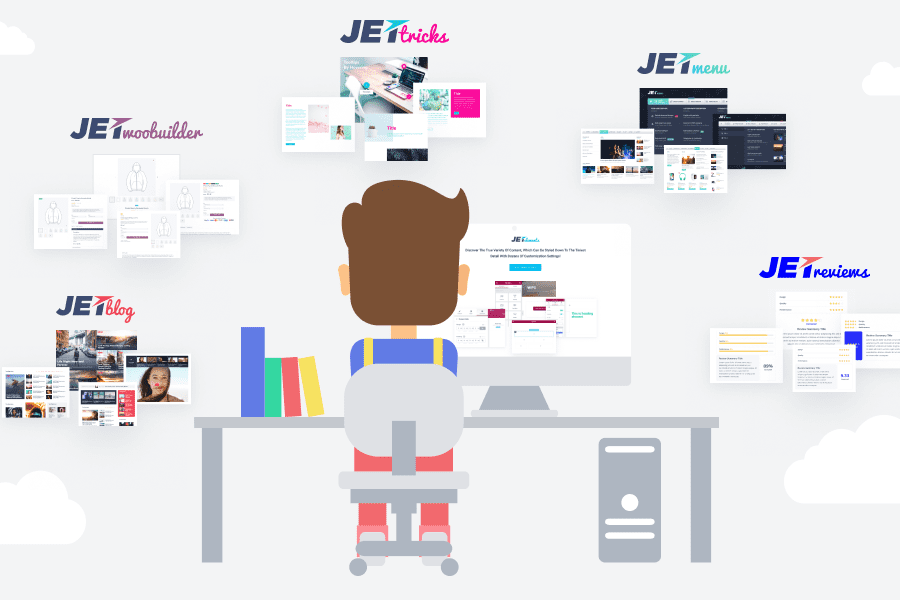
    They can be found and downloaded separately on any marketplace. Yet, do you really need to waste your time on searching, selecting and downloading them when CrocoBlock service offers all-in-one pack? At subscription service, you will find all 10 Jet add-ons available on the web market. Let’s learn more about each of them.

    Best Jet Add-Ons

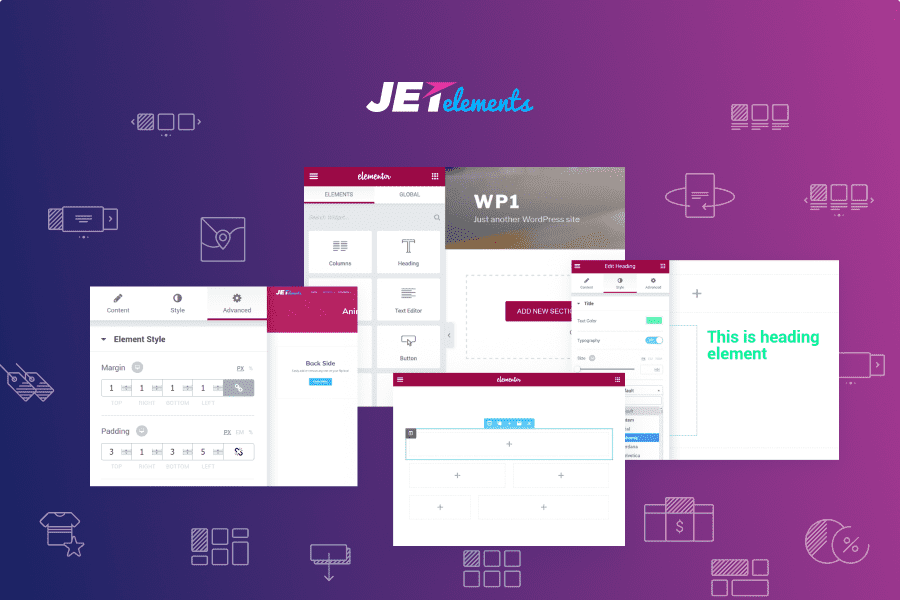
    JetElements plugin provides you with an access to 30 optional widgets available at Elementor editor including ones for Advanced Carousel, Post Layouts, Timelines, Portfolios, Scroll Navigation, and other. Besides, JetElements add-on allows applying Parallax function to the sections. Unless you have no need in some widgets for your project, feel free to deactivate them in Elementor > JetElements settings.

    11

    JetMenu plugin lets you create a mega menu with the help of Elementor and the appropriate widgets. Making use of JetMenu Mega Menu you are able to append a menu to the Elementor-built page, create menu items for it, or add JetMenu style settings to a standard menu of your existing theme. Apart from that, you get an opportunity to create a few styles presets to add them to various menus out of their placement.

    12

    JetWooBuilder is useful for those tending to build an online store with elegant Single product pages or create striking WooCommerce product layouts utilizing Elementor. Before activating the plugin you will have to create a number of WooCommerce products and append a brand new theme to the product through WooCommerce > JetWoo Templates block.

    13

    If you do not want to waste your time creating a template from the scratch, you may choose the premade template to add. In addition, you’ll get an access to 15 widgets that will help you add a dynamic content to the page built with Elementor. Making use of the widgets you will have a chance to demonstrate product pictures, meta, ranking, description, and relevant products. Besides the above-mentioned 15 widgets, you will additionally get 4 widgets allowing showcasing products and product classification layouts in form of Categories Grid, Products List, Products Grid, or Taxonomy Tiles.

    JetBlocks plugin features specific widgets that help to append login and registration forms, authorization links, shopping cart, and breadcrumbs to the web page. You do not need to touch a single line of code, all you have to do to add the previously-mentioned functions is just drag and drop the widgets from JetBlocks space and set style options.

    14

    JetBlog plugin will help you share the custom posts as striking listings and tiles, or apply new stickers. It will also let you attach a video playlist, custom fields, and quite sophisticated request methods including question posts utilizing custom fields.

    15

    JetTricks add-on lets apply more visuals like satellite, parallax effect, and animated section particles. Most of them can be tuned in Advanced settings for sections, columns, and widgets. Any kind of presented animation will look great at both minimalist and more complex site designs.

    16

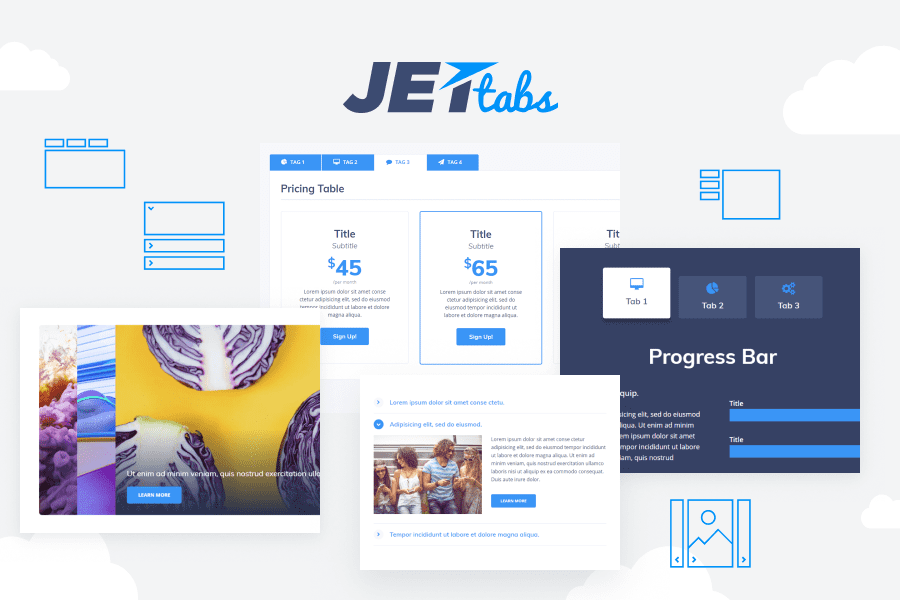
    JetTabs add-on offers a widget which allows applying the Elementor-built templates into tabs and accordion blocks. One more widget included in the pack is Switcher widget letting you switch between sections.

    17

    JetReviews plugin is specifically developed for those who want to create reviews and apply assessments to the Elementor-built pages. It is quite straightforward but includes thorough configurations for layout and style.

    18

    JetThemeCore plugin gives you simple ways to create and adjust header and footer templates, archive and single post pages. From CrocoBlock > My Library in admin, you may access JetThemeCore library, apply and modify all available theme part templates. Hitting ‘Add New’ button allows you to create a brand new theme part, choose the type of the part among headers, footers, pages, sections, or archives, then enter the template name and push ‘Create Template’ button. Once done, you’ll get an access to modifying a recently established template with use of Elementor and premade sections, and apply them to various pages and positions.

    19

    JetEngine add-on is perfect for establishing custom post types, classifications, and meta boxes. Coding is unnecessary to apply Services, Portfolio, or Projects to your web page or classify them. With JetEngine, it is not difficult to add specific post types and custom fields to any type of content. The add-on can also be used in conjunction with repeaters allowing you to make a few repeating fields. Featuring a set of specific widgets, like Dynamic Field, Dynamic Repeater, Dynamic Image and Dynamic Meta, JetEngine set a dynamic content in your single post page in an elegant way. Meanwhile, making use of integrated Listing Grid widget you get a chance to make the custom post or term layouts through JetEngine block.

    20

    Why Is Subscription Always A Good Idea?

    21

    Subscribing to CrocoBlock you get the entire kit of products and the following key characteristics:

    • constant updates of the affordable products;
    • new add-ons and skins received after each update;
    • premium support;
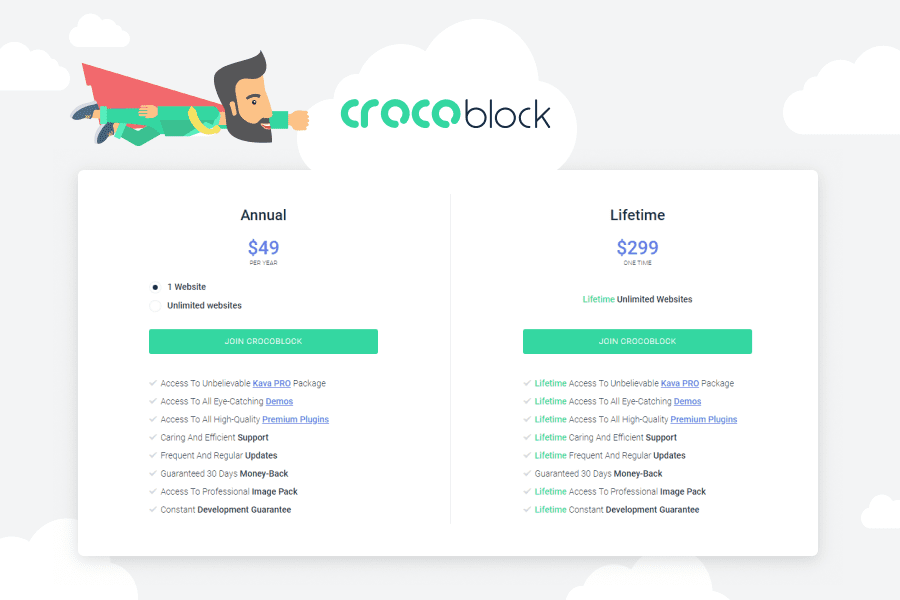
    • Unlimited license allowing you to utilize the items for limitless projects.

    In case you are a freelance developer or an independent web studio, acquiring an independent add-on or template for Elementor on any of marketplaces is not a good idea because you may experience licensing issues. Except for that, you have no guarantee that there is updating existing for the items you buy or that it will work with the latest Elementor versions. In most cases, separately purchased plugins have limited support and can entail issues with compatibility.

    Meanwhile, CrocoBlock excludes such issues guaranteeing that all the products are constantly updated.

    22

    If you choose to utilize the products of high quality and which are always at hand, CrocoBlock subscription service is right what you need to work with Elementor. Eventually, you’ll get much more benefits than what you’ve initially paid for. In case you use a lifetime limitless license, you are guaranteed to receive new Jet products and skins with each update.

  • Monstroid2 versus Divi versus Avada

    Monstroid2 versus Divi versus Avada

    It is not a secret that mankind does not stand still and is constantly working on doing everything possible to improve the quality of life. As a result, new technologies, devices, or lifehacks appear day by day. So do the WordPress templates for business. Some of them are updated, others are created from scratch. It does not matter what happens if it leads to the desired outcome that is the advanced functionality that is offered to the customers.

    Monstroid 2 update that has carefully been implemented by TemplateMonster has become the most stunning news for the upcoming autumn. Offering awesome features to its potential users, it promises to become the breakthrough of the year. However, besides it, there are two more rather favored WordPress Themes, such as Divi and Avada. Then, let us compare the key peculiarities of all the three mentioned themes to find the real bargain for the clients. We are going to consider the following points:

    1. Custom Page Builder
    2. The Amount of the Pre-Designed Custom Sections
    3. A Variety of Blog Layouts
    4. Overall Speed and Performance
    5. Value for Money

    What Are the Key Features of Monstroid2, Divi, and Avada?

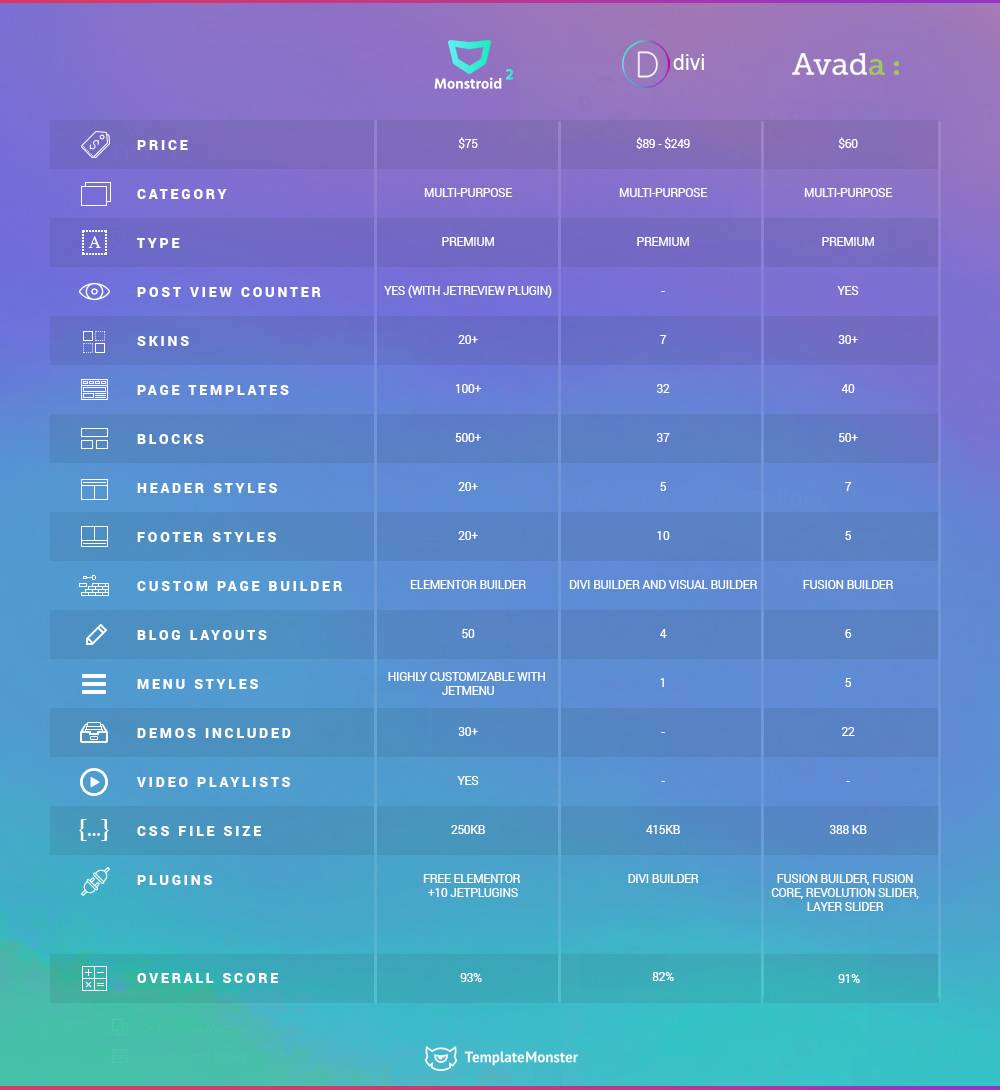
    You will find the main characteristics in the table below. Now let us pay closer attention to each of them and analyze these features in more detail.

      Page Builder Pre-
    Designed
    Sections
    Blog Layouts Speed & Performance Value for Money
    Monstroid2 Elementor
    Builder
    500+ 50 Very High $75
    Divi Divi Builder
    and Visual
    Builder
    37 4 High $89 – $249
    Avada
    Fusion Builder 50+ 6 High $60


     1. Custom Page Builder

    To start with, it is necessary to have a look at the page builders that are used to power all three themes. So, Monstroid2 has been designed with the help of the Elementor Builder which provides plenty of advantages.

    ГИФКА

    It is considered to be the most advanced page builder that works perfectly well with any themes and plugins. If you are looking for some particular plugins for it, you may find them at the Elementor Marketplace. One more benefit of the builder is that it is possible to customize the design and edit everything in real time. Divi theme has been created with Divi Builder and Visual Builder that also give a lot of layout possibilities to choose from.

    Moreover, if one needs to change something on the page, one can do it easily and see the result at once. It is possible to get the live preview of the page while working on it. As for Avada, it features Fusion Builder that allows creating the website from scratch, as well as editing the layouts. However, in comparison with the builders that are used to power Monstroid2 and Divi, Fusion Builder is the back-end one. It is less user-friendly. What is more, it takes much more time to build the page not talking about the website.

    2. The Amount of the Pre-Designed Custom Sections

    It is very convenient to use the ready-made blocks while creating a certain page of the website or the website as a whole. Monstroid2 offers more than 500 prebuilt sections and pages that greatly increase the opportunity to design the multifunctional website and not the only one just in a few clicks.

    For example, you may make a particular page that consists of the necessary basic elements, save it as a template and then use it for one or a different project. Or you may take advantage of the basic elements and a number of templates that are available and just play with them while working on your website design.

    One more pleasant news is that 500+ is not the limit, as new templates will appear in the nearest future. Just follow the update. While working with Divi and Avada, you will have a variety of skins at your disposal but their offer is not so big. Avada has more than 50 skins to work with, while Divi provides only 37.

    3. A Variety of Blog Layouts

    It does not matter what kind of website you want to create, an opportunity to add a blog to the website will always be appreciated. Thus, blog layouts are the ones that will be of great importance in this case.

    All the three themes have blog layouts in their structure but the amount is different. In case of Divi, you have only four standard blog layouts to opt for. Avada offers six of them. Monstroid2 is at the top of this game, as 50 layouts is the choice you just can dream of. After all, with the new Monstroid, this dream has become a reality. Just look at the Monstroid2 Demo.

    Image 24. Overall Speed and Performance

    There is no use explaining how important the speed and performance of any website is. It is worth paying attention to these issues if you do not want your users to abandon the website because of the poor load speed or problems with performance. The latest version of Monstroid2 has become super light, as the CSS file weighs only 250kb. What does it mean? It means that this theme is now less demanding in terms of finding a proper hosting provider than it was before.

    Moreover, the decrease of the weight has allowed increasing the page load speed and improving the overall performance. Thus, the website will work much faster and more smoothly. To compare Monstroid2 with Divi and Avada, it would be necessary to mention that their CSS file size is 418kb and 388kb correspondingly. As we can see, these themes are not so fast in operation. What is more, Avada has unnecessary stuff that influences the speed and general performance of the website.

    The new version of Monstroid2 has successfully got rid of all the plugins that made its operation much slower. Now all the plugins that contribute to the functionality of the theme, for instance, Jet plugins can be found in the theme package.Image 35. Value for Money

    Let us consider such important issue as pricing to decide what theme will be a good investment. Also, the regular price of Monstroid2 will be $75. However, with the previous version of the theme, it was possible to get GPL license that allowed you to use the theme for the unlimited amount of projects.Unfortunately, the updated version of the theme offers only the single site license. However, the pleasant news is that you purchase the theme only once but every month you get new templates while you update it. To get access to Divi, you have to pay from $89 to $249, depending on the period you plan to use it.Having paid $89, you will have an opportunity to use it for a year. If you are interested in a lifetime access to the theme, its updates, as well as the support, you will have to pay $249. As for Avada, you will have to pay $60 per website. And you will get only 6 months of support for this cost. In case you want more, you have to pay more.5Wrapping Up
    Therefore, having analyzed the mentioned features, we can draw the following conclusion. The new version of Monstroid2 has more advantages rather than disadvantages and is the most profitable offer in comparison with Divi and Avada. First of all, it is super light and fast. Furthermore, you have a lot of pre-designed templates to choose from. You will constantly get new options, such as templates, plugins, etc while updating the theme month by month. Therefore, explore the theme yourself and you will not change it for anything else!infographic done