A Joomla extension conflict is two (or more) extensions changing the same request, often by listening to the same plugin event, until the site misbehaves or PHP fatals. The last thing you installed is the first suspect. The reliable find is a binary search: disable third-party plugins in batches on a staging copy, then re-enable until the clash returns. Do not disable core plugins at random on production.
A conflict is not “the zip failed to install.” If the package never registered, use Joomla extension installed but not working. If the whole site is a 500, capture the log first: Which Joomla extension is causing a 500 error. This page is for the site that still runs, but SEF, login, cache, editor, or a component view breaks once two add-ons are enabled together.
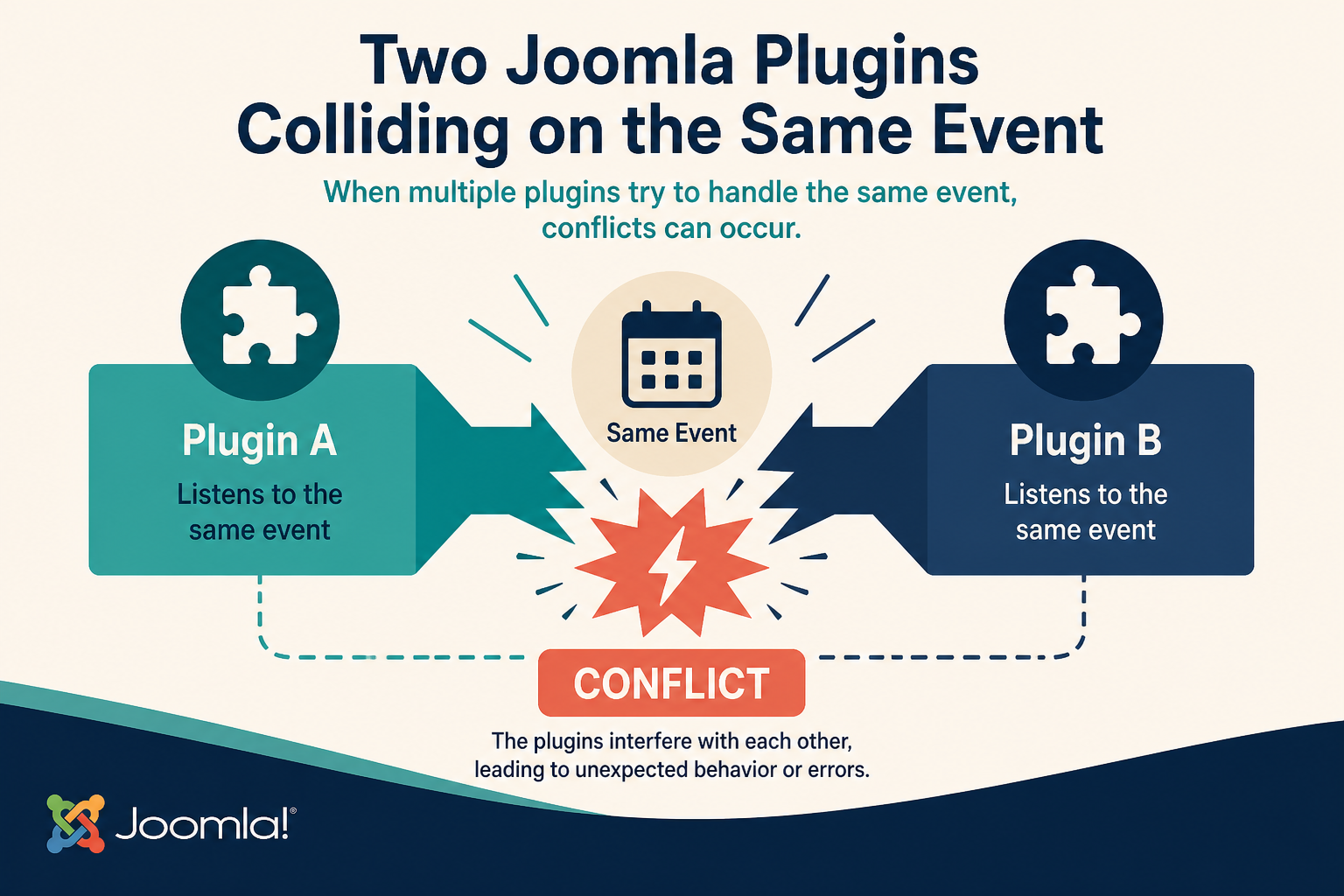
Same event, two listeners, undefined order. The second plugin sees HTML or a routing state the first already changed.
What you will learn
- How to tell a conflict from a single broken extension
- Why “what did we install last” is the fastest start
- How to read a PHP error as a file path under
plugins/ - How to disable third-party plugins in batches without taking core down
- What “two plugins on the same event” looks like in practice
- When to stop and use a maintained staging copy instead of live trial and error
Official fatal-error guidance (debug and isolate an extension): Joomla User Manual, Fatal error. Plugin events (what “same event” means): Plugin events.
What a conflict looks like (and what it does not)
| You see | Conflict pattern | Different job |
|---|---|---|
| Feature A works until you enable extension B | Two listeners, or B assumes A’s HTML | B is simply incompatible (still isolate B) |
| Blank module after enabling a system plugin | Plugin rewrites output too late or too early | Module position mismatch |
| Login, SEF, or language switch flaps | System plugins on routing / user events | Language assignment on one module |
PHP fatal naming a file in plugins/system/x and plugins/system/y |
Both loaded, one fatals on the other’s result | Single extension 500 |
| Admin works, site does not (or reverse) | client_id / site vs admin plugins |
Template only |
Conflicts cluster in system and content groups because those events run on almost every request: onAfterInitialise, onAfterRoute, onAfterRender, onContentPrepare, cache, and SEF.
Two SEF plugins, two “security / firewall” plugins, a page cache plugin plus a plugin that needs cookies, an editor-xtd button plus a content filter that strips the same tag: those are classic pairs.
Do not “fix” a conflict by editing the vendor’s PHP on production. The next update restores the clash. If you must change HTML a plugin prints, use a layout override when it has tmpl: Joomla plugin override. If you must change behaviour, disable one extension or replace it. Keep core files stock: Customize Joomla without editing core.
Step 1: Write down what changed last
Before you disable anything, record:
- Last extension installed or updated (name, version, date).
- Last Joomla or PHP change on the host.
- Last time someone enabled a plugin that had been off.
- Whether the failure is site, administrator, or both.
If the failure started in the same hour as a package, disable that package first (its plugins, then its modules, then the component). Many “conflicts” are one bad release fighting core, not two third parties. You still confirm by turning it off.
If nothing was installed, look at System → Manage → Extensions, sort by Date, and at host changelogs (PHP 8.2 to 8.3 is a common silent change).
Work on a staging copy when you can. Disabling plugins on a live shop during business hours is how you create a second incident. If you have no staging, take a full backup (files and database) before batch disables. Infyways can hold that process for you: Joomla support and maintenance.
Step 2: Turn the PHP error into a path
A conflict often announces the file.
- On staging (or briefly on production if you must): System → Global Configuration → System set Debug System to Yes. Server set Error Reporting to Maximum. Save.
- Reproduce once. Read the message. Turn Debug off and Error Reporting back to System Default when you finish. Do not leave Maximum on a public site.
- If the administrator is already down, you cannot use that UI. Use the 500 article:
configuration.php$debugand$error_reporting, plus the PHPerror_log.
The path is the clue:
plugins/system/cache/…vsplugins/system/yourcdn/…plugins/content/emailcloak/…vs a content plugin that already wrapped emailsplugins/behaviour/…plus a third-party system plugin that still calls removed class names
If PHP names one file only, start there. It may still be a conflict (that file fatals because another plugin changed state). If the stack lists two extension folders, you have the pair.
Empty error with a “wrong” page only: might not be PHP. Might be two plugins rewriting HTML. Batch disable still works.
Step 3: Disable third-party plugins in batches
Goal: prove the site works with only core, then add half the third-party plugins back, then half of that half. That is a binary search. It is faster than one-by-one on a site with forty plugins.
Rules:
- Do this on staging first.
- Do not disable Joomla core plugins you do not understand (Authentication, User, Behaviour, System – Language Filter on a multilingual site, System – SEF if you rely on it). If you disable Language Filter on a live multilingual site, you will create a worse outage than the conflict.
- Prefer the administrator: System → Plugins. Filter Site vs Administrator if needed. Filter by author or by a search that excludes
Joomla!. - Unpublish (disable) a batch of third-party system plugins first. Reload the broken page. If the bug is gone, the conflict is in that batch. Re-enable half. Repeat until one name remains.
- If system plugins are not the cause, batch content plugins next, then other groups (user, authentication, extension, privacy, and so on).
A practical batching order:
- Everything third-party in system that is not your payment or firewall must-keep list.
- Third-party content plugins (filters, shortcodes, related items).
- Third-party user / authentication if the bug is login.
- Modules last. A module rarely conflicts with another module the way two system plugins do. It can still break a page if both output the same JS global. Unpublish the extras in System → Site Modules if the binary search on plugins did not land.
If administrator login dies after a disable, you went too far (often authentication or a behaviour plugin). Restore from backup or set #__extensions.enabled = 1 for that plugin in the database. The fatal-error manual describes that table. Do not guess core rows.
When one plugin is identified, leave it disabled and re-enable the rest. Confirm the site is healthy. Then enable the suspect alone on a clean plugin set. If it fails alone, it is a broken extension, not a pair. If it fails only with one other plugin, you have the conflict pair.
Step 4: Check two plugins on the same event
Once you have two names, confirm they share a hook.
You do not need to be a developer. Open each plugin’s main PHP file on staging (read only) and search for onAfterRender, onAfterRoute, onAfterInitialise, onContentPrepare, onContentAfterDisplay, or similar on* methods. If both implement the same function, they both run. Order is the Ordering column in System → Plugins.
What to try, in this order:
- Change Ordering so the plugin that should see original HTML runs first (or last, depending on the job). Save. Test. Ordering is a real fix when one plugin must wrap output the other already built.
- If both claim to be “the” SEF, cache, or security layer, you cannot order your way out. Keep one. Uninstall or leave the other disabled.
- Look for a setting on one plugin: “don’t process admin,” “exclude component,” “don’t run on POST.” Use those before you write custom PHP.
Events for custom fields and content are documented in the content events manual. Two content plugins both rewriting onContentPrepare is how shortcodes disappear or how {field} output gets double-escaped.
Do not edit the vendor files to comment out a method. That is a core-style hack on an extension. Use disable, order, or a replacement.
Step 5: Components, modules, and “it only happens on one view”
If plugins are clean and com_example plus com_other fight:
- Open each component’s menu item. Note query vars.
- Disable one component’s modules and plugins (packages install all three). A “component conflict” is often its system plugin.
- Test the view with a stock Cassiopeia style to rule out a template JS conflict. Template JS vs extension JS is still a conflict. Put scripts in
user.json a child if you own them: Add custom JavaScript to Joomla.
Page builders plus core com_content fields, two backup plugins running cron, two Google Analytics plugins injecting gtag twice: isolate by disable, not by stacking more extensions.
Cache, SEF, and language plugins (the usual trio)
If the “conflict” is wrong URLs, mixed languages, or a page that is stuck in time, check this trio before you batch forty content plugins:
- System – SEF (core) plus a third-party SEF or router plugin. Keep one rewriter. Two of them is the most common routing conflict.
- System – Page Cache (or a full-page cache extension) plus a plugin that varies output by user, cart, or language. Cache serves the first visitor’s HTML to the second. That looks like a random conflict. Exclude the component, or disable page cache on staging while you test.
- System – Language Filter plus a third-party language or translate plugin. On a multilingual site, disable the extra translator first. Do not disable Language Filter on production as your first move.
A cookie or privacy plugin that strips scripts, plus a plugin that injects those scripts on onAfterRender, will clash until one of them has an allow list. Ordering can help. Two products that both claim to own the footer usually cannot.
When you finish a batch search, write the two names in a site runbook. The next admin who enables both because both were paid for will recreate the outage.
Step 6: After you know the pair
- Keep a note: names, versions, event, whether order fixed it.
- Check each vendor for a Joomla 5 / 6 build. An old Joomla 3 plugin on Joomla 5 is a conflict with core, not with your other add-on.
- Uninstall the one you will not keep, or leave it disabled with a comment in your runbook so someone does not “helpfully” enable it.
- Clear cache. Reload logged out.
- Turn Debug off.
If the pair is required for business (payments plus a tax plugin) and order does not help, that is a development or vendor ticket, not more toggling. Maintenance retainers exist for that: Joomla support and maintenance.
Do not confuse a conflict with a template override that fatals only when a plugin injects extra HTML. If the stack names templates/ and plugins/, disable the plugin first on staging. If the page recovers, the override assumed markup the plugin changed. Diff the override against core and put the repaired copy in a child. That is still a conflict. The durable fix is a plugin you can update plus an override you own, not a patched vendor file.
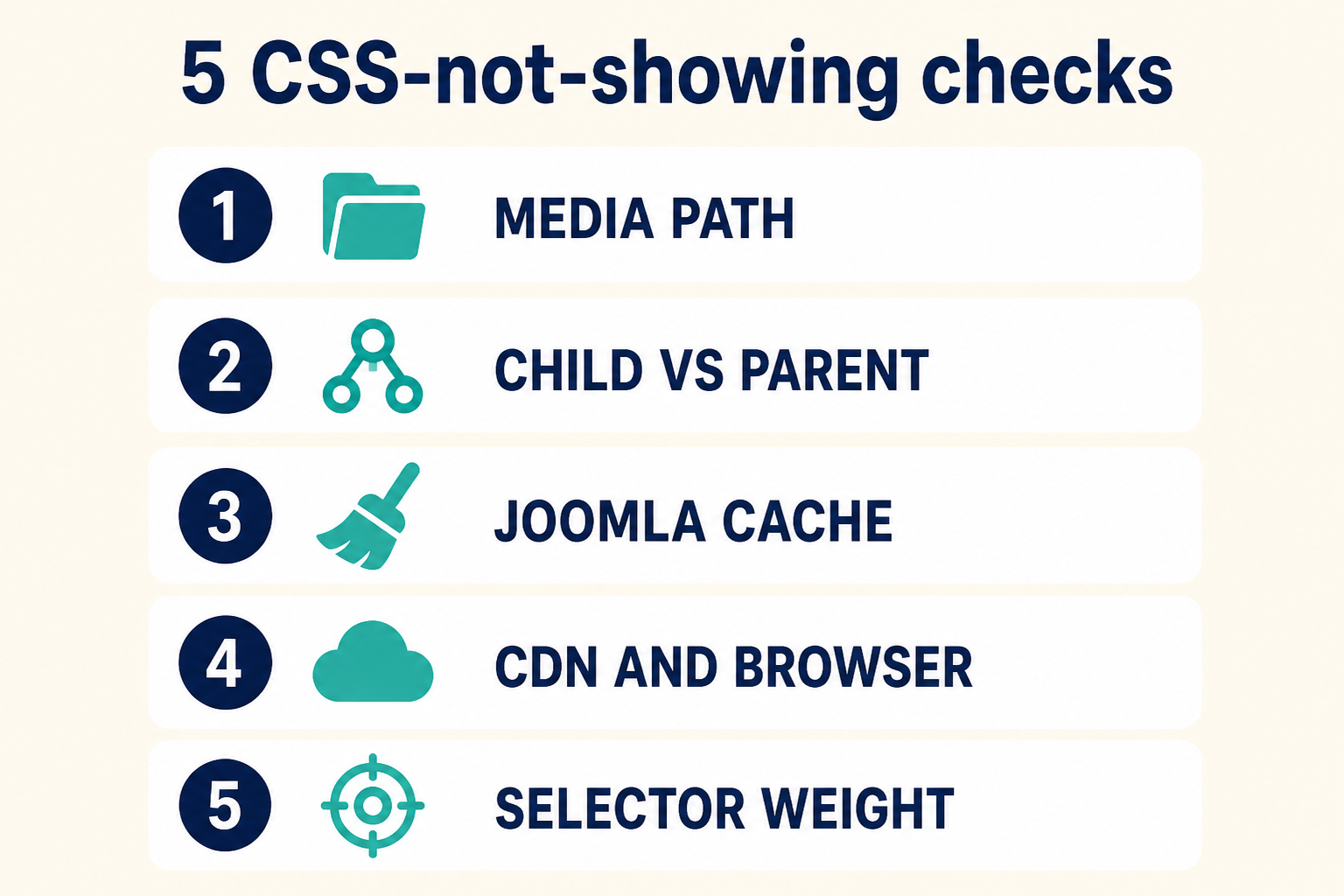
Last change first. Then a PHP path if you have one. Then batch disable on staging. Then confirm the shared event.
Key takeaways
- A conflict is two extensions on one request, often the same plugin event. Isolate with disables, not with core hacks.
- Start with the last installed or updated package. Many clashes are one bad release.
- A PHP error that names a file under
plugins/is a gift. Read the path before you guess. - Batch-disable third-party plugins on staging (binary search). Do not randomly disable core authentication or language filter on production.
- When two plugins share
onAfterRenderoronContentPrepare, try Ordering, then keep only one SEF/cache/security layer. - Packages include plugins. Disable those before you uninstall a component you still need.
- Restore Debug and Error Reporting when you finish. Maximum error output is for the hunt.
- If you cannot take production down, copy the site and hunt there. That is cheaper than an hour of live outage.
Frequently asked questions
How do I find a Joomla extension conflict?
Reproduce the failure, note the last install, then disable third-party plugins in batches on staging until the failure stops. Re-enable half at a time until one plugin (or a pair) is left.
Should I disable all plugins including core?
No. Core authentication, user, and (on multilingual sites) language filter keep the site usable. Batch third-party system and content plugins first.
Two plugins listen to the same event. What then?
Change Ordering and test. If both try to own SEF, cache, or security, disable one. You cannot merge two full-page rewriters.
Why did this start after an update, not an install?
The update changed one listener’s HTML or PHP. The other plugin still expects the old output. Same conflict method: last changed extension first, then batches.
Can a module conflict with a plugin?
Yes, usually through JavaScript or through a plugin that rewrites module HTML on onAfterRender. Unpublish the module to test, then the plugin.
Is editing the plugin PHP a valid fix?
Not on production, and not if you want updates. Disable, order, override a tmpl if one exists, or replace the extension.
When should I use a maintenance team?
When you have no staging, when administrator login is at risk, or when two business-critical extensions fail together after you isolate the pair.