Joomla custom fields are not showing when a display gate is closed: Automatic Display is off or pointed at a slot the view never renders, the field is unpublished or not assigned to the article’s category, Access hides it, an override never prints the fields block, or cache is serving a page from before the field existed. Values can sit in the article editor and still never reach the public HTML. This page is troubleshooting only. The feature how-to is Joomla custom fields.
If you have not created the field yet, stop and use that how-to. If the Fields tab has a value and the frontend does not, stay here.
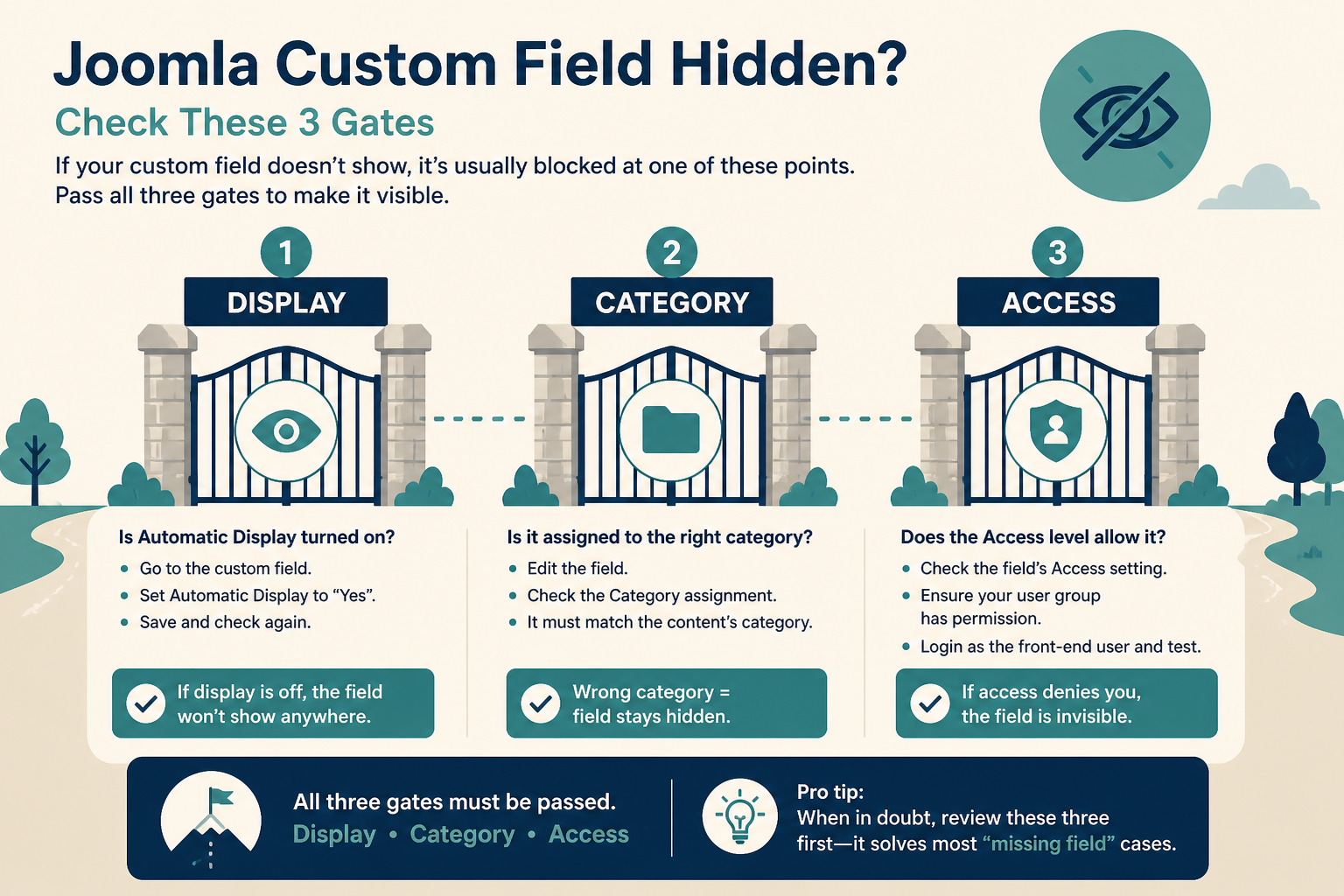
Admin can show a value while the public view never fires After Title, After Display, or your override. Treat display as a separate pipeline.
What you will learn
- How to prove the value exists before you touch templates
- What After Title, Before Display Content, After Display Content, and Do not automatically display actually inject
- Why Assigned Categories All skips Uncategorised
- How unpublished fields, ACL, and Display When Read-Only hide output
- How article context vs category context sends you to the wrong Fields list
- How a layout override or CSS can remove fields that Joomla did render
- Why cache makes a fixed field look broken for hours
Official parameters: J5.x Adding custom fields, parameters and the user manual Field parameters. Events: Content events (programmers).
Split the problem before you edit PHP
| Symptom | What it usually is | What it is not |
|---|---|---|
| Field missing on the article edit form | Category assignment, unpublished field, wrong context (Category vs Article), plugin off | Automatic Display |
| Value on the form, missing on the public article | Automatic Display, ACL, override, cache | “Joomla deleted the field” |
| Shows on the article, missing on the blog | Blog layouts often do not run the same display events the same way | Category assignment alone |
| Shows for Super Users, not for guests | Field Access or Display When Read-Only | Template chrome |
| Shows in HTML, not on screen | CSS, or label hidden and value empty-looking | Unpublished |
Do not start in html/com_content/article/default.php. Start in Content → Fields.
Step 1: Confirm the value and the plugins
- Content → Articles. Open the article. Open the field group tab (or Fields). Confirm the value is saved. If the input is missing in admin, this is assignment or context, not frontend display. Jump to Step 3 and Step 5.
- System → Plugins. Search
Fields. System – Fields must be enabled. Field type plugins (Fields - Text,Fields - Calendar, and the type you used) must be enabled. If you disableFields - Media, media fields stop. - Content → Articles → Options → Integration. Custom Fields must be enabled for articles. Contacts and Users have their own Options.
If editors cannot type a value, that can be Edit Custom Field Value (core.edit.value) inherited as Not Allowed. Grant it on Content → Articles → Options → Permissions for the right group, or on the field. That is an admin ACL issue. Super Users still see values. Guests never will if Access on the field is Special.
Step 2: Set Automatic Display (After Title, After Display, or none)
On Content → Fields, open the field. Find Automatic Display:
| Setting | Event | Where it usually appears |
|---|---|---|
| After Title | onContentAfterTitle |
Under the title, before intro |
| Before Display Content | onContentBeforeDisplay |
Above the body |
| After Display Content | onContentAfterDisplay |
Below the body |
| Do not automatically display | none of the above | Nowhere, until {field ID} or an override prints it |
Do not automatically display is the number one “not showing” after a careful setup. It is also the correct choice when you print fields in a child template layout. If you expected automatic output and left this on, change it to After Title or After Display Content, save, clear cache.
A whole group renders as one block in field order. If one field in the group is unpublished, the others can still show.
{field 12} in the article body needs the field id, not the name. Wrong id prints nothing useful. The Content – Fields plugin (or the editor Field button) inserts the syntax. If you type {field price} Joomla will not guess.
Blog (category) views and some third-party layouts do not call the same events, or they call them in a list context where you chose not to show fields. If the single article is fine and the blog is empty, Automatic Display is working. The blog layout is not a full article view. Use an override on html/com_content/category/ or accept fields only on the article.
Step 3: Fix category assignment (All does not mean Uncategorised)
The docs are explicit: the default All for Assigned Categories does not include Uncategorised.
If the article is in Uncategorised, the field can be absent from the editor and from the frontend. Assign Uncategorised explicitly, or move the article into a category you did tick.
Other assignment misses:
- You ticked “News” but the article is in “News / 2026” as a child. Child categories are not automatic. Tick the child, or tick every category that should show the field.
- You assigned the field to one category, then moved the article. The value may still exist in the database. The form and display rules follow the current category.
- New articles: the Fields tab stays empty until a category is chosen. That is normal. Joomla waits so it can apply assignment.
After a K2-style migration, Uncategorised is common. The how-to covers the happy path: Joomla custom fields.
Step 4: Unpublished, Access, and read-only display
On the field:
- Status must be Published. Unpublished fields are hidden in the editor for normal users and do not render on the site. Archived is the same idea with a different filter in Fields.
- Access (Public, Guest, Registered, Special) applies to viewing the value on the frontend. A field set to Registered will not show to a guest. That is not a template bug.
- Display When Read-Only: if the visitor cannot access the value, Yes still shows it, No hides it. Inherit follows the parent. A guest hitting a Registered field with Display When Read-Only = No sees nothing.
- Language on the field: same trap as modules. A field set to French will not attach to an English article the way you expect.
ACL on the article can also stop the whole page. If the article is not viewable, fields are a side issue. Test logged out in a private window.
Step 5: Article fields vs category fields vs contacts
Content → Fields has a context switch: Article, Category, Contact, User (wording depends on what is installed).
If you created the field in Category context, it lives on the category edit form, not on the article. The article page will not print it as an article field. You will hunt Automatic Display forever.
If you created it under Contacts, articles will never show it.
Open Fields, set the filter to Article, and confirm your field is in that list. Title collisions across contexts are possible. Use the id in the URL when you edit.
Step 6: Overrides and CSS that hide fields
Automatic Display injects HTML when com_content (or contact) dispatches those content events in the view. A custom article layout that never triggers them will never print automatic fields.
Typical override failures:
html/com_content/article/default.phpcopied from an old template or a page builder, then stripped to$this->item->textonly. Events never run. Fields vanish even with After Title set.- A
html/layouts/joomla/content/override that removed the after-title output. - A
html/layouts/com_fields/field/render.php(or field render) override that returns empty, or wraps output in a class your CSS sets todisplay: none. - Alternative layout on the article (a different
default_foo.php) that you never updated for fields.
Fix path: put overrides in a child, not in Cassiopeia core. Customize Joomla without editing core. If the field type uses a plugin tmpl, plugin overrides apply. Diff your default.php against the core file in components/com_content/tmpl/article/default.php. If core still calls the events and your copy does not, restore those calls.
CSS: inspect the public page. Classes like field-entry, field-label, field-value (exact names depend on layout) may be in the HTML. If they are, Joomla showed the field. Your user.css or the template hid it. If they are not in the HTML, you are still on Steps 2 to 5, not CSS.
Empty values: Automatic Display typically prints nothing useful when the value is empty. A required field that was never saved on old articles will look like “not showing.” Open the article and save a value.
Step 7: Cache, and then a frontend proof
After every field or override change:
- System → Maintenance → Clear Cache.
- If System – Page Cache is enabled, clear that too, or disable it on staging while you test.
- CDN / host cache: purge the article URL.
- Hard-refresh the public article logged out.
Joomla can cache the article HTML from before Automatic Display was set. You will swear the setting does nothing. The cached page is the old page.
Conservative caching of modules does not usually store article field HTML, but page cache does.
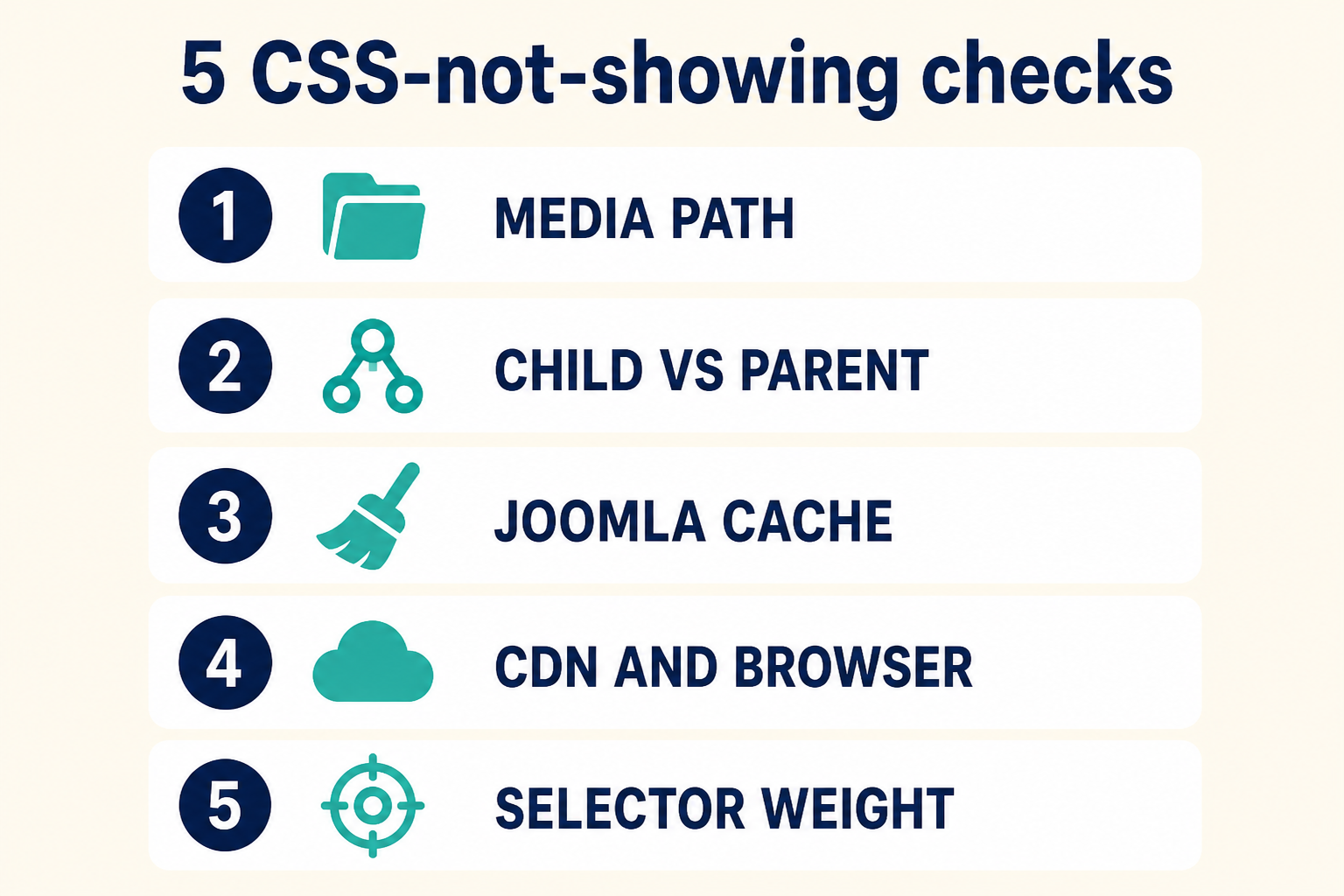
If the editor has no input, fix assignment and context. If the editor has a value, fix Automatic Display, Access, override, then cache.
Label hidden, empty value, and unpublished groups
Automatic Display can “work” and still look like a blank article.
- Show Label is off and the value is a short code or a boolean that CSS does not style. Inspect the HTML. If a
field-value(or the layout’s equivalent) is there, the field showed. You are in CSS or design, not in Fields. - The article never saved a value. Old articles created before the field existed stay empty until you open and save them. A default on the field applies to new items more reliably than to a thousand legacy rows.
- Field groups have their own published state. An unpublished group can hide the tab in the editor, which looks like the field “vanished.” Publish the group, then the field.
Media and calendar fields fail in a specific way: the value is a path or a date Joomla cannot render in that layout. Open the article, confirm the media picker still points at a file that exists. After a migration, broken paths are common. That is data, not Automatic Display.
If you use {field ID} and the id is from a different context (you copied the id from a contact field onto an article), the shortcode will not fill. Use the Article fields list id.
Blog vs article, and third-party views
Single article (com_content article view) is where After Title / After Display are designed to run.
Category blog, featured, and tag views may show intro text only. Fields will not appear in the list unless the layout prints them. That is expected. Do not “fix” Automatic Display for a blog card. Override the blog item layout in a child, or keep fields on the full article.
Third-party components that are not com_content do not gain article fields by magic. They need their own field context or their own templating. A directory extension is not “Joomla custom fields not showing.” It is a different component.
Key takeaways
- Troubleshooting starts in Content → Fields and the article form, not in random PHP.
- Do not automatically display means the public page stays empty unless you use
{field ID}or an override. - After Title and After Display Content only work in views that fire those content events.
- Assigned Categories All skips Uncategorised. Tick it or move the article.
- Unpublished fields, non-Public Access, and Display When Read-Only hide frontend output on purpose.
- A field created in Category or Contact context will never show as an article field.
- Article
default.phpoverrides that drop content events remove automatic fields. Keep overrides in a child and diff against core. - Clear page cache after you change display. Old HTML is the most convincing fake bug.
Create and assign fields using the companion article: Joomla custom fields. If a production template override is swallowing fields after an update, Joomla support and maintenance.
Related Joomla troubleshooting
Frequently asked questions
Why are my Joomla custom fields not showing on the article?
Automatic Display is often Do not automatically display, the article category is not assigned (Uncategorised is the usual miss), Access is not Public, or an article override never fires the content events. Confirm the value in the editor first.
What is the difference between After Title and After Display?
After Title injects on onContentAfterTitle (under the title). After Display Content injects on onContentAfterDisplay (after the body). Before Display Content sits above the body. None of these run if you choose Do not automatically display.
Why does All categories not include Uncategorised?
That is core behaviour, documented on the custom fields parameters page. Assign Uncategorised explicitly or move the article.
Do custom fields show on the category blog?
Not unless that layout prints them. Automatic Display is built around item views that dispatch the content events. Use a category override if list cards must show a field.
Can an unpublished field still hold data?
The value can remain in the database. Unpublished means the field is hidden from normal editing and from frontend display. Publish it to use it again.
How do I show a field only in an override?
Set Automatic Display to Do not automatically display, then print the field in a child template layout. If you leave After Title on, you will get automatic output plus your override.
Could cache hide a field I just added?
Yes. Page cache and CDNs store the article HTML. Clear Joomla cache and the URL at the edge, then test logged out.