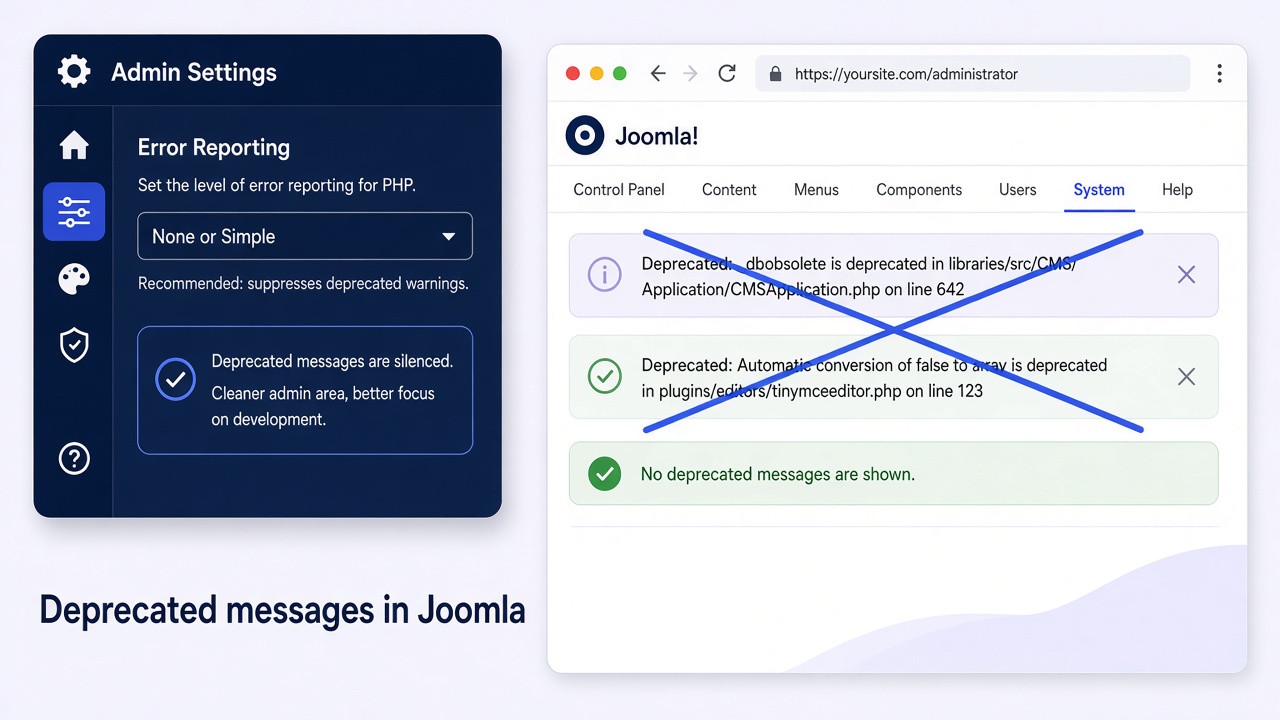
Disabling deprecated Joomla messages means stopping PHP E_DEPRECATED notices (and often Joomla “Log Deprecated API” noise) from flooding the front end, administrator, or log files. On Joomla 4, 5, and 6 the safe first move is Global Configuration → Server → Error Reporting set to None on production (or Simple while you triage), with Debug System off. Hiding messages is not a substitute for updating the extension or template that still calls old APIs.
Thin guides still tell you to paste error_reporting(…) at the bottom of configuration.php. That file is a PHP class of settings, not a free-form bootstrap script, and Joomla already maps Error Reporting into $error_reporting. This guide shows the admin path, the correct DIY edits when the admin is locked, PHP host filters, what Maximum does on PHP 8, and when you should fix the real code instead of silencing it.
What you will learn
- What deprecated messages are (PHP vs Joomla API logging)
- Production vs staging Error Reporting choices
- How to turn off Log Deprecated API and Debug System
- DIY: edit
$error_reportingin configuration.php when the admin is down - DIY: php.ini / .htaccess filters when System Default inherits a noisy host
- Why Maximum + PHP 8 can make a site unusable, and how to recover
- When silencing is wrong and you need an upgrade instead
Two different “deprecated” problems
| Source | What you see | Control |
|---|---|---|
PHP E_DEPRECATED |
Yellow/red notices on the page, or entries in the server error log | Error Reporting + PHP error_reporting / display_errors |
| Joomla deprecated API log | Growing deprecated.php under the log path |
Global Configuration → Logging → Log Deprecated API |
| Debug System overlays | Extra debug chrome and stack traces for developers | Global Configuration → System → Debug System |
Primary references: Global Configuration guide, Joomla logging, and the long PHP 8 discussion around Error Reporting set to Maximum (joomla-cms#36171).
Error Reporting levels (what each one does)
| Setting | Typical effect | Use when |
|---|---|---|
| System Default | Uses the host php.ini / FPM value | You control PHP and want one source of truth |
| None | No PHP errors displayed to visitors | Production. Default recommendation |
| Simple | Basic errors (roughly errors, warnings, parse). Filters many notices and deprecations | Quick triage without drowning in E_DEPRECATED |
| Maximum | Forces a very high reporting level (effectively all errors) | Staging only. Can flood PHP 8+ sites with deprecations |
| Development | Full developer reporting | Local clone only |
Security note: production should not display PHP errors to the public. Prefer None for visitors, and read server logs or a staging clone when you need detail.
Step 1: Set Error Reporting in Global Configuration
- Log in to Administrator.
- System → Global Configuration → Server tab.
- Error Reporting: choose None for live sites, or Simple if you still need basic faults visible to admins on staging.
- Save & Close.
- Reload the front end and administrator. Deprecated banners from PHP display should be gone when None is active.
Step 2: Turn Debug System off on production
- System → Global Configuration → System tab.
- Debug System: No.
- Debug Language: No unless you are translating.
- Save.
Debug Mode plus Maximum is how sites become unreadable under PHP 8 when old extensions still emit deprecations.
Step 3: Stop Log Deprecated API filling administrator/logs
- System → Global Configuration → Logging tab.
- Log Deprecated API: No on production (Yes only while you are intentionally auditing extensions).
- Log Almost Everything: No unless you are debugging a specific incident.
- Note the Path to Log Folder. If
deprecated.phpis huge, archive or delete it after you turn logging off (keep a copy if you still need the list of offenders). - Save.
Log Almost Everything does not include the deprecated category. Deprecated API calls use the separate Log Deprecated API switch and write to deprecated.php.
Step 4: DIY when the administrator is locked
If deprecated output or a fatals storm blocks the admin UI, edit configuration.php over SFTP or hosting File Manager. Change permissions temporarily if the file is read-only (often 444 → 644 on Linux hosts), edit, then lock it down again.
Set the property Joomla already understands. Do not append a free-standing error_reporting(…) call at the bottom of the class file:
public $error_reporting = 'none';
public $debug = false;
Useful values for $error_reporting: 'none', 'simple', 'maximum', 'development', or 'default' (system default). Matching debug:
public $debug = false;
Optional logging flags you may also see in the same file:
public $log_everything = 0;
public $log_deprecated = 0;
Save the file, reload the site, then finish the job in Global Configuration once the admin is reachable again.
Step 5: DIY PHP host filter (System Default or compile-time noise)
Some deprecations fire so early that only the PHP process setting fully hides them. Prefer the host panel (MultiPHP INI, PHP-FPM pool, or “Select PHP version → Options”).
Example php.ini / FPM style:
display_errors = Off
error_reporting = E_ALL & ~E_DEPRECATED & ~E_STRICT
log_errors = On
On Apache with AllowOverride permitting PHP flags, some hosts accept:
php_value error_reporting 22527
(22527 is a common integer for E_ALL & ~E_DEPRECATED on older PHP lines. Confirm with echo E_ALL ^ E_DEPRECATED; on your PHP version, or use the host UI instead of guessing.)
If Global Configuration is set to Maximum, Joomla overrides the host filter for display. Switch Maximum off first, then tune PHP.
Step 6: Verify and keep staging honest
- Production: Error Reporting None, Debug No, Log Deprecated API No.
- Staging clone: temporarily use Simple or Development, or enable Log Deprecated API, and capture which extensions appear in the log.
- Confirm visitors no longer see notice HTML in View Source.
- Confirm the server error log is not still spamming the same deprecations every request (display off does not always stop logging).
- Clear Joomla cache after config changes.
What not to do
- Do not paste
error_reporting(E_ALL & ~E_DEPRECATED);at the bottom ofconfiguration.php. That old Infyways tip (and many Stack Overflow clones) treats a settings class likeindex.php. - Do not leave Maximum + Debug on a public PHP 8 site “just in case.”
- Do not
error_reporting(0)in coreindex.phpas your long-term strategy. Updates overwrite it and you lose real fatals you need. - Do not ignore a flood of deprecations forever on an abandoned extension. PHP 8.3 / 8.4 and Joomla 6 will keep raising the cost.
Fix the cause when messages point at your stack
| Signal | Likely cause | Next step |
|---|---|---|
| Deprecations name a third-party extension path | Extension not ready for your PHP / Joomla line | Update or replace the extension |
| Deprecations name a template override | Old PHP in the override | Rewrite the override on a child template |
| Only on Maximum / Development | Expected noise while modernising | Keep production on None; fix on staging |
| Site unusable after a PHP upgrade | Reporting too high + legacy code | Set None/Simple via configuration.php, then plan an upgrade |
If the site is still on Joomla 3 or early 4 with abandoned extensions, silencing notices only buys time. Infyways upgrades start at $149 with a free audit within 12 hours: Joomla Upgrade Services.
What thinner articles leave out
| Topic | Typical post | This guide |
|---|---|---|
| First step | Hack configuration.php with error_reporting() | Global Configuration Error Reporting |
| Joomla API log | Ignored | Log Deprecated API and deprecated.php |
| PHP 8 + Maximum | Missing | Why the site can go blank or unusable |
| Locked admin | Vague FTP advice | Edit $error_reporting and $debug properties correctly |
| Host PHP | One .htaccess line | display_errors, logging, and Maximum override behaviour |
| Root cause | “Messages are annoying” | Update extensions or upgrade the CMS |
Key takeaways
- Production: Error Reporting None, Debug System No, Log Deprecated API No.
- Simple is a useful middle ground for triage without full deprecation spam.
- Avoid Maximum on live PHP 8+ sites unless you are ready for noise.
- When locked out, set
$error_reporting = 'none';and$debug = false;in configuration.php. - Do not append raw error_reporting() calls to configuration.php.
- Host PHP filters help when System Default inherits a noisy ini, but Maximum overrides them for display.
- Silencing is temporary. Fix or replace the extension that still uses deprecated APIs.
Frequently asked questions
How do I disable deprecated Joomla messages?
Set Global Configuration → Server → Error Reporting to None on production, turn Debug System off, and set Log Deprecated API to No.
What is the difference between Error Reporting None and Simple?
None hides PHP error display. Simple still shows basic errors and warnings but filters much of the notice and deprecation noise.
Why did Maximum make my PHP 8 site unusable?
Maximum forces very high reporting, so every E_DEPRECATED from legacy extensions can dump onto every page. Switch back to None or Simple.
How do I edit Error Reporting if the administrator will not load?
Edit configuration.php and set public $error_reporting = ‘none’; and public $debug = false; then reload.
Should I add error_reporting() to configuration.php?
No. Use the $error_reporting property or the Global Configuration UI. Appending a free-standing call is an outdated and brittle hack.
What does Log Deprecated API do?
It writes Joomla deprecated API usage to deprecated.php in the log folder. Turn it on only while auditing, then turn it off.
Will hiding deprecated messages fix security issues?
No. It only stops display or API logging. Outdated extensions can still be vulnerable. Plan updates or a migration.
Can I filter E_DEPRECATED in php.ini only?
Yes for System Default, and for some compile-time cases. If Joomla Error Reporting is Maximum, change that setting too.
Where do we start if deprecations come from abandoned extensions?
Request a Joomla upgrade audit so the stack moves to current Joomla and PHP with supported replacements.