A Joomla plugin override is a copy of a plugin layout file in your template html folder. The path is templates/{template}/html/plg_{group}_{element}/{layout}.php. It works on Joomla 4, 5.4, and 6 for any plugin group (system, content, fields, user, authentication, editors-xtd) if that plugin loads a layout through PluginHelper::getLayoutPath(). That almost always means a tmpl folder. No tmpl means there is nothing for html/ to replace. Most system plugins have no layout. A few that print HTML do.
This is the 2026 operator guide. It is not limited to page navigation. You will test for a layout, name the folder, put the file in a child template, and know when CSS or a language override is the real fix.
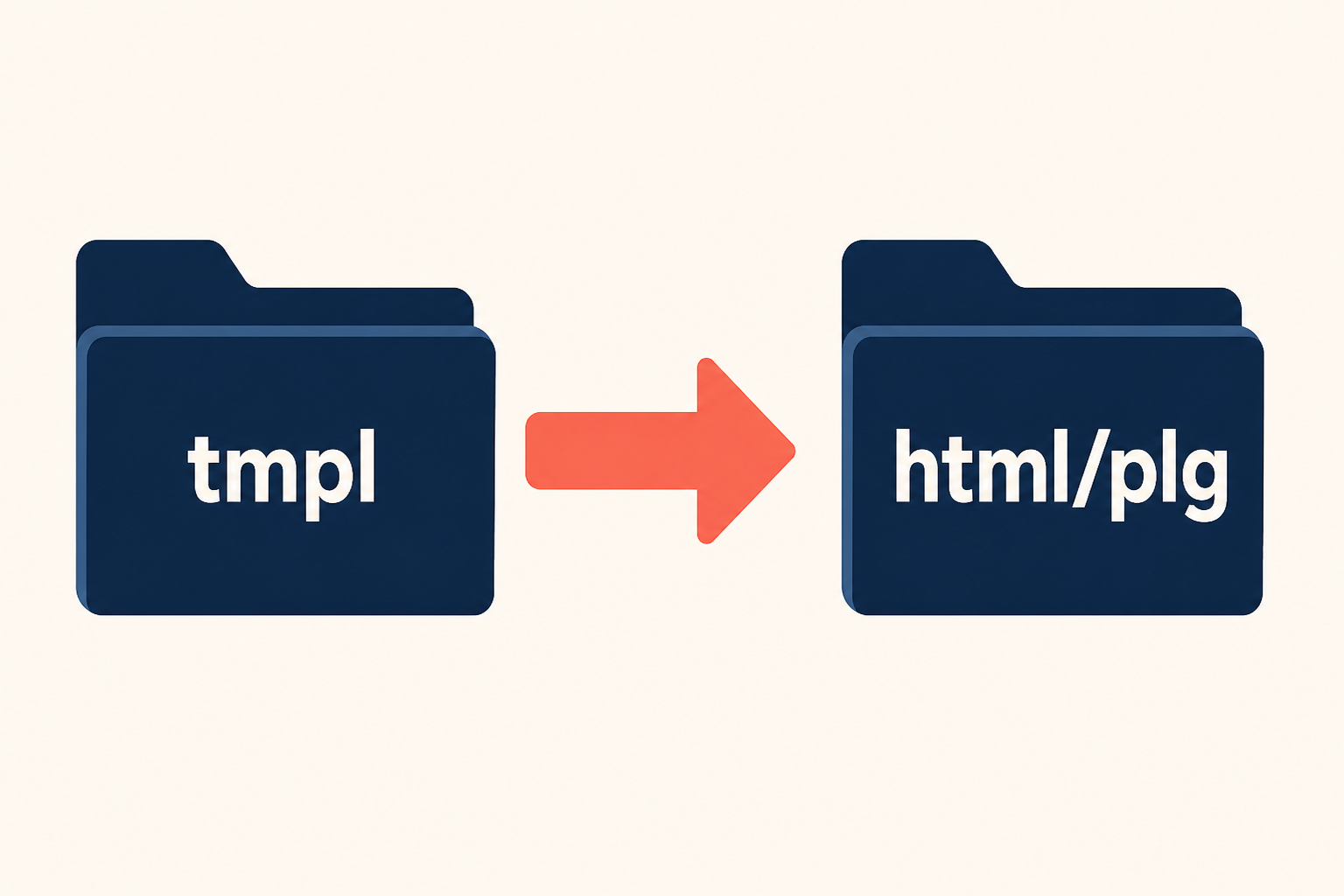
The plugin keeps the logic. Your template keeps the HTML. Updates replace the plugin. Your copy stays if it lives in a child.
What you will learn
- How plugin overrides differ from component and module overrides
- The
tmpltest that decides yes or no, including system plugins - The exact
html/plg_{group}_{element}/folder name - Why Create Overrides in the template manager usually hides plugins
- How to override content page navigation, content vote, and field types
- What a plugin override can change, and what it cannot
- When to use
html/layouts/instead ofhtml/plg_… - How to debug an override that “does nothing”
The problem plugin overrides solve
You want Prev/Next as buttons. You want the vote stars in a different order. You want a field type to print a badge instead of a definition list.
The HTML lives inside the plugin, not in com_content’s article layout. Editing plugins/content/pagenavigation/tmpl/default.php works until the next Joomla or extension update puts the stock file back.
A component override of the article view does not catch output the plugin injects later. A module override does not catch it either. You need a plugin override, or you are hacking core.
Official path and the tmpl rule: Layout Overrides in Joomla. The J4 layout page shows the same idea for vote: Template Layouts.
Three kinds of output, three folders
| What prints HTML | Source folder | Override folder |
|---|---|---|
| Component view | components/com_*/tmpl/… |
html/com_*/{view}/ |
| Module | modules/mod_*/tmpl/ |
html/mod_*/ |
Plugin with tmpl |
plugins/{group}/{element}/tmpl/ |
html/plg_{group}_{element}/ |
| Shared JLayout | layouts/… or extension layouts/ |
html/layouts/… |
Create Overrides under System → Site Templates → {template} → Create Overrides lists components, modules, and many JLayouts. It usually does not list plugins. You create html/plg_… by hand. That is why people think plugin overrides do not exist.
The tmpl test (including system plugins)
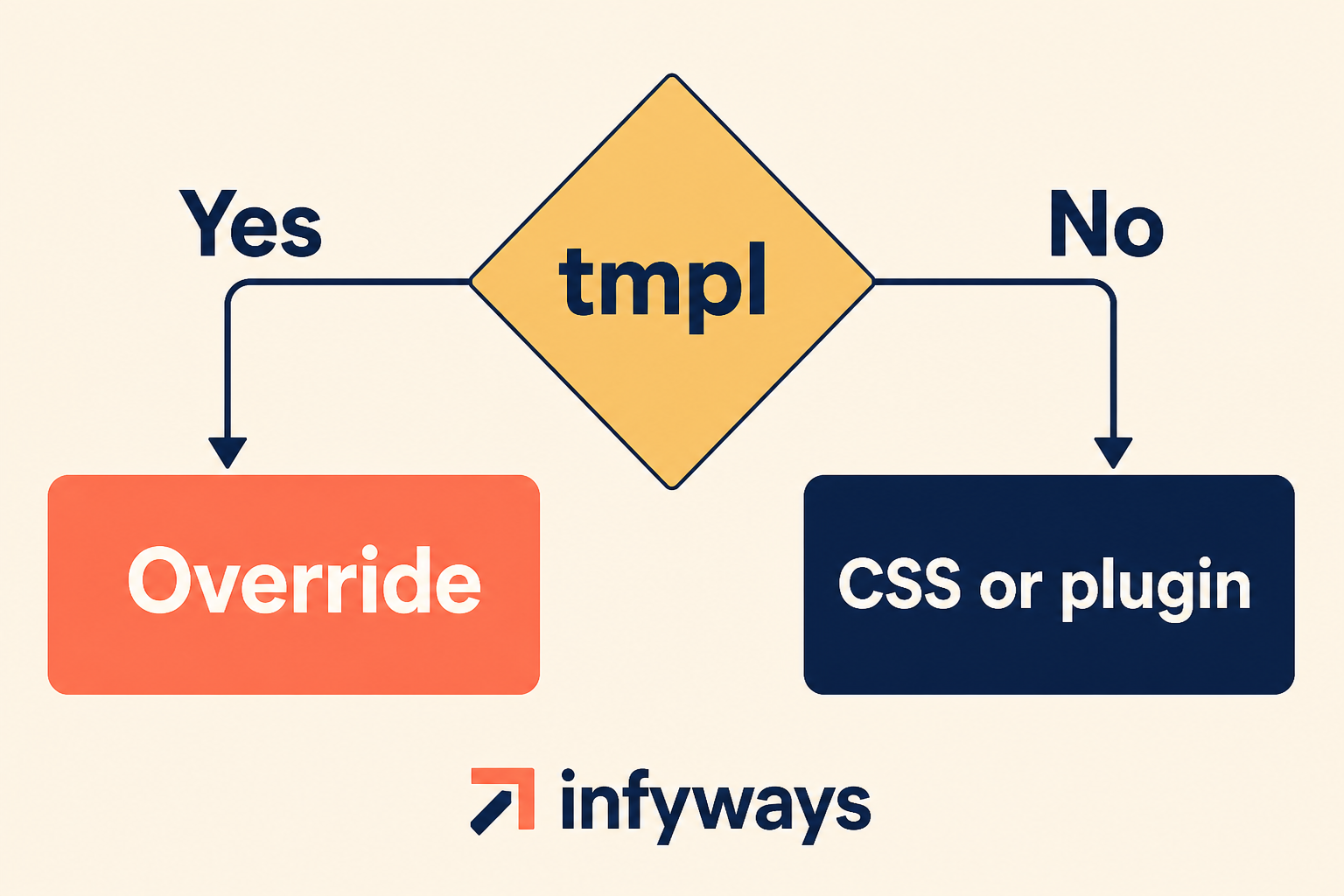
System is not a special exception. The test is the same for every group.
- Open
plugins/{group}/{element}/. - If you see
tmpl/with.phpfiles, a template override is possible if the PHP callsPluginHelper::getLayoutPath('{group}', '{element}', '{layout}')(or the CMS plugin helper equivalent). - If there is no
tmpland no JLayout render, stop.html/plg_system_cache/will never run. Cache, SEF, Redirect, Language Filter, Remember Me, and most authentication plugins have no frontend layout. - Optional confirmation: search the plugin PHP for
getLayoutPath. If HTML is concatenated in the event method (return '<div>…'), the author did not make it overridable. Fork the plugin or ask the vendor. Do not patch core.
Developer note: the helper is JoomlaCMSPluginPluginHelper::getLayoutPath($type, $name, $layout = 'default'). The third argument is the file name without .php.
What you can do, and what you cannot
An override only replaces markup the plugin already prints through a layout. It does not become a second plugin. If the job is behaviour, routing, or a string, use a different Joomla tool.
What you can do
| You can… | How |
|---|---|
| Restyle Prev/Next, vote, a field type | Copy tmpl into html/plg_{group}_{element}/ |
| Change wrappers, classes, HTML5 | Edit that PHP layout. Keep the variables the plugin passed in |
| Override a system plugin that prints UI | Same path: html/plg_system_{element}/ when tmpl exists |
| Override a fields plugin type | html/plg_fields_{type}/ (all fields of that type) |
| Override backend plugin HTML | Administrator child of Atum, same plg_ folder |
| Override a JLayout the plugin calls | html/layouts/…, not html/plg_… |
| Keep the change through Joomla updates | Put the file in a child template |
| Hide or reorder bits that are already in the layout | Comment out or move the HTML in your copy |
What you cannot do
Joomla does not scan html/plg_* for every plugin. It only looks there when the plugin calls getLayoutPath() (or a JLayout helper) to include a file. If that call never happens, your copy is never loaded. That is the whole “why” for most of the rows below.
| You cannot… | Why | Do this instead |
|---|---|---|
Override a plugin with no tmpl |
There is no layout file to swap. SEF, cache, and Redirect never include PHP from html/. A folder named plg_system_sef is ignored. |
Parameters, CSS, or a custom plugin on the same event |
| Override HTML built as a string in PHP | return '<div>…' never asks getLayoutPath. The template search never runs. |
Ask the vendor for a tmpl, or fork the plugin |
| Turn the plugin on or off | Enable, access, and ordering live in #__extensions / the Plugins screen. Layouts do not run that code. |
System → Plugins |
| Change SEF, 301s, cache, language filter | Those plugins rewrite URLs or headers. They do not print a view. | Plugin options, .htaccess, com_redirect |
| Prev/Next on one article only | One layout file serves every article that plugin runs on. Joomla has no “this menu item uses that plugin tmpl” dropdown. | CSS for that page, a module, or an article override |
| One custom field, not the type | plg_fields_text is the type plugin. Every text field shares that tmpl. Field id is data, not a layout name. |
Custom fields display, or {field ID} |
| Change “Read more” or button labels | Those strings go through Text::_() and language files. The layout only prints whatever translation returns. |
Language override |
| Change the article body | com_content renders the article. The plugin injects extra HTML later. Different search path: html/com_content/, not html/plg_. |
Article (or category) layout override |
| Change a module chrome | Modules use html/mod_*. Plugin helper never looks there. |
Module override |
| Pick an alternative layout like a module | Modules register extra files in a form field. Most plugins hardcode 'default' (or 'vote') in PHP. Extra files in tmpl/ are unused unless that string changes. |
Override the layout the PHP already names |
| Auto-merge after a plugin update | Joomla copies nothing into your html/ file. Your copy wins forever, including stale variables. |
Diff against the new tmpl after each update |
| Keep PHP on a template style | A style is a row of parameters and menu assignment. It has no html/ directory. |
Files in the template (child) folder |
| Make Create Overrides list the plugin | That screen is built from component views, modules, and known layout folders. Plugin tmpl is often omitted on purpose. |
Create html/plg_{group}_{element}/ yourself |
| Use the site template for admin plugin HTML | Site and administrator are different CMS applications, different template roots. | Atum child: administrator/templates/{child}/html/plg_… |
The pattern is the same every time: no layout lookup, no override. Group system is not a lock and not a key. Only the PHP that includes a file is.
How to name the html folder
templates/{template}/html/plg_{group}_{element}/{layout}.php
{group} is the first directory under plugins/ (system, content, fields, user, …). {element} is the plugin folder name (the element in the XML). Underscores in the plugin name stay. Prefix is always plg_.
| Group | Typical override | Notes |
|---|---|---|
content |
html/plg_content_pagenavigation/default.php |
Prev/Next on articles |
content |
html/plg_content_vote/vote.php |
Also rating.php in the same folder |
fields |
html/plg_fields_text/text.php |
Per field type, not per field id |
system |
html/plg_system_{element}/default.php |
Only if that system plugin has tmpl |
user |
html/plg_user_{element}/… |
Profile extras that ship layouts |
editors-xtd |
Rare tmpl |
Buttons are often JS, not PHP layouts |
privacy / MFA |
Check tmpl |
Captive or consent screens when they exist |
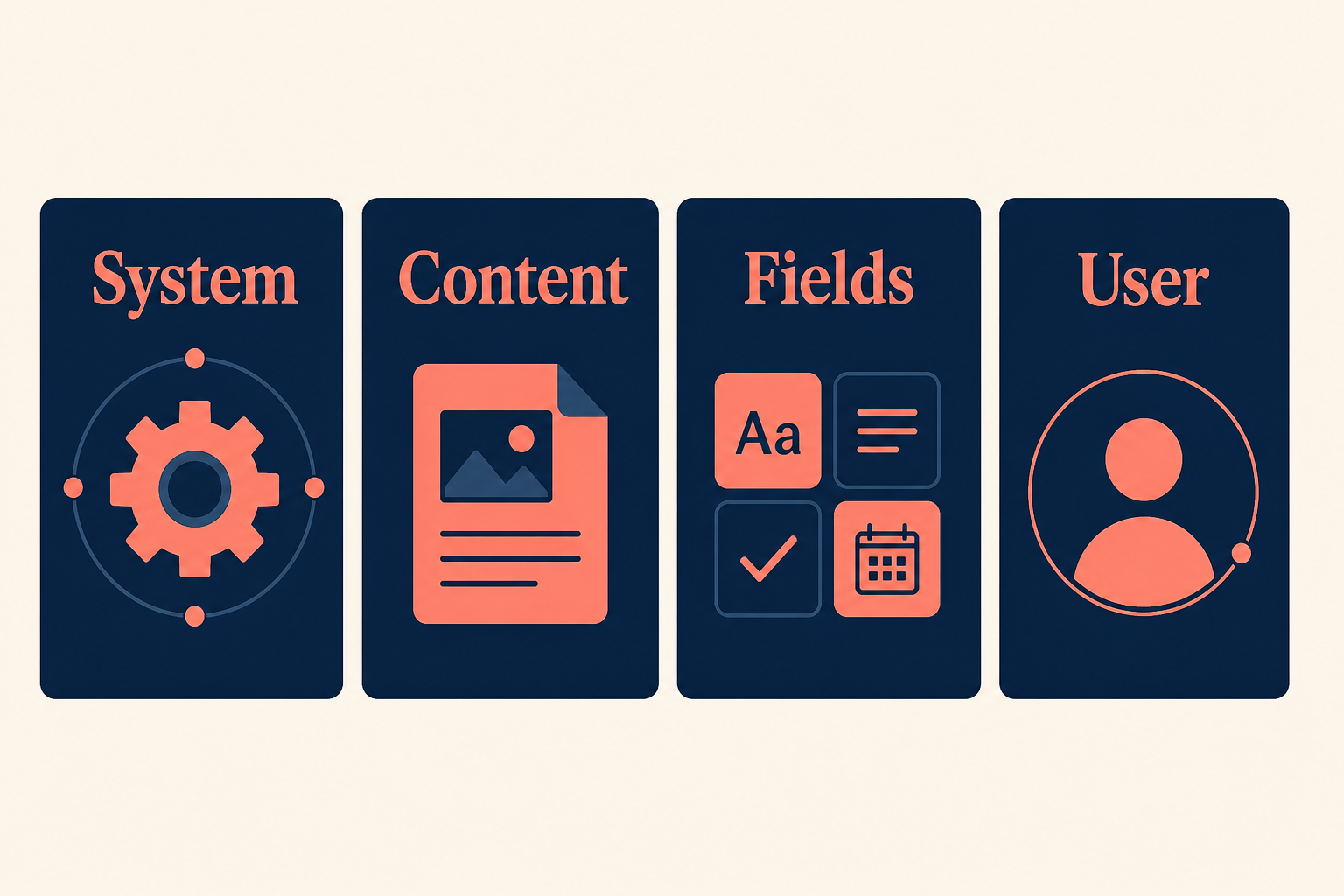
Same formula. Different group name. The Create Overrides tab still may not show them.
Wrong folder names that fail silently:
html/pagenavigation/(missingplg_content_)html/plugins/system/example/(that is not how Joomla looks up plugin layouts)html/plg_system_example/tmpl/default.php(no extratmplunderhtml)
Site overrides go in the site template. Administrator plugin UI (if any) goes in an administrator template such as a child of Atum: administrator/templates/{atum_child}/html/plg_….
Put the file in a child template
Copying into Cassiopeia’s html/ works until Cassiopeia updates. Create a child first, assign its style, then add html/plg_… there. Setup: How to set up a Joomla child template.
A template style does not store PHP. Only the template folder does.
Step 1: Confirm the plugin is overridable
- System → Plugins. Note Type (group) and Element (folder name).
- On disk:
plugins/{type}/{element}/tmpl/. - Open the main plugin class. Confirm
getLayoutPath. - Note every layout file (
default.php,vote.php,rating.php). You override only the files you copy. Missing files still load from the plugin.
Backup the site. An override with a PHP error blanks the page that loads that plugin.
Step 2: Create the html folder
On the active template (the child):
templates/{your_child}/html/plg_{type}_{element}/
Example for page navigation:
templates/cassiopeia_site/html/plg_content_pagenavigation/
FTP, hosting file manager, or System → Site Templates → {child} → html (create folder if the UI allows). The template manager will not invent plg_content_pagenavigation for you.
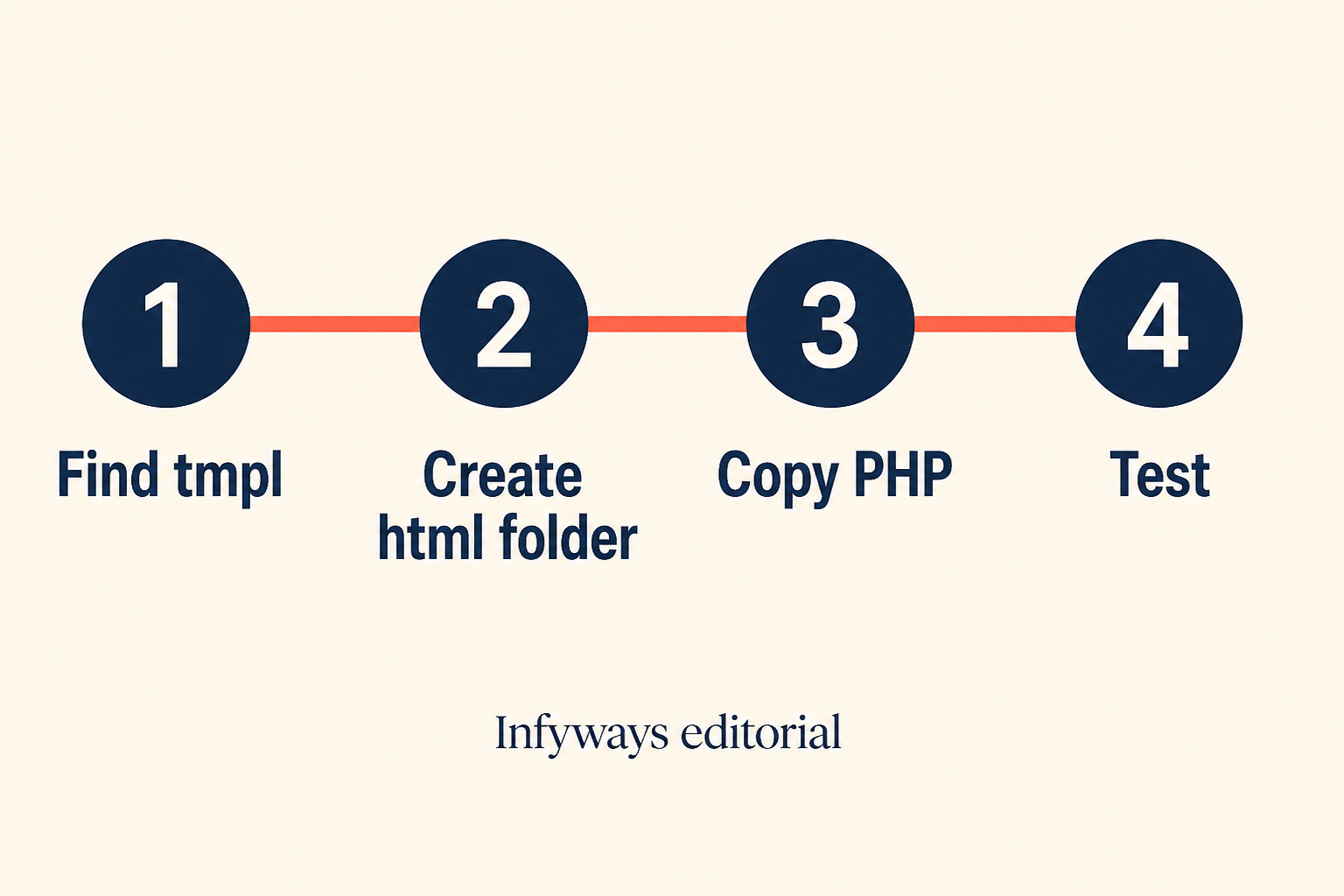
Manual folder. Then copy. Then cache. The public page does not change until the active template is the one that contains the file.
Step 3: Copy the layout and edit HTML only
Copy plugins/{type}/{element}/tmpl/{layout}.php into that folder. Same file name.
Change markup, CSS classes, wrapping. Keep the PHP that reads $displayData or the variables the plugin set up. If you drop a required variable, the layout fatals.
Do not copy the plugin class, XML, or language files into html/. Those are not overrides.
Step 4: Clear cache and prove the file is used
- Assign the child template style to the menu item (or as default).
- System → Clear Cache (and any page-cache plugin).
- Add a harmless HTML comment or class in the override. View source. If it is missing, Joomla is not loading that file.
Then style for real.
Worked example: page navigation
Core plugin Content – Page Navigation. Group content, element pagenavigation.
| Path | |
|---|---|
| Original | plugins/content/pagenavigation/tmpl/default.php |
| Override | templates/{child}/html/plg_content_pagenavigation/default.php |
Enable the plugin. In the article Options (or menu item), show page navigation. Edit the override to wrap links in your button classes. This is the example every old tutorial uses. It still works on Joomla 5 and 6.
Worked example: article vote
Core plugin Content – Vote. Layouts include vote.php and rating.php.
templates/{child}/html/plg_content_vote/vote.php
templates/{child}/html/plg_content_vote/rating.php
Copy both if you change both. Copy one if you only restyle the form or only the stars.
Worked example: a custom field type
Field plugins live in plugins/fields/{type}/tmpl/. Override:
templates/{child}/html/plg_fields_{type}/{layout}.php
That restyles every field of that type. It does not restyle one field id. For one field, Automatic Display, {field ID}, or an article override is the custom fields path. For “Read more” text, use a language override, not a plugin layout.
System plugins: when html/ works
A system plugin that only listens (onAfterRender, onAfterRoute, headers, redirects) has no layout. Creating html/plg_system_redirect/ does nothing. Redirect rules stay in com_redirect.
A system plugin that prints a box, bar, or consent UI and ships tmpl/ uses the same formula:
plugins/system/{element}/tmpl/default.php
→ templates/{child}/html/plg_system_{element}/default.php
Third-party docs that show html/plg_system_mcnsystem/ are using this rule. Your vendor’s element name replaces theirs.
Debug, privacy consent, guided tours, and similar core tools may use tmpl or JLayout. Check the disk. Do not assume every system plugin in Joomla 6 gained a layout. Most still have none.
JLayout is a different folder
If the plugin (or core) calls LayoutHelper::render('joomla.content.…') or a namespaced layout, the override is:
templates/{child}/html/layouts/joomla/…
or the same tree the layout name implies under html/layouts/.
Do not put a JLayout file in html/plg_content_vote/ unless that is actually how getLayoutPath resolves it. Mixing the two folders is the usual “I copied it and nothing changed” bug after tmpl exists.
The Create Overrides tab does list many layouts/joomla files. Use it for those. Use a manual plg_ folder for plugin tmpl files.
Alternative layouts
Modules and articles can have extra files without underscores, chosen in a dropdown. Plugins almost never expose that dropdown. A second file in tmpl/ is used only if PHP asks for that layout name. For plugins, you normally override default (or vote / rating) in place. You do not get a “use my layout on this menu item” switch unless the plugin author coded one.
What a plugin override is not
Use the tables above. Short version: markup in a layout, yes. Events, routing, one-off pages, and language strings, no.
Troubleshooting
| Symptom | Likely cause |
|---|---|
| Nothing changes | Wrong plg_{group}_{element} name, or no getLayoutPath |
| Nothing changes | Active style is still the parent, not the child that has html/ |
| Nothing changes | Cache, CDN, or you edited a layout the plugin never loads |
| White screen | PHP error in the copied file |
| Breaks after update | Plugin tmpl added variables. Diff your copy against the new original |
| Works in HTML, not in admin | Site vs administrator template |
After every extension update, diff override vs new tmpl. Plugin overrides are not merged automatically.
Key takeaways
- Plugin overrides are real on Joomla 4, 5, and 6. They are usually manual.
- Folder:
html/plg_{group}_{element}/{layout}.php. tmplplusgetLayoutPathmeans yes. No layout means no, including most system plugins.- You can change markup, classes, and field-type HTML. You cannot change plugin events, SEF, cache, or one article only.
- System plugins that print HTML and ship
tmplusehtml/plg_system_{element}/. - Content vote, page navigation, and field types are the core examples you will actually use.
- JLayouts use
html/layouts/, nothtml/plg_…. - Store the file in a child template. Re-diff after updates.
Frequently asked questions
Can I override a system plugin in the html folder?
Yes, if that system plugin has a tmpl file loaded with getLayoutPath. No, if it only hooks events and never includes a layout. The group name system does not block overrides and does not magically enable them.
Why is my plugin missing from Create Overrides?
Joomla’s override UI is built around component views, modules, and many layouts. Plugin tmpl files are often omitted. Create html/plg_{group}_{element}/ yourself.
Does this work the same on Joomla 5 and Joomla 6?
Yes. The helper and folder formula did not change. More core plugins may ship tmpl than in Joomla 3. Always check the folder on disk. Do not trust a wiki sentence that says only page navigation is overridable.
Can I override only one article’s page navigation?
Not with a plugin override. The override applies everywhere that plugin layout runs. For one page, CSS, a module, or a different article layout is the usual workaround.
Should I edit the plugin PHP instead?
No. Updates wipe it. If there is no layout, write a small custom plugin or use parameters. If there is a layout, copy it into the child html/ folder.
Where do administrator plugin screens get overridden?
In the administrator template, typically a child of Atum: administrator/templates/{child}/html/plg_{group}_{element}/. Site html/ does not apply to the backend.
Conclusion
Plugin HTML is overridable. The Create Overrides tab just does not advertise it. Test for tmpl, name plg_{group}_{element}, put the file in a child, and leave system plugins without layouts alone.
If you are still editing Cassiopeia html/ directly, create the child first. If the text is a language string, override the string. If the extra data is a field, custom fields plus a field-type plugin override cover display.
Need this done on a client template? Joomla design services.