To create a custom 404 page in Joomla 5 or 6, publish a Custom HTML (or other) module in the error-404 position on Cassiopeia or a child of Cassiopeia. Joomla still returns HTTP 404. The module replaces the default message inside error.php. Do not header('Location: …') to a normal article. That turns a missing URL into a 302 or 200, which is what the 2019 version of this page did, and it is the wrong signal for Google.
On Joomla 4 there is no error-404 position in core Cassiopeia. You copy error.php into a child template and edit that copy, or you add the same module include that Joomla 5 shipped. Known broken URLs that should move, not 404, belong in the Redirect component.
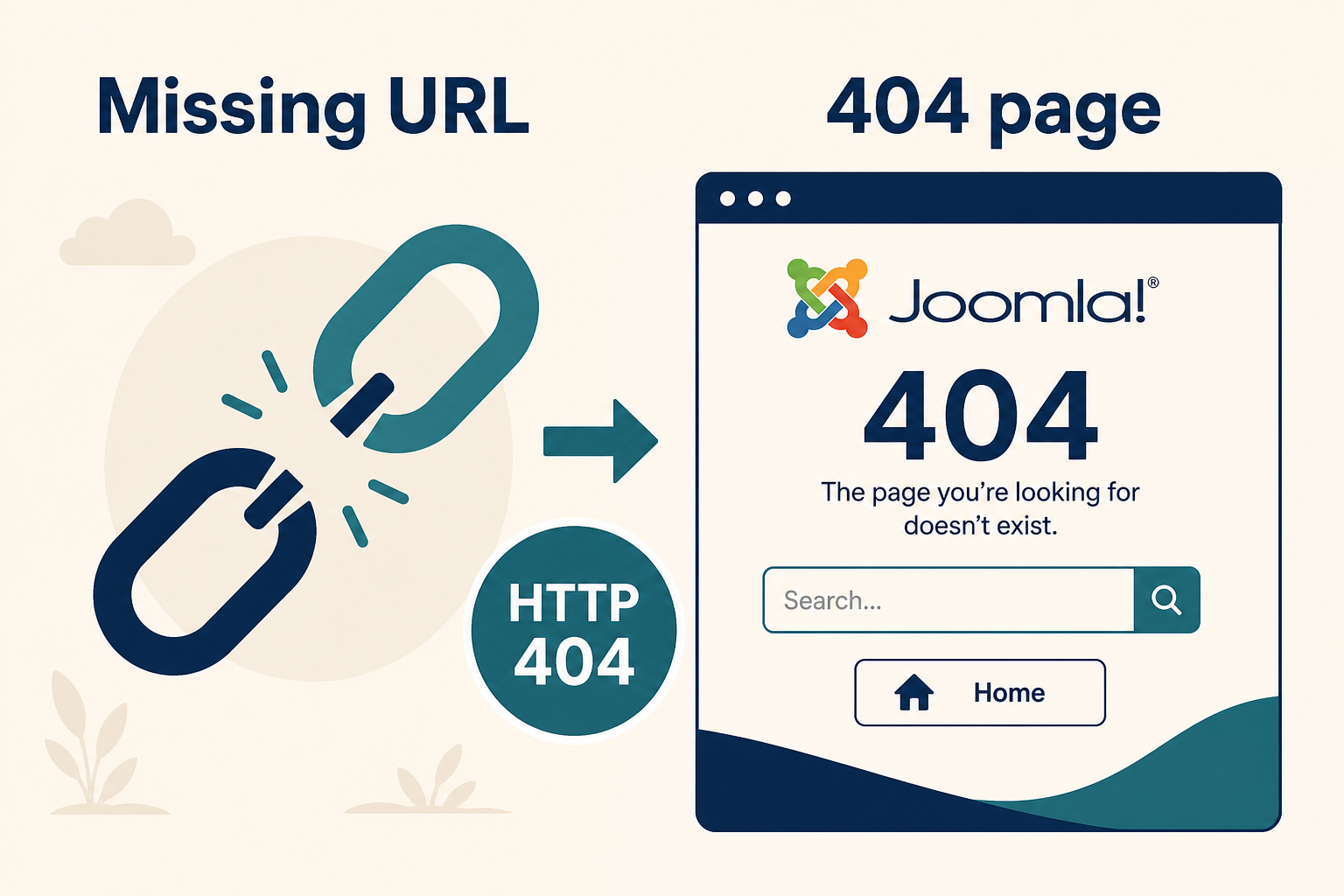
A custom 404 is still a 404. Pretty HTML does not mean a 200 OK.
What you will learn
- Why a redirect to an article is not a 404 page
- How Cassiopeia
error-404anderror-403modules work (Joomla 5.0+) - How to put the same pattern in a child template or a club template
- What to put on the page (search, home, useful links)
- How to test status codes, not only the design
- When to 301 instead of 404
Official module positions: Custom Error Pages (Joomla 5.4 manual). Magazine walkthrough: The 404 That Could (JCM, November 2025).
The 2019 method, and why to stop using it
The old Infyways steps were: create a 404 article, noindex it, copy error.php, then:
header('Location: /index.php?option=com_content&view=article&id=292');
exit;
| What you wanted | What that code does |
|---|---|
| “Page not found” for humans | A second request to a real article |
| HTTP 404 for Google | Usually 302 then 200 on the article |
| One branded error view | A normal com_content URL that can get indexed unless you fight robots |
Search engines need 404 (or 410) for URLs that are gone with no replacement. Soft 404s (200 with “not found” text) waste crawl time. If the URL moved, use a 301 in System → Redirects, not a custom error page.
If your site still has that Location block in error.php, delete it before you add a module. Put the file in a child so the next Cassiopeia update does not restore a hack, and so your fix is not wiped. Rule: customize Joomla without editing core.
Joomla 5 and 6: the error-404 module (preferred)
Cassiopeia since Joomla 5.0 reads modules in:
error-404for not founderror-403for forbidden
If no module is published there, visitors still get the default language strings. Debug output still appears under the module when debug is on.
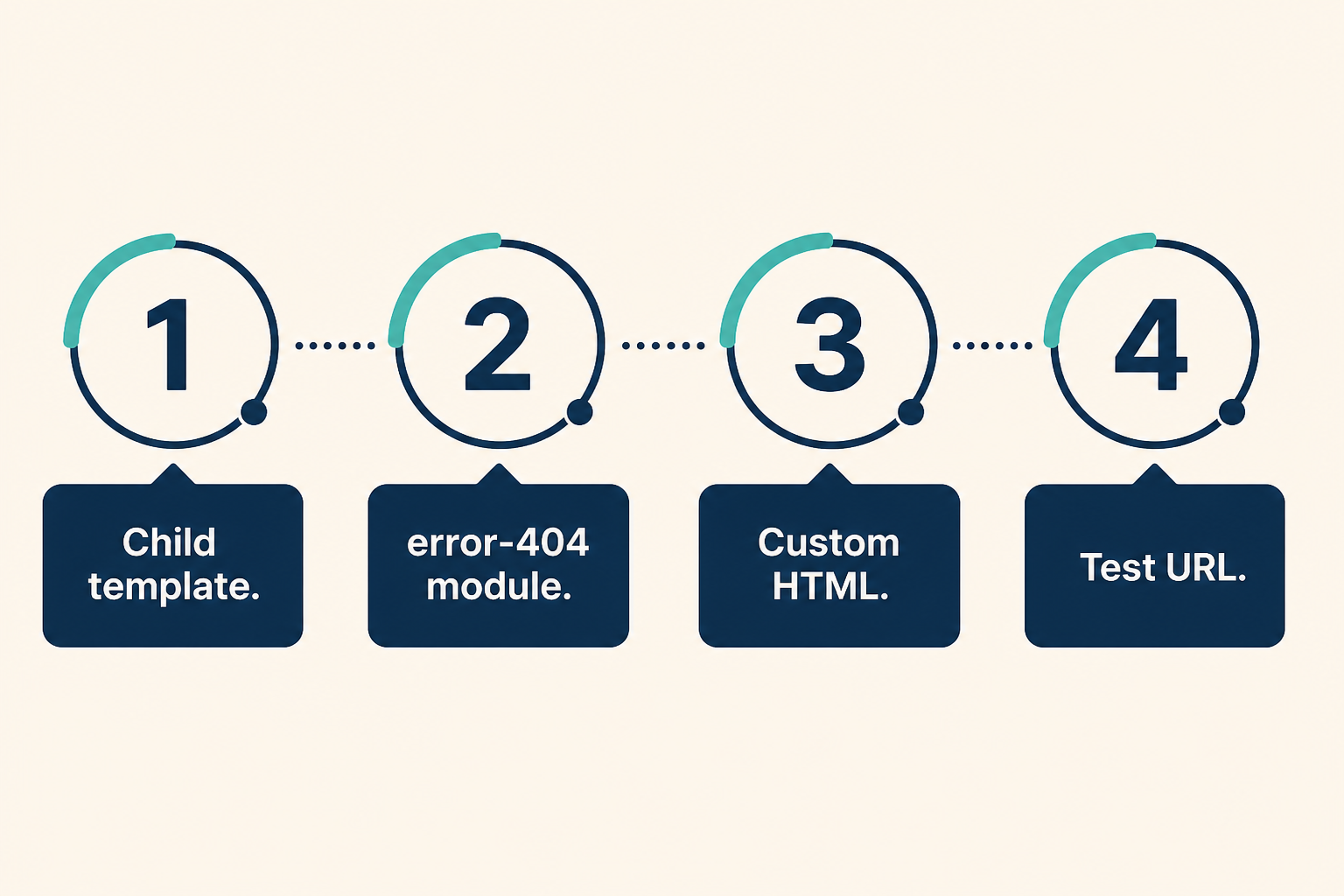
No error.php edit is required on stock Cassiopeia 5+. A child still needs the same include if you copied a thin error.php.
Step 1: Use a child template
Create and assign a Cassiopeia child if you do not have one. How to set up a Joomla child template.
Club templates: check whether they already declare error-404. If not, you will add the include in Step 4.
Step 2: Create the 404 content as a module
- Content → Site Modules → New
- Type: Custom (Custom HTML). Search, Latest Articles, or a menu module also work.
- Title: something you can find later, for example
404 message. You can hide the title. - Write the message: short apology, home link, search, two or three real destinations. Keep it useful, not a joke that hides the next click.
- Position: type
error-404if it is not in the dropdown. Cassiopeia 5+ accepts it even when the style UI is thin. - Status: Published. Menu assignment: On all pages. The error document is not a normal menu item. All pages is the safe assignment.
- Save.
Use absolute https:// URLs for images and the home link. Relative src="images/…" often breaks on nested missing paths (/category/no-such-page). That is a known error-page path issue. Prefer full URLs until your Joomla patch level includes the error-page SEF fixes.
Step 3: Test the status, then the design
Open a URL that does not exist, for example https://www.example.com/this-page-is-not-real.
You should see your module. Then check the status:
- Browser Network tab, or
curl.exe -sI https://www.example.com/this-page-is-not-real
You want HTTP/1.1 404 (or 404 from HTTP/2). If you see 200 or 302 to /404 or to an article, you still have a redirect in error.php or in .htaccess.
Step 4: Joomla 4, or a template without error-404
Copy parent error.php into the child (same filename at the child template root), then add the official include. Do not edit the parent Cassiopeia file.
<?php
$errorCode = $this->error->getCode();
?>
<?php if ($this->countModules('error-' . $errorCode)) : ?>
  <div class="container">
    <jdoc:include type="modules" name="error-<?php echo $errorCode; ?>" style="none" />
  </div>
<?php else : ?>
  <?php // keep the template's original default message here ?>
<?php endif; ?>
That snippet is the Joomla custom error pages pattern. Wrap it around the default heading so you do not delete fallback text.
A full branded layout is still error.php in the child: logo, user.css, maybe a search module. Same child rule as any other PHP file.
Step 5: 403, Redirects, and language strings
| Need | Tool |
|---|---|
| Forbidden (logged-out vs ACL) | Module in error-403, same idea as 404 |
| Old URL has a new home | System → Redirects, 301. Not a 404 page |
| Default “page not found” wording only | Language override, if you are not using a module |
| Pretty CSS | Child user.css, not a core Cassiopeia sheet |
Do not noindex a real 404 URL in an article. There should not be a public article acting as the 404 document.
Key takeaways
- A custom 404 page must keep HTTP 404. Do not redirect
error.phpto acom_contentarticle. - On Joomla 5 and 6 Cassiopeia, publish a module in
error-404. - Put PHP and CSS in a child template. Parent updates will replace
error.phpif you edited Cassiopeia itself. - Use absolute URLs for images and home on the error document.
- Test with a fake path and with the response code.
- Moved content is a 301. Gone content is a 404. Soft 200 is the worst of both.
Need a branded error page built into a client template? Joomla design services. Ongoing 404 cleanup: Joomla SEO services.
Frequently asked questions
How do I create a custom 404 page in Joomla 5?
Publish a Custom HTML module in the error-404 position on Cassiopeia (or a child that includes that position). Visit a missing URL and confirm HTTP 404.
Should a Joomla 404 page return HTTP 200?
No. 200 on a not-found URL is a soft 404. Keep 404. Redirects belong in the Redirect component when the page moved.
Does the error-404 module work on Joomla 4?
Not in core Cassiopeia 4. Copy error.php into a child and add the error-{code} module include, or run Joomla 5+ Cassiopeia.
Why are images broken on some 404 URLs?
The missing path is nested, and the image used a relative URL. Use absolute https:// links. Update Joomla when error-page SEF path fixes are in your branch.
Can I use an article as the 404 page?
You can, if you redirect to it. You should not. You lose a clean 404. Use a module on the error document instead.
Will a Cassiopeia update delete my 404 module?
No. Modules live in the database. A parent error.php you edited by hand can be overwritten. Keep PHP in a child.