A Joomla language override is a per-language replacement for any string that the CMS prints through a language constant. In Joomla 4, 5.4, and 6.1 it lives at System → Manage → Language Overrides. It can change modules, components, plugins, templates, and core text. You do not need a translation field on each extension. If the PHP calls Text::_(), one override per language is enough.
This is still the right tool in 2026. The path is the same on Joomla 5.4 and Joomla 6. Login, Articles, plugins, Cassiopeia, Atum, and third-party extensions that follow Joomla practice all use it.
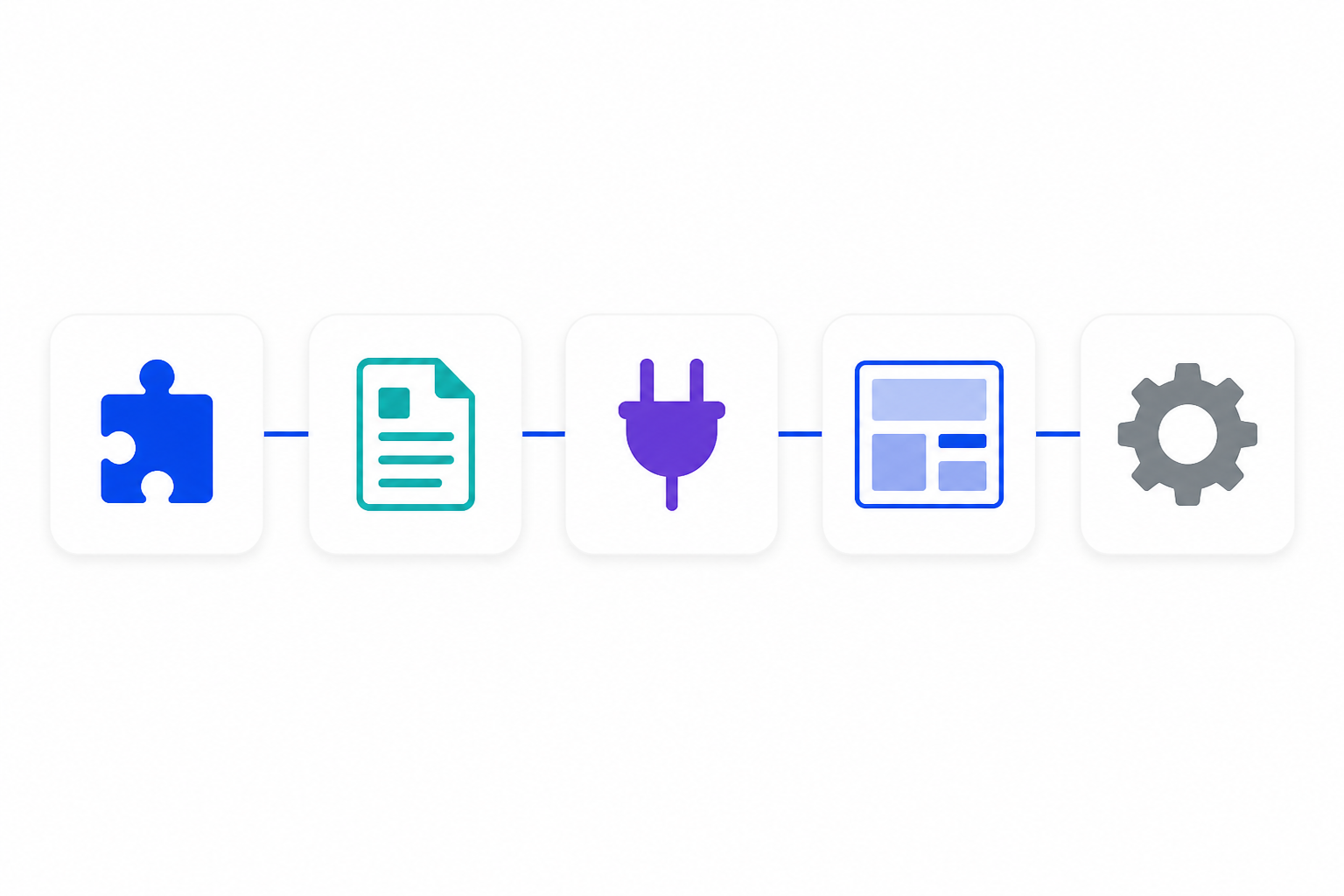
One screen. Five layers: modules, components, plugins, templates, and core strings.
What you will learn
- That overrides are not limited to modules
- Why UI text is a language constant, not an XML parameter
- How to create an override for Site vs Administrator
- How to find a constant when you only know the English words
- How to keep placeholders (
%s,{name}) intact - How overrides differ from multilingual associations and from editing language files
The problem Language Overrides solve
You publish a multilingual site. Italian visitors still see English on Forgot your password?, Read more, plugin messages, template tooltips, and administrator buttons.
You open the module, the article options, or the plugin. You look for “Italian label” on every string. It is not there. You duplicate modules per language, or you edit .ini files over FTP. The next update wipes the files. The extra module copies still show English on anything that comes from Text::_().
That is not a broken extension. Joomla does not store that chrome in each form. The code holds a constant. A language file supplies the words. If Italian has no override and no packaged it-IT string, Joomla falls back to English.
Language Overrides exist so you change any of those strings without touching the extension, and without cloning items just to change a word.
What you can override
One tool covers the whole CMS, as long as the text is a language constant.
| Prefix | What it usually is | Examples |
|---|---|---|
MOD_ |
Modules | Login, Menu, Breadcrumbs, any site or admin module |
COM_ |
Components | Articles (COM_CONTENT_…), Contacts, Tags, Smart Search |
PLG_ |
Plugins | System, content, user, search plugins |
TPL_ |
Templates | Cassiopeia, Atum, commercial templates |
JLIB_, JGLOBAL_, JERROR_ |
Core / libraries | Shared buttons, errors, pagination |
If Debug Language shows a constant, you can override it. If the text is hardcoded in PHP, JavaScript, or an article body, this tool cannot see it. Article content still uses associations. Layout HTML still uses a template or module override.
A setting such as “filter by current language” decides which items show. It does not translate the word “Search.” Content language and UI language are different jobs.
How Joomla prints that text
Well-written Joomla code does not hardcode visitor-facing sentences. It holds a language constant. A .ini file maps that constant to text.
MOD_LOGIN_FORGOT_YOUR_PASSWORD="Forgot your password?"
COM_CONTENT_READMORE="Read more"
On an Italian page, Joomla loads it-IT files, then loads language/overrides/it-IT.override.ini last. Whatever is in the override file wins. The same last-file-wins rule applies in administrator/language/overrides/ for backend strings.
| File | Role |
|---|---|
mod_*.ini, com_*.ini, plg_*.ini, tpl_*.ini, joomla.ini |
Packaged translations |
*.sys.ini |
Installer and Extensions list |
xx-XX.override.ini |
Your replacements. Loaded last. Survives updates |
Site strings live under language/. Administrator strings live under administrator/language/. Mixing those two clients is the number one reason an override “does nothing.”
You do not invent keys. You reuse the key the PHP already calls.
🔗 Joomla User Manual: Language Overrides
Official rule: never edit core or third-party language files. Use the Language Override component.
What Language Overrides are not
| You need to… | Use |
|---|---|
Change any Text::_() string on the public site |
Language Override, client Site |
| Change administrator wording | Language Override, client Administrator |
| Change English tone on a single-language site | Language Override for en-GB |
| Show different articles per language | Multilingual associations and the Language Filter plugin |
| Change HTML markup | Template, module, or component layout override |
| Protect template PHP and CSS from updates | Joomla child template |
| Translate article bodies | Associations or a translation workflow |
Many tutorials use “override” to mean a layout copy inside a template. Language Overrides are a different tool. Same word, different folder.

Frontend wording uses client Site. Backend wording uses client Administrator. Mixing them is why an override often appears to do nothing.
Step 1: Open Language Overrides for the right language and client
- Go to System → Manage → Language Overrides. (Joomla 3 used Extensions → Languages → Overrides. Ignore those screenshots.)
- Choose the language you are translating into, for example Italiano (
it-IT). - Choose Site if the text appears on the public page. Choose Administrator if it appears only in the backend.
- Confirm the language pack is installed under System → Manage → Languages. You cannot override
fr-FRif French is not installed.
Create one override row per constant per language. Italian, French, and German are three passes, not one field on the extension.

Find the constant, save the override, repeat per language, then verify on the translated URL.
Step 2: Find the language constant
If you already know the key from an .ini file or docs, skip to Step 3 and paste it into Language Constant.
If you only know the English words on screen:
- Click New.
- Set Search to Value.
- Type the visible text, for example
Forgot your password?orRead more. - Click Search. Pick the result whose constant matches the extension (
MOD_…,COM_…,PLG_…,TPL_…,JGLOBAL_…). - Joomla fills Language Constant. You only edit Text.
If search returns too many hits or none: enable Debug Language in Global Configuration (next section), copy the constant from the page, then turn it off.
Do not guess a key. A truncated name saves and the page never changes.
Enable Debug Language in Global Configuration
Use this when Value search is messy or you cannot tell which constant belongs to which extension.

Turn Debug Language on in Global Configuration → System only while you copy keys. Turn it off before you leave.
- Go to System → Global Configuration.
- Open the System tab (not the Site tab).
- Set Debug Language to Yes.
- Optional: set Debug Language Constants to Constant if you want the raw key on the page, or Value if you want the translated text with debug markers.
- Save & Close.
- Open the frontend or administrator page that shows the English (or untranslated) string.
- Copy the constant. Missing strings often look like
??CONSTANT??. Translated strings get marker characters around the words. - Return to Global Configuration → System and set Debug Language back to No. Save.
Leave it off in production. Debug Language changes the layout, exposes keys to visitors, and is easy to forget.
Do not confuse this with Debug System. That switch turns on the debug console. You only need Debug Language to hunt constants.
🔗 Joomla: Debugging a Translation
Official debug markers for missing vs translated strings.
Step 3: Create the override
- Language Constant: paste the key in uppercase, exactly. No spaces.
- Text: type the translation. Keep any placeholders (see Step 5).
- Save. Repeat for the next key.
- Match the client to where the text appears. Frontend strings are Site. Backend strings are Administrator.
On disk Joomla appends a line to:
language/overrides/it-IT.override.ini
or, for backend strings:
administrator/language/overrides/it-IT.override.ini
There is no overrides table in the database. Back up those files with the rest of the site. A database-only restore will not bring wording back.
Joomla loads core strings, then the extension .ini, then xx-XX.override.ini last. That is why your override wins.
Step 4: Repeat for every published language
If the site ships English, Italian, French, and German, you need four override sets for each constant you care about. English overrides are useful too: they let you change tone (“Read more” to “Continue”) without editing core files.
Switch the language filter on the Overrides list between en-GB, it-IT, fr-FR, and de-DE. Create the same keys in each. The constant stays identical. Only Text changes.
Install the language pack first. Creating de-DE overrides without German installed does not add German to the site.
Step 5: Keep placeholders exactly
Some strings are templates. Joomla injects a name, a number, or a date at runtime.
Core often uses Text::sprintf tokens:
COM_EXAMPLE_GREETING="Hello %s"
Italian can be Ciao %s. Keep %s (or %d, %1$s, %2$s) spelled exactly. Do not reorder bare %s placeholders unless you switch to numbered form (%1$s, %2$s).
Some extensions use named tokens in braces, for example {total} or {name}. Copy those from the original English string. If you translate the token itself ({totale}), the replacement never runs and visitors see the braces.
INI quoting: wrap the value in double quotes if you edit .override.ini by hand. A broken quote can take down every string after that line.
Step 6: Clear cache and verify on the translated URL
- System → Maintenance → Clear Cache.
- Hard-refresh. Use a private window if a CDN or browser cache is sticky.
- Open the Italian (or French, German) page. Overrides follow the active language, not the language of your administrator session.
- If nothing changed: wrong client (Site vs Administrator), wrong language tag, typo in the constant, Debug still on, or cached HTML.
Worked examples across Joomla
Same screen. Different prefixes.
Module (Login), client Site
Search Value for Forgot your password?. Constant: MOD_LOGIN_FORGOT_YOUR_PASSWORD. Italian Text: Hai dimenticato la password?.
Component (Articles), client Site
Search Value for Read more. Constant under COM_CONTENT_…. Override per language. It changes wherever that constant is used.
Plugin, client Site or Administrator
Search the plugin message you see. Constants start with PLG_. Site plugins that print on the frontend need client Site. Plugin option labels in the backend need client Administrator.
Template, client Site or Administrator
Cassiopeia and Atum strings start with TPL_CASSIOPEIA_ or TPL_ATUM_. Same override form. Do not edit the template .ini inside the template package.
Core / shared strings
Pagination, Save, Cancel, and many errors live in JGLOBAL_…, JLIB_…, or joomla.ini. One override can change a word in several extensions at once. Search Value, then check the constant prefix before you save, so you do not retitle something you did not mean to.
You never need a vendor-specific “language” tab for this. If the code uses Text::_(), Language Overrides already work.
How any standard extension supports this
An extension supports Language Overrides when it:
- Calls
Text::_('SOME_KEY')orText::sprintf - Ships matching
.inifiles (mod_,com_,plg_,tpl_, or corejoomla.ini) - Lets Joomla load those files
You do not enable a special “allow overrides” switch. Overrides always load last.
If the extension hardcodes <button>Submit</button> in PHP or JavaScript, Language Overrides cannot see it. Ask the developer to move the string into Text::_(). Until then, a layout override is the only hook, and updates can wipe it.
🔗 Joomla Programmers Documentation: Multilingual
How extensions ship.inifiles and howText::_()resolves constants.
Overrides versus editing language files versus content translation
| Approach | Survives updates | Right for |
|---|---|---|
| Language Overrides | Yes | Any Text::_() string: modules, components, plugins, templates, core |
Edit packaged .ini files |
No | Never, except when you are the author shipping a language pack |
| Language pack from System → Manage → Languages | Yes, until you need custom wording | Baseline Italian, French, German for core |
| Falang or similar | Separate product | Article and some content fields, not a substitute for Text::_() chrome |
| Duplicate modules or menu items per language | Painful | Only when settings or layout must differ, not for translating a label |
If the author already ships it-IT files, install that pack. Then override only the strings you want to change from their translation.
What not to do
- Do not assume only modules can be translated this way. Components, plugins, templates, and core use the same screen.
- Do not look for a language tab on every label. Standard Joomla chrome does not live there.
- Do not edit packaged
.inifiles inlanguage/,administrator/language/, or inside the extension folder. - Do not create the override under Administrator when the text is on the public site (or the reverse).
- Do not leave Debug Language on in production.
- Do not drop
%sor{name}tokens from template strings. - Do not confuse “show items in the current language” with translating UI words.
- Do not mix this up with child templates. Those protect PHP and CSS. These protect wording.
Key takeaways
- Language Overrides can change any Joomla
Text::_()string:MOD_,COM_,PLG_,TPL_, and core keys. - Path in 2026: System → Manage → Language Overrides. Client Site or Administrator. One language at a time.
- Find keys with Value search or Debug Language. Paste the constant exactly.
- Repeat for every published language. Clear cache. Check the translated URL.
- You do not duplicate an extension just to change a label.
- Overrides write
language/overrides/xx-XX.override.ini(or the administrator copy). They load last. They survive updates.
Related Joomla guides
Need hands-on help? See our Joomla development services.
Frequently asked questions
Can Language Overrides change more than modules?
Yes. Modules, components, plugins, templates, and core library strings all use the same tool. The constant prefix tells you which layer you are changing.
How do I translate Joomla UI into Italian or French?
Open System → Manage → Language Overrides, select that language and the right client (Site or Administrator), create an override for each constant, save, then clear cache.
Do all Joomla extensions support Language Overrides?
All that print text with Text::_() do. Core does. Third-party extensions that follow the same pattern do. Hardcoded English in PHP or JavaScript does not until the developer fixes it.
Why is there no language setting on each label?
Because Joomla already has a language system. Putting every string in every XML form would ignore the visitor’s active language and would not survive as a single place to edit.
Where are Language Overrides in Joomla 4, 5, and 6?
System → Manage → Language Overrides. Older tutorials still say Extensions → Languages → Overrides. That was Joomla 3.
Why did my override not change the page?
Wrong client (Site vs Administrator), wrong language (en-GB while you are viewing it-IT), typo in the constant, cache, or Debug Language still enabled.
What is Debug Language?
It is a Global Configuration switch. Go to System → Global Configuration → System, set Debug Language to Yes, save, copy the constants from the page, then set it back to No. Optional: Debug Language Constants chooses whether you see the key or the value.
Will a Joomla or extension update delete my translations?
Not if they live in Language Overrides. Updates overwrite packaged .ini files. They do not replace language/overrides/.
Can I change English wording without a second language?
Yes. Create overrides for en-GB. Same tool. Useful for tone (“Read more” to “Continue”) on a single-language site.
Conclusion
The missing Italian label is not a missing parameter on the module, component, or plugin. It is an untranslated language constant.
Create Language Overrides for every language you publish. Use the real keys, whether they start with MOD_, COM_, PLG_, TPL_, or JGLOBAL_. Keep placeholders. Clear the cache. Leave packaged .ini files alone.
One screen covers the whole site. Same files, same habit.
Related: How to Set Up a Joomla Child Template when the change is markup, not words. For core search, Basic Search to Smart Search in Joomla 5.