A slow Joomla front end is usually oversized images, cache left off, a high Time to First Byte (TTFB), heavy extensions, or hosting that cannot hold PHP and MySQL at the same time. Diagnose those causes here. When you know which layer is slow, follow the fix list in How to speed up a Joomla website. This article is the checklist. That article is the recipe. It is not a white-screen outage, and it is not a slow administrator (that is a different pipeline).
TTFB is the wait before the first byte of HTML arrives. If that is already hundreds of milliseconds to seconds, compressing CSS later will not save you. If TTFB is fine and the page still crawls, look at image bytes and third-party JavaScript. Joomla cache (Conservative / Progressive, Cache Handler, System – Page Cache) sits in the middle: off means every guest pays full PHP and SQL; on means you must still watch freshness (separate posts).
Official cache behaviour: Joomla Cache documentation and the programmer notes on caching views and modules. PHP floors: Joomla 4 / 5 / 6 technical requirements (Joomla 5.4, Joomla 6). Recommended PHP memory is at least 256MB. That is a floor, not a speed guarantee.
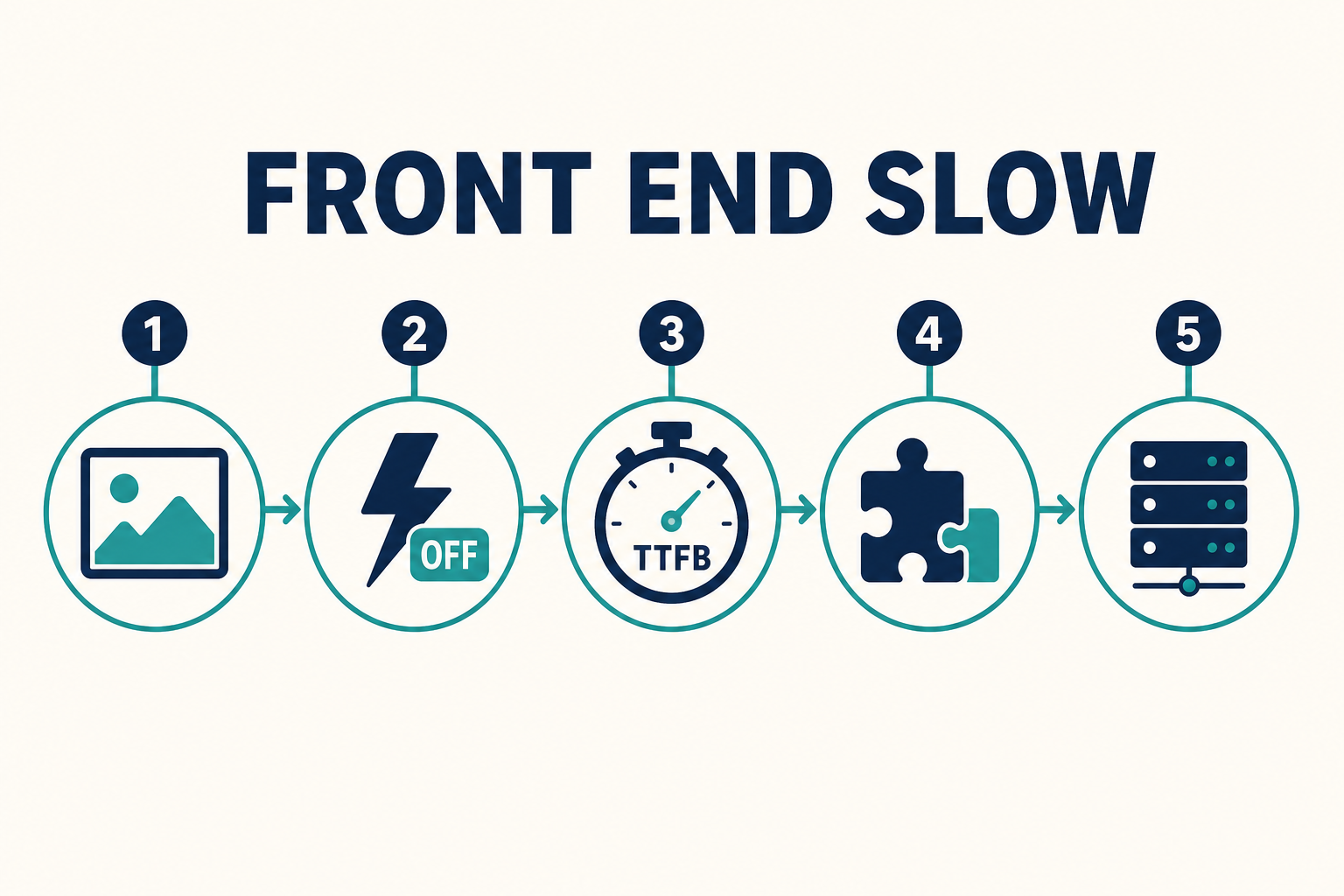
Measure TTFB first. Then weigh image transfer. Then check whether Joomla cache and Page Cache are even on for guests.
What you will learn
- How to split “slow HTML” (TTFB) from “slow assets” (images, JS, CSS)
- What “cache off” actually means in Global Configuration vs the Page Cache plugin
- Why huge images dominate front-end time even on a tuned PHP box
- How to spot an extension tax without guessing
- When hosting (CPU, I/O, PHP workers, distance to DB) is the real cause
- Which Infyways guide to open once you know the cause
Front end vs administrator vs down
| Symptom | Article |
|---|---|
| Public pages take seconds, admin is fine | This checklist, then speed up Joomla |
/administrator/ crawls, public site is acceptable |
Joomla admin dashboard is slow |
| White screen, 500, or error page | Joomla website suddenly stopped working |
| Page loads fast but shows yesterday’s article | Joomla cache showing old content |
Do not tune cache on production as your first experiment if you have never taken a backup. Use staging for Progressive cache and for turning Page Cache on.
Step 1: Measure TTFB and what the browser actually downloads
Open the public URL in a private window while logged out. Logged-in users skip the System – Page Cache plugin by design (it serves guests only). If you test while logged in, you will call the site “uncacheable” when guests would have been fine.
In the browser Network panel:
- Reload with cache disabled (or hard refresh once to see uncached assets, then a second load for repeat-view).
- Note the document request: status, waiting (TTFB), total time.
- Sort by size. Note images, then JS, then CSS.
- Note third-party hosts (fonts, tags, chat, maps). Those are not Joomla cache.
If the HTML document’s TTFB is already slow, stop blaming Cassiopeia’s CSS. Work the server/PHP/SQL/extension path. If TTFB is short and a 3 MB hero PNG is 80% of the waterline, that is an image problem. Joomla Media stores illustrations under images/ (not the media/ folder used for extension JS/CSS). Docs: Managing Media.
Record three URLs: home, a heavy article, a category blog. One slow template position can hide on the home page only.
Step 2: Check whether Joomla cache is off
System → Global Configuration → System (Cache Settings):
| Setting | What it does on the front end |
|---|---|
| System Cache OFF | No conservative/progressive view and module cache. Every guest rebuilds those pieces. |
| ON – Conservative caching | Views and modules can cache. Per-module Advanced tab can set Use Global or No caching. Default path for most sites. |
| ON – Progressive caching | More aggressive module caching. Module “No caching” does not protect guests the way people expect. Test on staging. |
| Cache Handler | File (default, cache/ and administrator/cache/), or APCu / Memcached / Redis when those PHP extensions and servers exist. |
| Cache Time | Minutes. Default in core docs is 15. |
Full page HTML is not this dropdown. That is the System – Page Cache plugin: System → Manage → Plugins, find System – Page Cache, enable it. Official Cache doc: enable it under Plugins; it keeps serving until Cache Time expires. It is the fastest layer and the least flexible. Leave it off on staging until you exclude login, cart, and forms.
Cloudflare (or another CDN) is yet another layer in front of Joomla. Cache off in Joomla plus Cloudflare “cache everything” is a freshness problem. Cache off in Joomla plus Cloudflare bypass is a speed problem. Do not mix the two diagnoses.
If System Cache is OFF and Page Cache is disabled, you have a cause. The recipe to turn them on safely is in speed up Joomla, not here. If they are ON and the site is still slow, cache was not the bottleneck. Keep going.
Step 3: Weigh images and media
Front-end slowness is often bytes, not PHP. Check:
- Full-width photos uploaded at camera resolution (several megabytes each)
- PNG used where JPEG or WebP would do for photographs
- Slideshows that load every slide up front
- Background images in the template CSS pointing at huge files
- Missing width/height causing layout delay (Core Web Vitals), which is not TTFB but feels “slow”
Joomla 4+ can resize on insert in Media, but it will not shrink files you pasted as raw URLs in a custom HTML module. Template folders after a switch can also leave you loading two image trees. Broken images are a different article: Joomla images not loading. Here the files load. They are just too big.
Do not invent a compression ratio. Look at the Network size column. If one image is larger than the HTML, CSS, and JS combined, that is the first front-end fix in the speed-up guide.
Step 4: Count the extension tax
Every enabled plugin runs on the request types it is subscribed to. Unpublished modules do not render. Disabled plugins (enabled = 0) do not run. Installed-and-forgotten enabled plugins still run. That is the usual surprise.
On staging (backup first):
- Note the TTFB of a logged-out URL.
- Temporarily disable non-core system and content plugins you can name (analytics duplicates, old SEF, unused security scanners, leftover editors).
- Measure again.
If TTFB drops, you found a class of cause. Re-enable one by one. Do not disable core plugins as a bundle. Do not do this fishing trip on production.
Other extension tells:
- A template that loads many extra JS libraries on every page
- Chat, heatmap, and A/B snippets in
index.phpor Custom HTML - A page builder adding a large CSS/JS payload to articles that are “just text”
Core edits to “make it faster” are how sites get stuck. Keep changes in a child template and non-core customisation.
Step 5: Ask whether hosting can run this PHP and this database
Hosting is the rest of TTFB when cache is on, images are reasonable, and plugins are few:
- PHP workers exhausted (queueing)
- Slow disk for File cache and sessions
- Database on another host with high latency
- PHP below the version Joomla recommends (old PHP can be slower and unsupported)
- Shared neighbours saturating CPU
- Geographic distance (TTFB includes network)
Joomla 5 wants PHP 8.1+ (8.3 recommended). Joomla 6 wants PHP 8.3+ (8.4 recommended). Staying on an ancient PHP “because it works” is both a security and a performance dead end. Upgrade path: Joomla upgrade.
Debug System Yes on production adds query lists and overhead to every page, public and admin. If someone left it on after a white-screen incident, turn it off. Error Reporting Maximum belongs off too.
Cloudflare can hide origin TTFB for cached HTML (you see the edge). Test with a cache bypass or Cache-Control that misses, or you will think the origin is fast when only the CDN is.
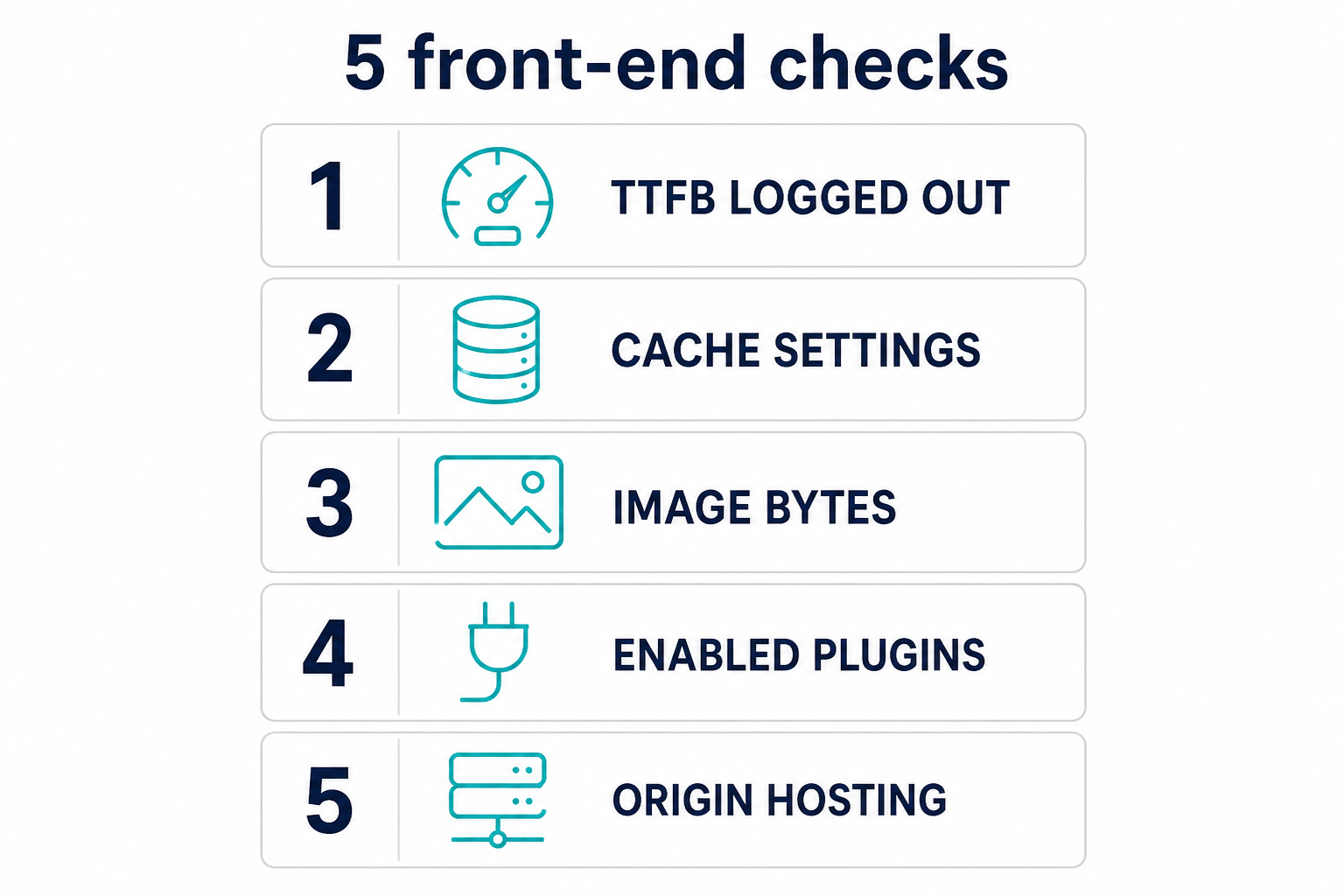
Logged-out private window. Then TTFB, cache settings, image bytes, enabled plugins, origin hosting.
After you know the cause
Open How to speed up a Joomla website and apply the matching section. Do not turn on Progressive caching and Page Cache in the same hour on production without staging. If stale HTML appears afterward, that is cache showing old content. If Clear Cache does not change files, that is cache not clearing.
Ongoing care (PHP, updates, not leaving debug on): Joomla support and maintenance.
Key takeaways
- Split TTFB (HTML generation) from asset weight (images, JS). They are different jobs.
- Test logged out. System – Page Cache does not serve logged-in users.
- System Cache OFF plus Page Cache disabled is a real, common cause. Confirm it in Global Configuration and Plugins.
- Conservative vs Progressive vs Page Cache vs Cloudflare are different layers. Only one of them may be your bottleneck.
- Enabled plugins and bloated media dominate many “Joomla is slow” tickets. Disabled plugins are not the tax. Enabled leftovers are.
- Hosting and PHP version set the floor. Cache cannot fix a saturated origin.
- Use this article to name the cause. Use the speed-up guide to apply the fix.
Frequently asked questions
Why is my Joomla website slow on the front end?
Most often: large images, Joomla cache and Page Cache left off, high TTFB from PHP/SQL/extensions, or hosting. Measure TTFB and transfer size in a logged-out private window before you change settings.
Does turning on Joomla cache always make the site fast?
No. System Cache (Conservative or Progressive) caches views and modules. Whole-page speed for guests needs the System – Page Cache plugin as well, and it still will not shrink a 4 MB photo. Official Cache docs describe those as separate switches.
Should I test speed while logged into Joomla?
Not if you care about visitors. Page Cache is guest-only. Logged-in TTFB is a different number. Use a private window signed out for the public diagnosis.
Is Progressive caching faster than Conservative?
It is more aggressive on modules. It is also a common source of the wrong module on the wrong page. Start with Conservative on staging. Progressive is not the first diagnosis step.
Can Cloudflare make Joomla look fast while origin is slow?
Yes. Edge cache serves old HTML quickly. Bypass cache or check origin logs when you need the real TTFB. Cloudflare will not fix admin, and it will not fix uncached HTML generation.
Why is the site slow only on mobile?
Sometimes the same huge images. Sometimes a mobile-only script. Sometimes a host or CDN geo path. Compare the same URL’s document TTFB and image bytes on desktop vs mobile throttling. Do not assume Joomla “detects mobile” unless you enabled Platform Specific Caching.
Where do I go for the actual speed fixes?
How to speed up a Joomla website. This page is causes. That page is the how-to.
Conclusion
A slow Joomla front end is a measurement problem first. Logged-out TTFB, image bytes, cache switches, enabled plugins, then hosting. Name the layer, then apply the speed-up recipe. Do not flatten all four into “we need Redis” before you have looked at a 3 MB PNG.